AI is useful in UX research when it takes on the slow, repetitive work (drafting screeners, transcribing, a first pass at themes) and people keep the judgment: what the findings mean and what to build next. For a startup validating an idea or a mature company chasing engagement, that split saves time without costing you insight. It is also how we run research at Raw Studio: our User Research and UX Design work is data-driven, with user testing behind the decisions.
Where AI fits across a study
It helps to think in phases. Ethnio maps AI use across six stages of a study: planning, recruitment, conducting, data collection, analysis and presentation. It rates planning as low-risk and high-reward, with AI drafting hypotheses, generating question variants and checking a study design.
Nielsen Norman Group describes the same pattern. AI can speed up study start-up: ideating survey questions, drafting recruitment emails and test plans. It can also transcribe, translate and summarise interviews, strip out personally identifying information, and make a first pass at coding and clustering. The catch is that current tools cannot truly observe or analyse a moderated usability test.
A practical picture comes from Microsoft Design, which describes a researcher using AI for study plans, interview guides, screeners and note-taking, while final insights and decisions stay with humans.
What to hand to AI and what to keep
The UX Research Guild's quick guide draws the line clearly. AI can generate screener questions, recruiting copy, survey items, analysis scripts and possible themes. Researchers should still decide sample sizes, success criteria, nuanced sentiment, which themes matter most, and the next steps.
Hyphen's Laila Mildenberger suggests running AI for a first thematic pass, then analysing the raw data yourself and comparing. Where the two disagree is often the most interesting finding. She finds large-scale quantitative work benefits most, while in-depth interviews benefit only selectively.
The halfway check
One habit worth borrowing: UserTesting describes a researcher who feeds mid-study transcripts and her research questions into an AI tool to confirm she is answering the right questions before the study ends. It works as a second set of eyes while there is still time to adjust the remaining sessions.
Why the cost pressure is real
Traditional qualitative research is expensive. Perspective AI estimates that fully loaded moderated sessions run roughly $750 to $1,350 per participant, and that one hour of interview takes three to five hours to analyse. That is the gap AI tools try to close.
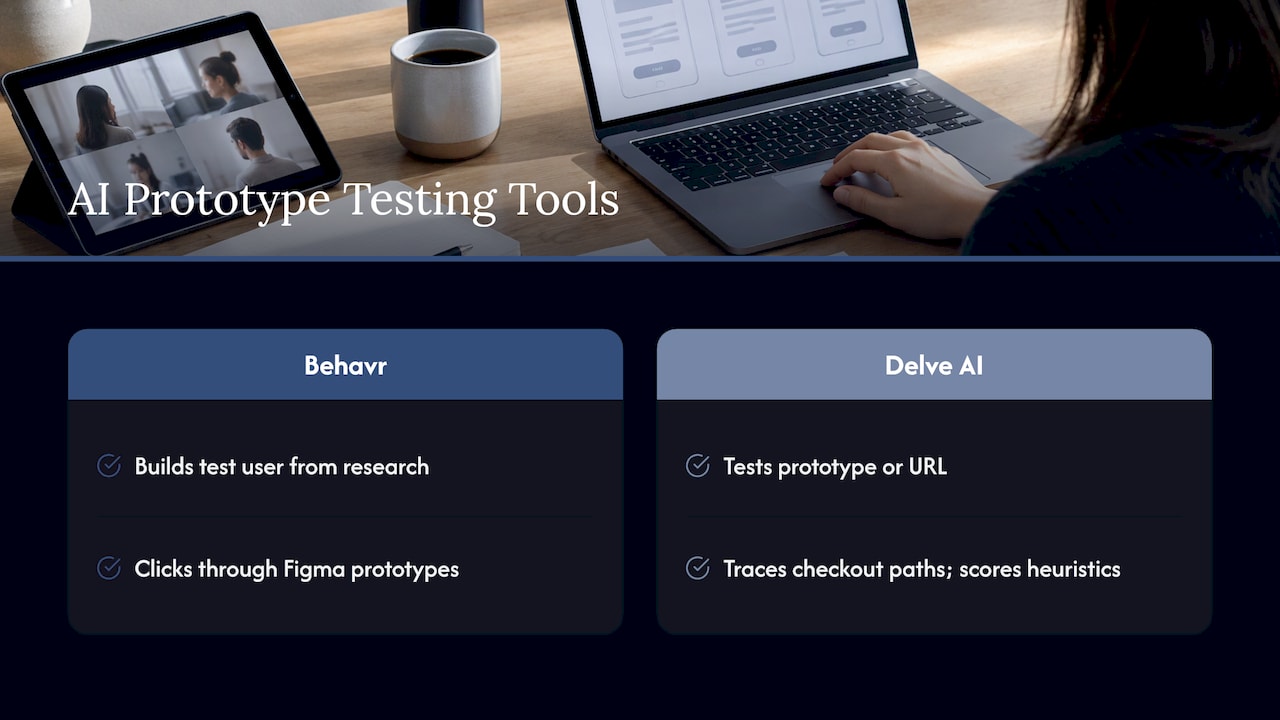
Some tools go further. Behavr offers a test user built from your research that clicks through Figma prototypes, and Delve AI lets teams upload a prototype or URL and have AI participants test it, tracing checkout paths and scoring against usability heuristics. For an entrepreneur with an early idea, this can be a cheap way to catch obvious friction before spending on development.
How many testers is enough?
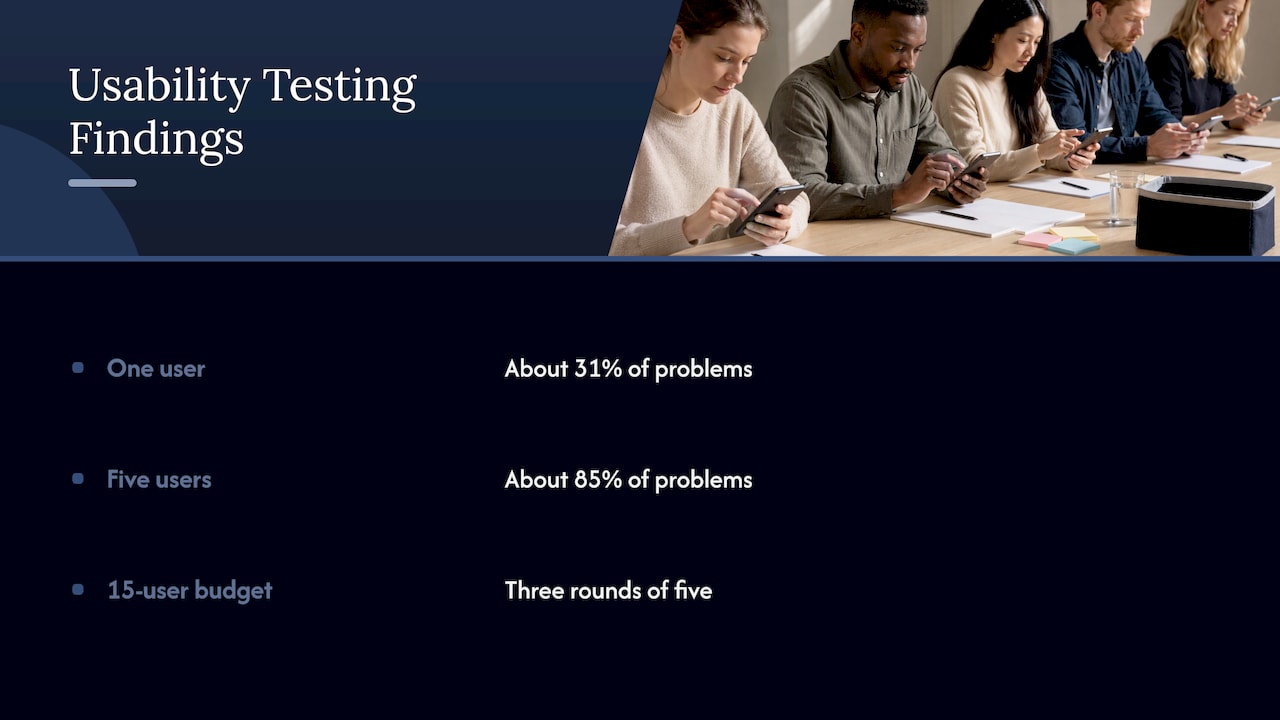
The five-user rule comes from Jakob Nielsen and Tom Landauer's work: one user reveals about 31% of usability problems and five reveal about 85%. Nielsen's own commentary says it is meant for qualitative discovery, not statistical sampling, and that a budget of 15 users is better spent on three rounds of five: test, fix, re-test. AI testers make extra rounds cheap, so the iterative habit matters more than the headline number.
Checking AI output for accuracy and bias
The Australian Research Society warns that AI tools do not guarantee unbiased, accurate or contextually appropriate results. Hallucination shows up as fabricated quotes, invented patterns, or meaning inferred that is not in the data.
NN/g adds that AI is stochastic, so it can miss, misinterpret or manufacture insights. A person needs to consider context, such as whether an interviewer primed a participant or whether someone was a poor fit for the recruitment criteria.
A simple routine:
- Ask the AI for its themes, with the exact supporting quotes.
- Check every quote exists in the transcript.
- Run your own coding on a sample of the raw data and compare.
- Investigate the disagreements.
- Record where AI was used, so stakeholders know how the findings were produced.
The PAIRED framework puts it as trust, but verify: researchers start and lead the workflow, validate outputs, and remain accountable for the decisions the research influences.
Privacy and consent for Australian teams
Participant recordings are personal information, so uploading them to a third-party AI platform is a privacy decision. The Australian Research Society flags privacy and data-security risks with third-party AI platforms and ethical concerns if participants are not told about AI involvement.
University of Technology Sydney guidelines give a good model even outside academia: document AI use, check contracts and licences before uploading data, and mention AI in consent forms and participant information sheets.
On the regulatory side, the 2024 amendments to the Privacy Act require privacy policies to disclose substantially automated decisions that significantly affect individuals, with that change starting on 10 December 2026. The OAIC's October 2024 generative AI guidance covers personal information in commercial AI use. If you handle sensitive data or are unsure what a tool does with uploads, take advice from a privacy lawyer and scrub identifying details first.
Accessibility is a related obligation. AI We notes that checking designs against WCAG 2.1 AA is a legal obligation under Australia's Disability Discrimination Act, and AI can flag many issues quickly, though its analysis is a starting point rather than a conclusion.
Does AI threaten UX research jobs?
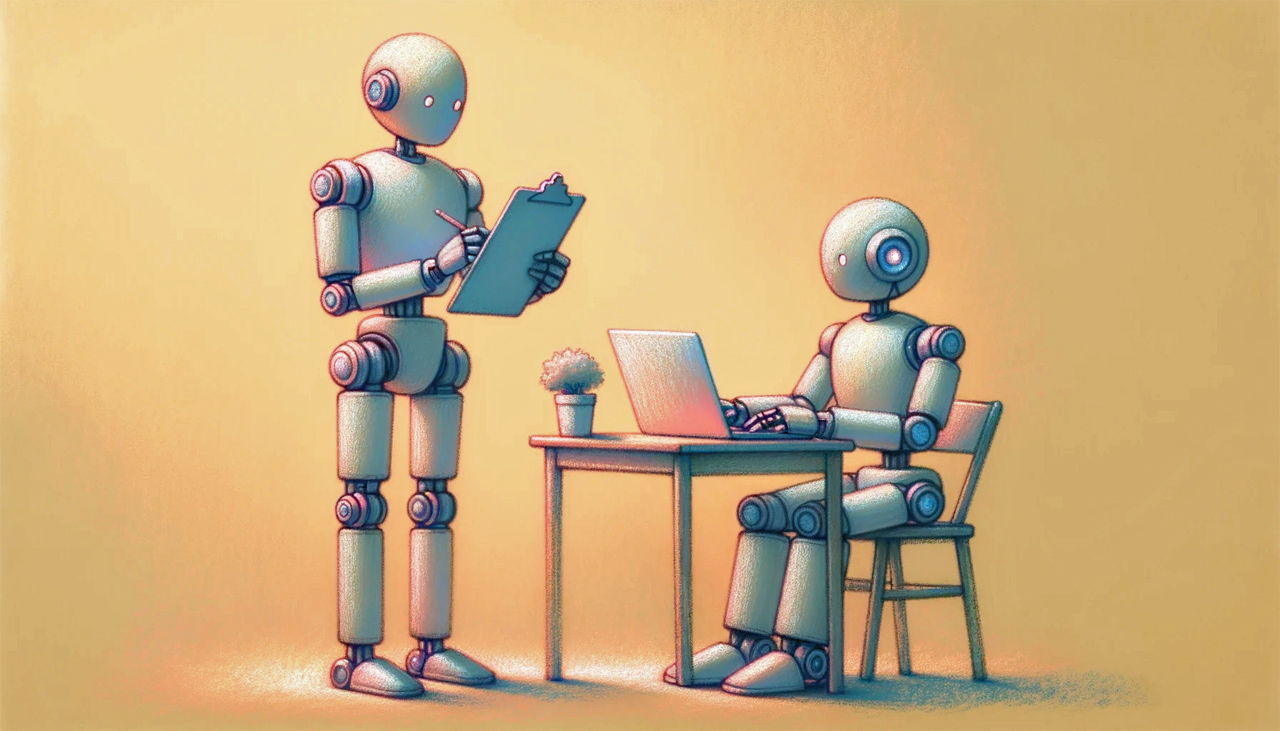
NN/g's Raluca Budiu argues that a job relying heavily on one method, such as running usability tests, may be automated, like stenographers once were. But work focused on understanding people and designing usable interfaces will remain, because someone must guide the AI. She adds that if AI could find 85% of usability issues teams should use it, and even 50% is worthwhile when some real user testing catches what it misses.
What this means for your product
Start with the question, not the tool. Validating a new idea needs fast, cheap signals and a few real conversations. Improving engagement on a mature product needs analytics, session evidence and tested changes. Lifting conversion needs a clear read on where users drop off and why.
AI shortens each of those, but the decision about what to change is still a design decision. Our Figma AI article looks at how AI is reshaping the design side of that work.
How we approach it
We use AI to clear the slow work out of research, and we keep people on the part that matters: understanding why users behave the way they do.
Our approach is research-driven and collaborative, with user testing and data-backed decisions at the centre. AI helps us move faster through drafts, summaries and first-pass patterns. It does not replace talking to real users, and it does not make the call on what to design next.
For founders, that means validated direction sooner. For established teams, it means findings you can act on rather than a pile of transcripts. Frameworks like our Design Sprint and RapidMVP exist to get you to something testable quickly, and that is where AI-assisted research earns its keep.
The test we apply is simple: would we stand behind this insight if a stakeholder asked to see the evidence? If the answer is yes, it ships.
Put research to work with Raw
If you want research that leads to design decisions, our Full UX/CRO Audit starts from $2,500 one-off, and our Design Team (Platinum) plan is $8,400 per month for ongoing support. We also run Design Sprints and RapidMVP for validating new product ideas, and Conversion Rate Optimisation for teams focused on results. See pricing and plans or talk to us about conversion rate optimisation.