



Choose Shopify if you want a hosted store with platform infrastructure and core updates managed for you. Choose WooCommerce if WordPress, control over hosting and code, and access to technical support fit your business. Shopify still leaves you responsible for products, settings, apps, access and operations; WooCommerce adds responsibility for the hosting and software stack, whether you handle it or hire a managed provider.
Below we compare the two on what matters to an Australian merchant: cost in AUD, fees on a $20 sale, setup and upkeep, local shipping and payments, SEO, and what happens when your catalog grows.
How the two platforms actually work
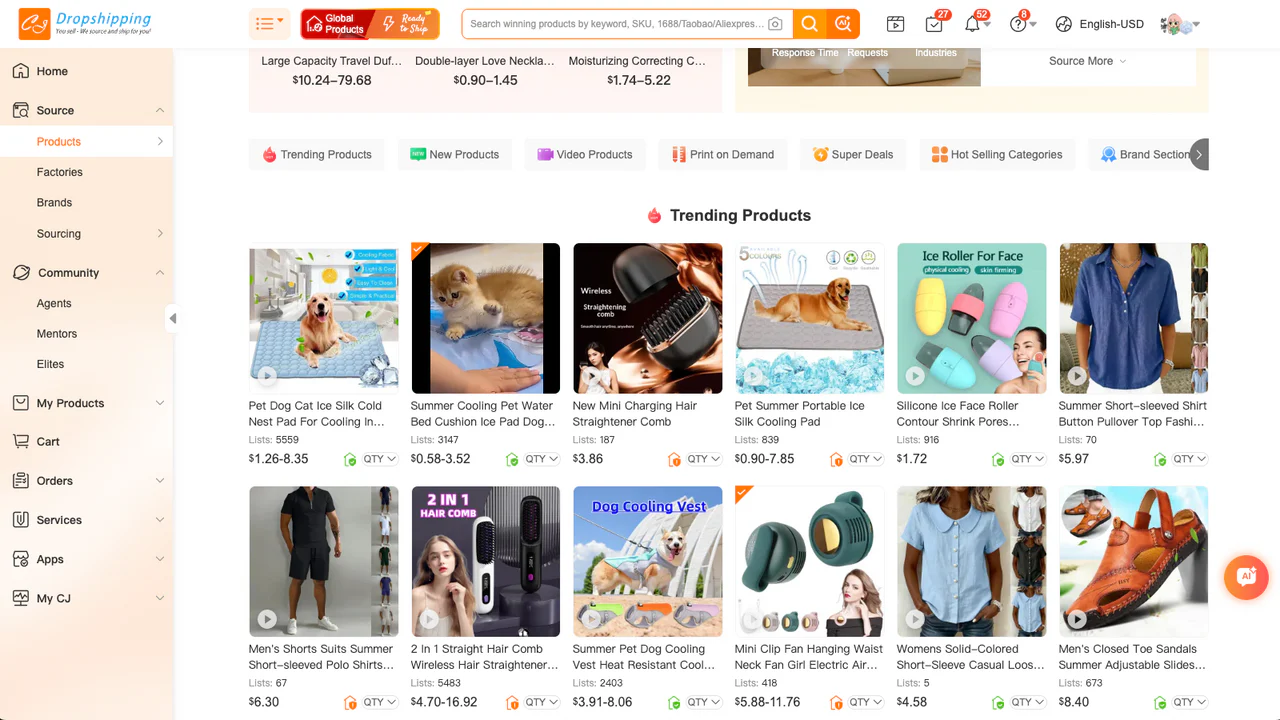
Shopify describes itself as a complete platform for selling online or in person, with tools for the storefront, inventory, marketing campaigns, performance analysis and extra sales channels. You rent the whole system. The software, servers and security live with Shopify.
/
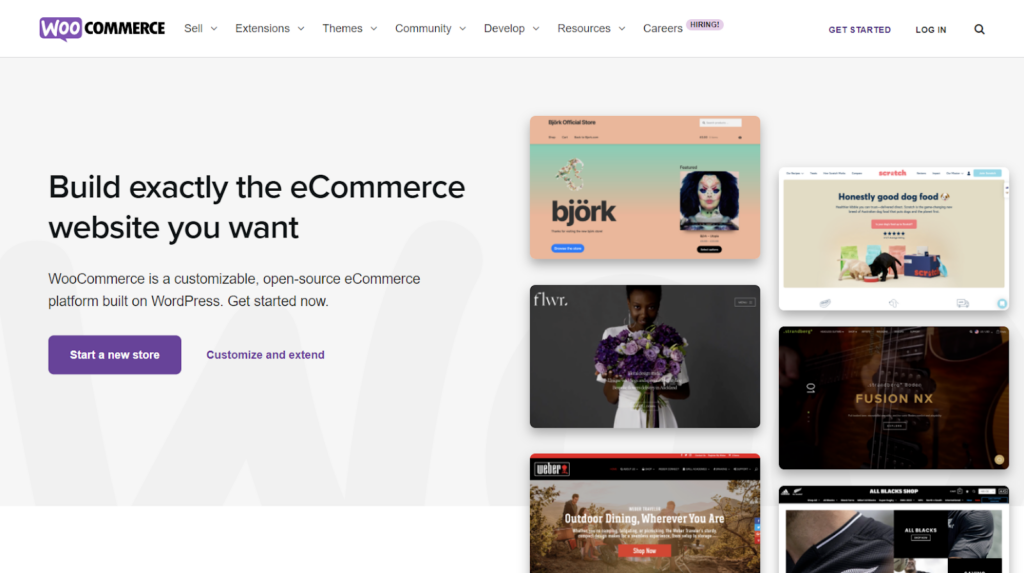
WooCommerce works differently. It calls itself the open-source commerce platform for WordPress, giving you control over checkout, data, costs, payments, features and hosting. It is a plugin layered on a WordPress site, so you choose a host, a theme and a payment processor, and assemble the store yourself.
Think of it as renting versus building. Renting a shopfront in a managed centre means the landlord fixes the plumbing and the lights, but you follow the centre's rules. Building your own means you decide everything, and you also own every leak.
Cost in Australia: what you really pay
Price is where most comparisons go wrong, because one platform shows a subscription and the other shows nothing.
Shopify pricing
Checked on 2 November 2026, Shopify Australia pricing lists Basic, Grow and Advanced at AUD $42, $114 and $431 per month on annual billing, or $56, $149 and $575 billed monthly. Annual billing is a commitment, not a month-to-month rate. Check taxes, promotions and the final checkout total.
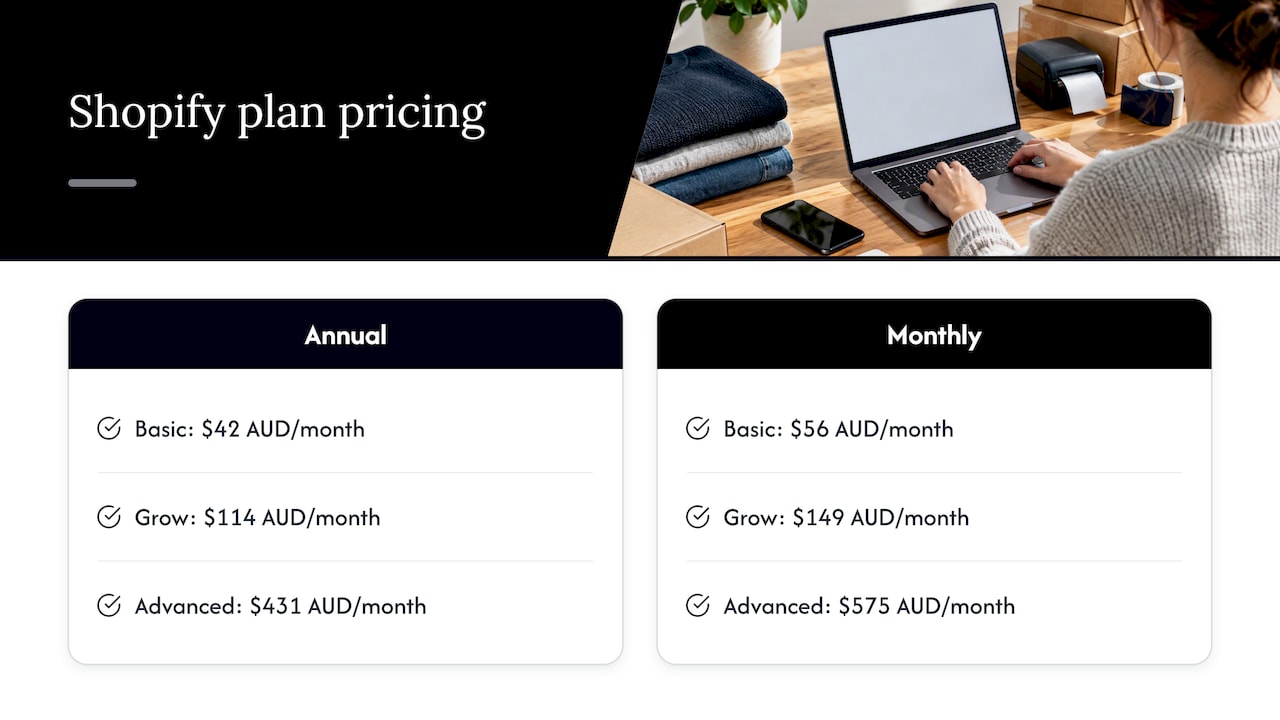
On top of that come apps you choose to install, a premium theme if you want one, and payment fees.
WooCommerce pricing
WooCommerce is free core software. Budget separately for hosting, domains, payment processing, themes, extensions and maintenance. Its global hosting estimates are not an Australian-dollar quote; get a local quote and check currency and tax before comparing totals.
So "free" describes the software only. A small store on modest hosting can run cheaply, but a store with heavy traffic, a premium theme, a subscriptions extension and a developer on retainer is not cheap.
Side-by-side cost table
The Shopify figures come from its Australian pricing page and the WooCommerce hosting range from WooCommerce's own pricing page.
How much does Shopify take from a $20 sale?
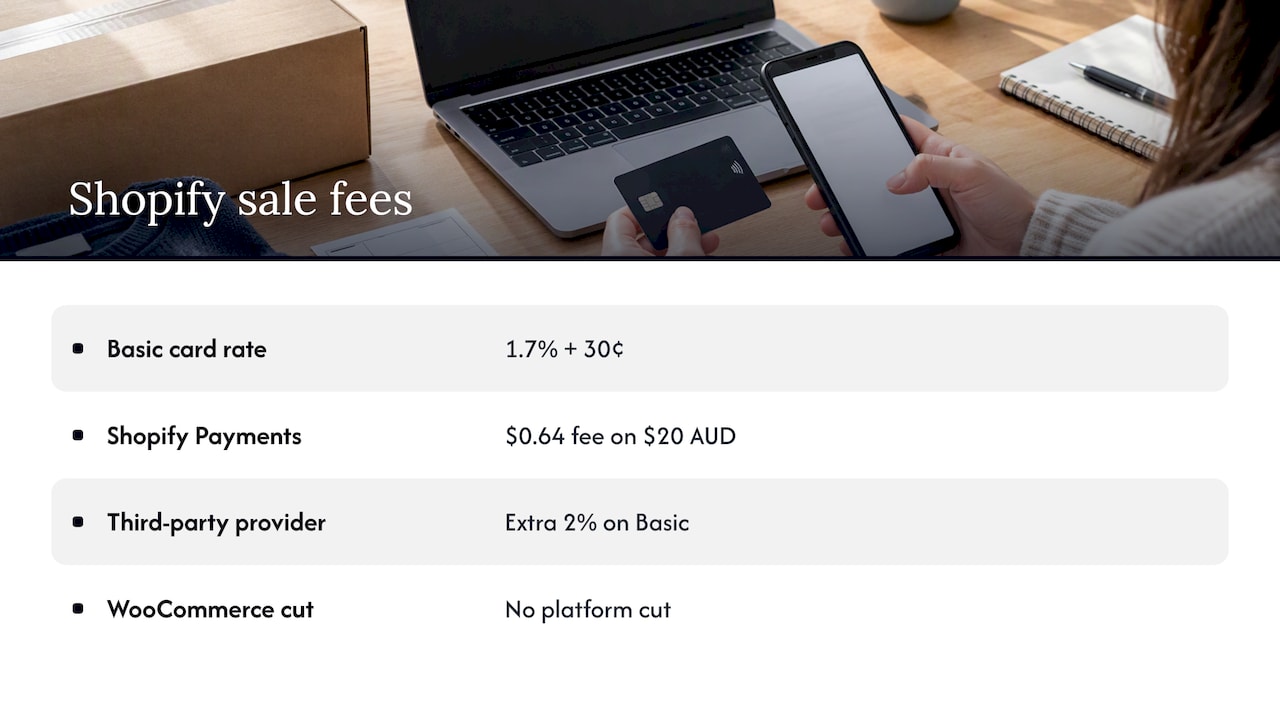
On the Basic plan, a $20 AUD sale paid by standard card through Shopify Payments costs about 1.7% plus 30¢, which works out to roughly $0.34 plus $0.30, or $0.64 in total. Shopify's pricing page also notes that fees change with your plan and payment method, and that using a third-party payment provider adds a further 2% on Basic.
That last point matters if you rely on a gateway Shopify Payments does not cover. Check it before you commit, not after launch.
With WooCommerce there is no platform cut, so the same $20 sale costs whatever your gateway charges. Compare the gateway's real rate rather than assuming it is zero.
Setup and ongoing work
This is the question most comparisons skim, and it is the one that decides satisfaction a year in.
Getting started
With Shopify you create an account, choose a theme, add products and connect payments. There is no hosting decision, no server and no security patching to organize. That is why Shopify tends to win for teams without a developer.
With WooCommerce you first need WordPress: a host, a domain, an SSL certificate, a theme, then WooCommerce itself and the extensions for shipping, payments and anything else. It is very doable, and many agencies build these stores daily, but each choice is yours.
Keeping it running
Shopify's own comparison page points out that WooCommerce merchants manage hosting, PCI compliance, software updates and additional plugins. That is Shopify promoting its own product, but the list of tasks is accurate: a self-hosted store needs someone to update WordPress, WooCommerce, the theme and each plugin, and to keep backups and security in order.
A practical rule: if nobody on your team would notice a failed plugin update until customers complained, WooCommerce will cost you more in worry than it saves in fees. If you have a developer or a managed WordPress host, it is a very different story.
Customization and control
WooCommerce wins on raw flexibility. Because you own the source code, database and hosting, WooCommerce says you can make deep technical modifications without being limited by a vendor's roadmap. That suits unusual checkout logic, complex product configurators, custom B2B pricing and anything that does not fit a standard template.
Shopify offers themes, apps and platform APIs within its supported architecture. Check checkout customisation, plan eligibility and app dependencies against your actual requirements. A hosted platform can reduce infrastructure work without eliminating development or integration costs.
A good way to decide is to write down your three most unusual requirements. If a theme and a couple of apps can meet them, Shopify is probably enough. If they need custom development either way, WooCommerce's openness starts to pay off.
Australian shipping and payments
Shipping is where local detail counts.
- Australia Post on Shopify. Shopify has a native Australia Post integration that shows real-time rates and lets you buy labels from the admin.
- Carrier-calculated rates. Per Shopify's pricing page, third-party carrier-calculated shipping is included on the Advanced plan, while Grow stores get it through annual billing or a separate monthly fee. Check which plan you need before choosing.
- In-person selling on WooCommerce. For Australian users, WooCommerce POS works with the WisePad 3 card reader, with a software fee of $5 per month per active reader.
For WooCommerce shipping you will typically add extensions for Australia Post and courier rates. Price those in before comparing totals.
SEO and content
Both platforms can rank well. Neither gives you rankings by itself: clean structure, fast pages, sensible product copy and good internal linking do that.
WordPress can suit a team already publishing content there, while Shopify includes a built-in blog. Compare editorial workflows, redirects, structured data and page performance on your actual build. Neither platform guarantees rankings.
Shopify has a built-in blog and handles the technical basics for you, which is often enough for a product-led store. The trade-off is less freedom over how content and store pages are structured.
Growth: can WooCommerce handle 10,000 products?
A WooCommerce store can support a large catalogue, but 10,000 products alone does not establish performance. Variations, search, filters, plugins, order volume and concurrent shoppers all affect load. Test representative browsing, search and checkout on the proposed infrastructure before committing; neither a cheap host nor a larger server alone guarantees a fast store.
Shopify scales by moving up plans, with the platform handling infrastructure. You give up some control over the stack but you are not tuning servers on the night of a sale.
So the honest scaling question is not "which can hold more products" but "who is responsible for keeping the store fast at your peak?"
Which one should you choose?
Use the table as a starting point, then test your unusual requirements, integrations and ongoing support arrangements before choosing.
Platform choice is not the whole story
Here is something we see often. A store owner spends weeks on this decision, then launches with a cluttered product page, a slow checkout and a navigation that makes sense only to the people who built it. The platform was never the bottleneck.
Once you have picked, the work that moves revenue is design and testing: how products are presented, how trust is shown, how few steps stand between a customer and payment. Our guide to UX tips for eCommerce covers the highest-impact fixes, and our breakdown of how Shopify's own homepage turns visitors into customers is a good template for any store. If you are budgeting a build, see what website design costs in Australia.
Our perspective
We design for conversion first and platform second, and that shapes how we answer this question.
When a founder asks us Shopify or WooCommerce, we start with three things: who will maintain the store in month eighteen, how much of the revenue depends on content, and how custom the buying journey really is. Those answers choose the platform far more reliably than a feature checklist.
Our experience is that most stores lose money in the same places regardless of platform: weak product pages, friction at checkout, and decisions made on opinion rather than evidence. That is why our process is built on research, design sprints and testing, so choices are backed by how real customers behave.
If you are still validating the idea, you do not need a perfect platform decision. You need a fast, testable store, and that is what our Rapid MVP approach is for. If you already trade, a UX and CRO audit will show where the next gain sits, whichever system you run on.
Work with Raw Studio on your store
If you are choosing a platform or already trading and want more from your store, we can help at either stage. We are a Sydney-based agency covering UX and UI design, conversion rate optimization, branding and web development, and we work from research and data rather than guesswork.

Our Full UX/CRO Audit starts from $3,500 plus GST as a one-off, and our UX/UI Design Team starts from $8,400 per month plus GST. Confirm scope and inclusions before booking. You can also request a free UX audit, or explore our conversion rate optimisation and web development services.