
The best landing page builder is the one that matches your traffic source, your team’s skills and how much testing you plan to do. For most Australian startups and growing companies, the strongest result comes from pairing a tool with a page that has been designed around research and then tested. That is the work we do at Raw Studio: we design and build landing pages, and we also work with the tools below when a team wants to run them in-house.
This guide compares seven builders on what they cost, what testing they include and who they suit. It also covers the questions that decide whether a page converts, because a good tool in the wrong hands still produces a page nobody acts on.
What a landing page builder actually does
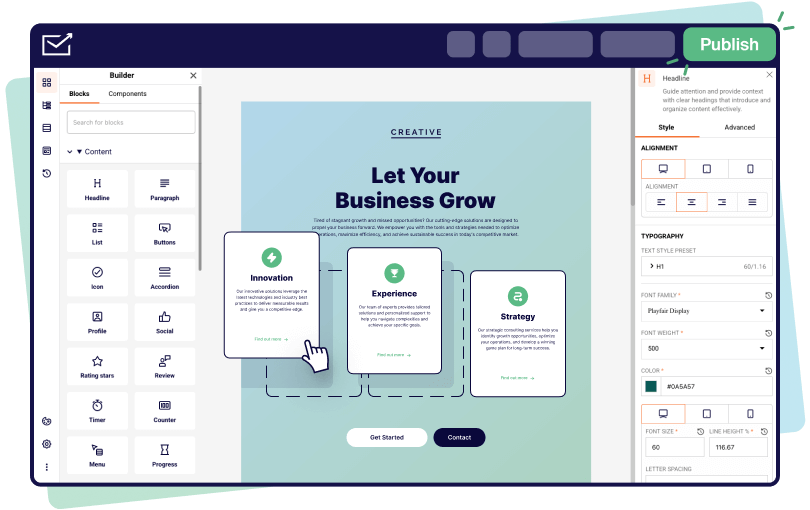
A landing page is a standalone page built for one action: a signup, a booking, a purchase or a download. A builder gives you a visual editor, templates, forms and publishing, so you can launch without a developer. The better ones add A/B testing (showing two versions to different visitors and measuring which converts better) and analytics.
That is where the gap opens between tools. Plenty of them produce a tidy page. Fewer help you learn why a page is not converting, and none of them write the message for you.
How to compare landing page builders
Reviewers agree on the core criteria, with small differences in emphasis. Search Engine Journal says the right platform depends on campaign objective, technical skill, mobile experience, integrations, SEO needs and budget, rather than any single ranking. HubSpot’s April 2026 guide names a visual builder, CRM integration, A/B testing and analytics as the core set.
In practice, five questions do most of the work:
- What is the one action the page exists for? A waitlist signup and a high-ticket demo request need different pages.
- Where does the traffic come from? Paid search and social ads reward fast variant testing. Organic and email traffic reward polish and speed.
- Who will edit the page? A marketer needs drag-and-drop. A designer may want full layout control.
- Where do leads go? Form submissions should land in your CRM or email tool without manual copying. Zoho's guidance lists CRM, email and analytics integrations alongside heatmaps and scroll maps as selection factors.
- How much traffic will you test with? Visitor caps matter, because most plans limit monthly visitors and testing needs volume.
Bitrix24’s framework also recommends piloting one high-volume campaign before a wider rollout. It is sound advice: pick one campaign, one tool and one goal.
The builders compared
Prices below are the vendors’ published plan prices at the time of research. Most are in US dollars and change without notice, so confirm the figure on the vendor’s pricing page before you commit.
Unbounce
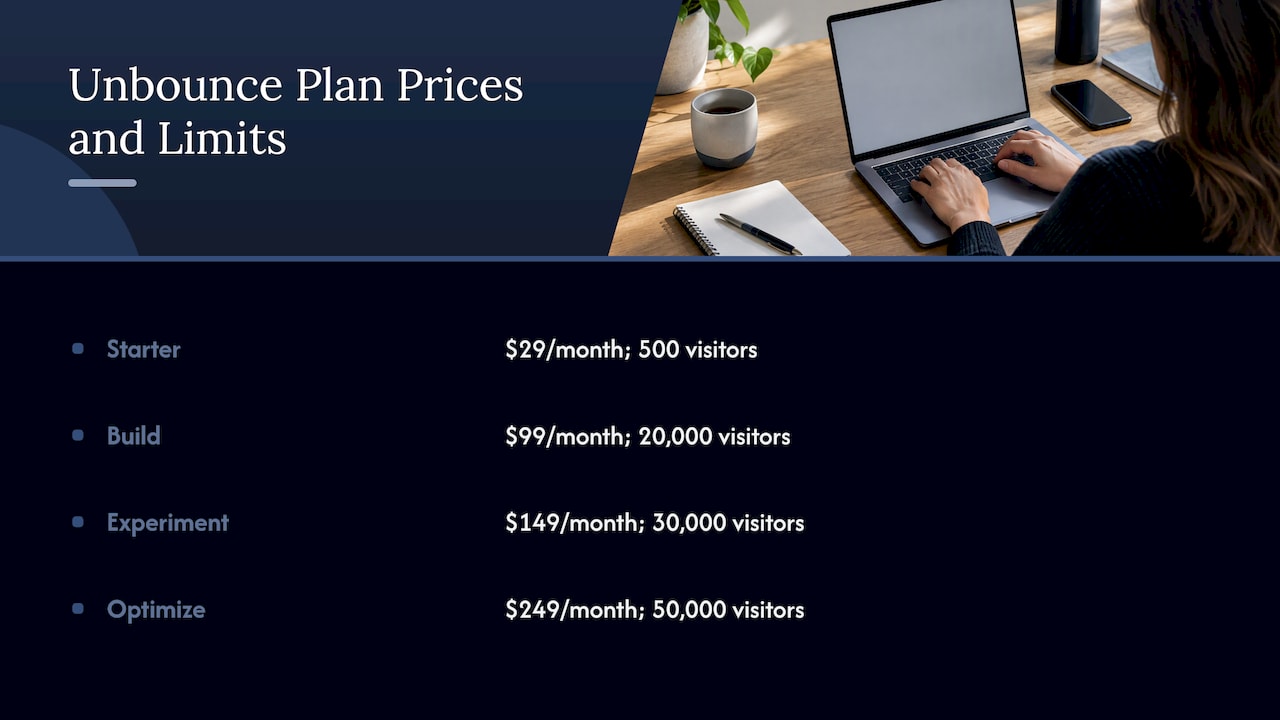
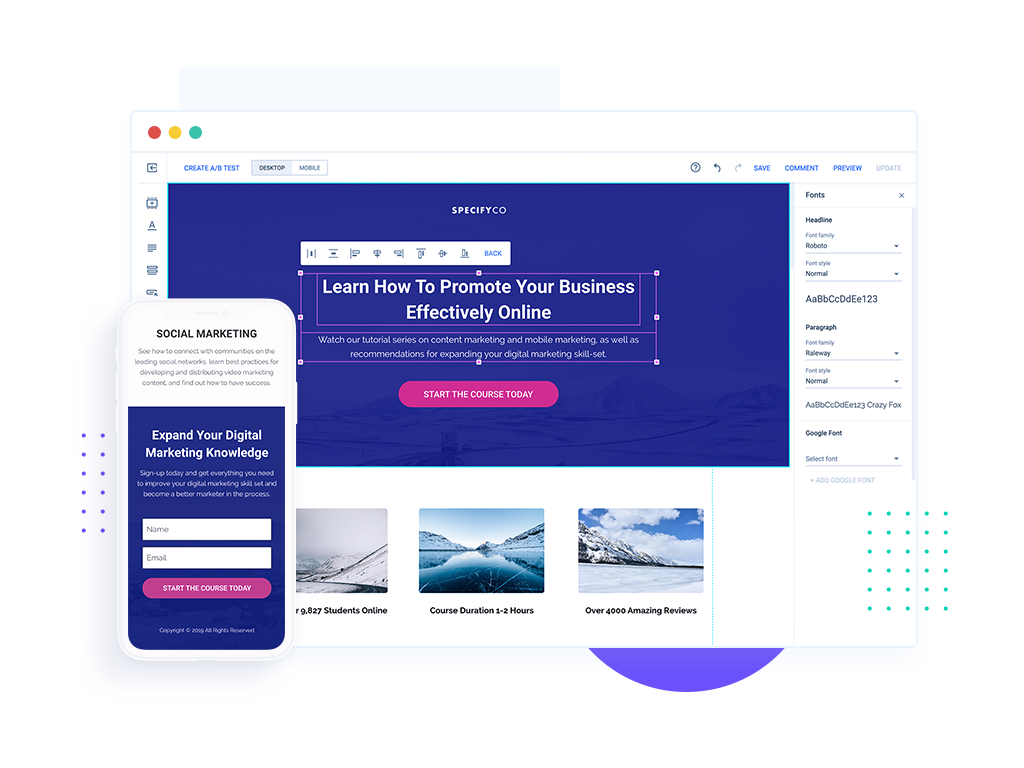
Unbounce lists four plans: Starter at $29 a month ($22 on annual billing), Build at $99 ($74), Experiment at $149 ($112) and Optimize at $249 ($187). Monthly visitor limits climb from 500 to 20,000, 30,000 and 50,000 across those plans.
The independent Done comparison describes Unbounce as suited to small and medium businesses, solo marketers and mid-budget paid search, and notes its Smart Traffic AI feature. The visitor caps are the number to watch: a successful ad campaign can pass a plan’s limit quickly, so estimate your traffic first.
Instapage
Instapage is an AI-powered platform with a drag-and-drop builder, more than 250 templates, forms, popups, A/B testing and personalisation. The same Done comparison places it with agencies, enterprise and high-spend ad teams, and credits it with AdMap and stronger collaboration workflows.
On price, Leadpages’ platform page puts Instapage’s Optimize plan at $199 a month, against $149 for Unbounce’s Experiment plan. If several people review and approve pages, the collaboration tools justify the step up. If one marketer runs everything, they may not.
Unbounce vs Instapage: the short version
Choose Unbounce when a small team wants to run paid campaigns with testing at a moderate cost. Choose Instapage when several stakeholders touch each page and ad spend is high enough that collaboration and personalisation pay for themselves. For both, the page you test matters more than the tool you test it in.
Leadpages
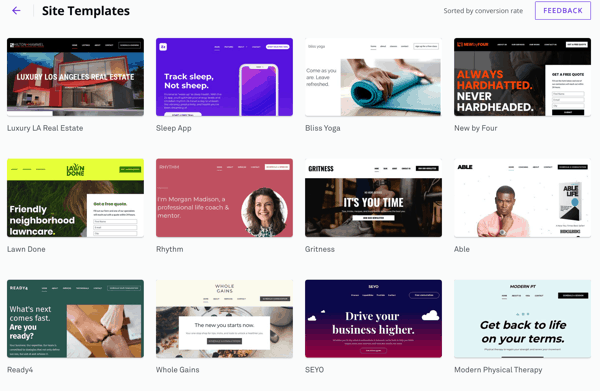
Leadpages offers Pro at $29 a month with 25 pages and one custom domain, Business at $49 with 50 pages and two domains, Grow at $99 and Optimize at $199, plus custom Enterprise pricing. Its own positioning is that A/B testing arrives on Grow at $99, below the testing tiers of Unbounce and Instapage. For a small business that wants testing without a large bill, that is a clear reason to shortlist it.
Landingi
Landingi runs four plans. Build is $24 a month for 10 active pages and 2,000 visits. Optimize is $119 for 100 pages, 30,000 visits, three custom domains and server-side A/B testing. Scale starts at $229 and Enterprise at $1,199. Annual billing includes two months free, and a 14-day trial is available. It fits teams that publish many pages, such as one per product, location or campaign.
Swipe Pages
Capterra Australia describes Swipe Pages as a no-code builder with Google AMP pages, responsive drag-and-drop editing, conversion templates, A/B testing, built-in analytics, lead capture and CRM, email and Zapier integrations, from USD 29 a month. Its mobile focus suits campaigns where most visitors arrive from a phone.
Webflow
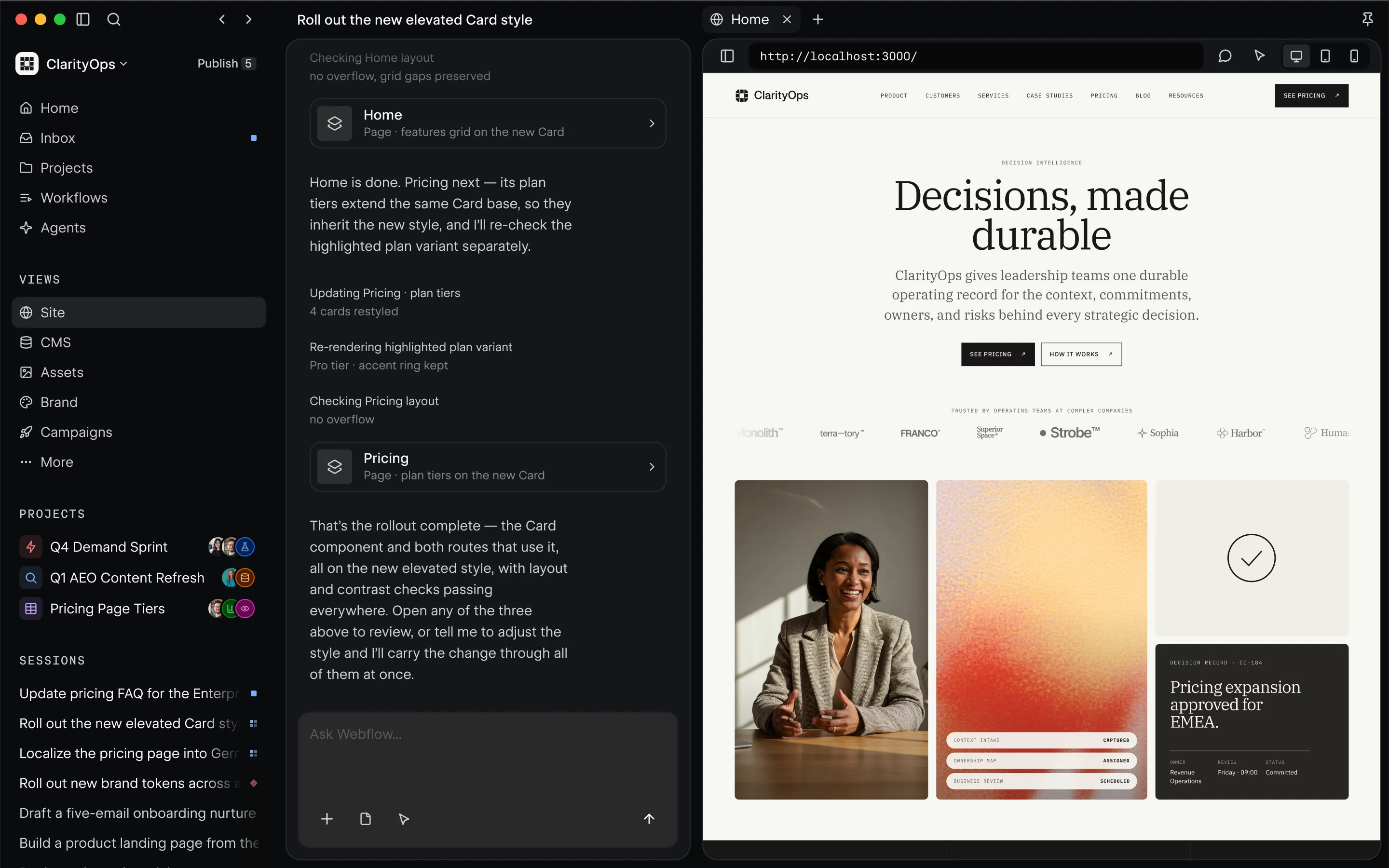
Webflow suits teams who want design control. Its paid Basic plan starts at USD 15 a month on annual billing and unlocks custom domains. The free Starter plan publishes to a webflow.io subdomain with two static pages and no custom domain or code export, so it works for practice rather than for a live campaign.
Carrd
Carrd is the quick, cheap option for a single page. Its free plan allows three sites on a carrd.co subdomain without a custom domain. It is a sensible way for an entrepreneur to check whether a product idea draws signups before investing in a full build.
Free plans and trials
Free access is useful for learning a tool, less so for running a campaign. Webflow and Carrd offer free plans on a vendor subdomain. Landingi offers a 14-day trial. Unbounce and Swipe Pages are reported to offer 14-day trials without a credit card, though trial limits such as single user and no custom domain apply, so confirm on each vendor’s page. A trial is enough to judge the editor. It rarely gives enough traffic to judge conversion.
Which builder for which goal
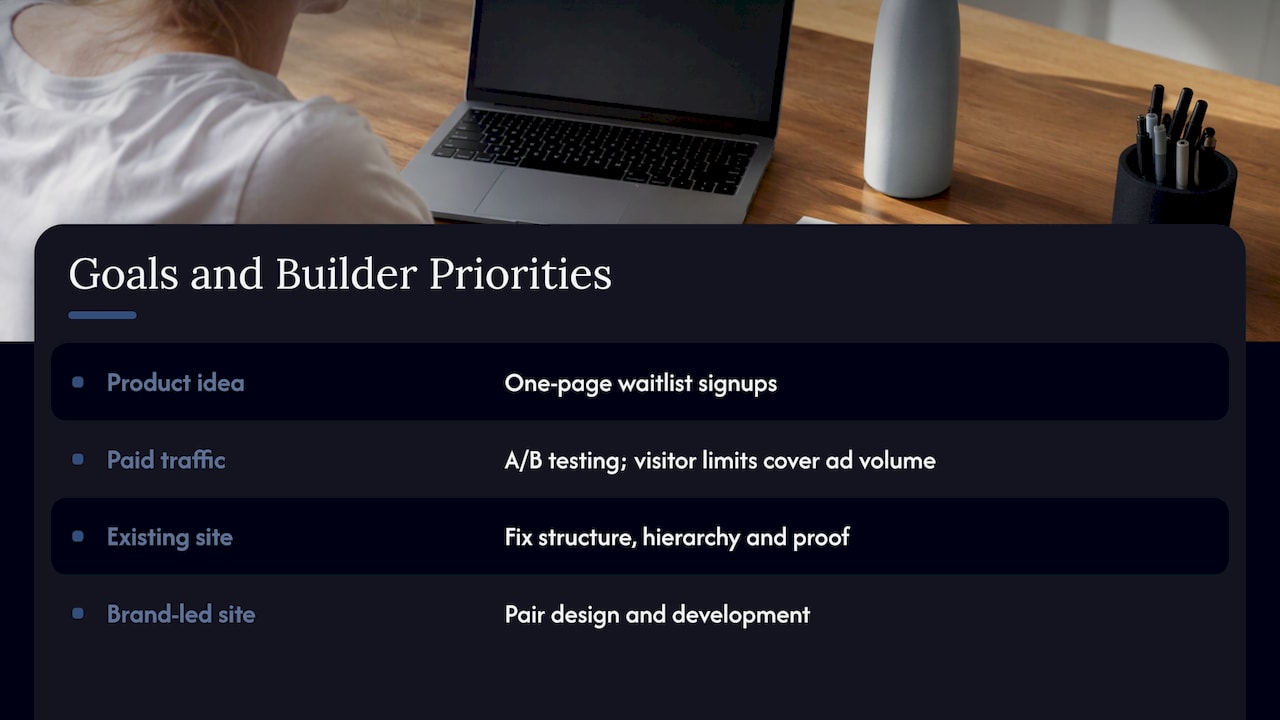
Validating a product idea. Speed and low cost matter most. A one-page tool collects waitlist signups in a day. The harder part is the message: who the page is for, what problem it names and what you ask visitors to do. A guide aimed at startups, Startupik, recommends defining one conversion goal, connecting GA4 and ad pixels before launch and testing messaging before button colours. If you want a validated concept rather than a guess, our Rapid MVP process is built for exactly this stage.
Lifting conversions on paid traffic. Pick a builder with A/B testing on the plan you can afford, and make sure visitor limits cover your ad volume. Our guide to A/B testing for founders explains how to run experiments that move revenue rather than ones that only produce charts.
Improving engagement on an existing site. Often the builder is not the problem. The page structure, hierarchy and proof are. Our piece on 15 data-backed UX changes is a good place to see what moves numbers.
Building a brand-led site. If the page has to carry a distinct identity, templates start to feel limiting. That is when design and development belong together, with branding and web development shaping the page from the start.
Where landing pages go wrong
Builders remove the technical barrier. They do not remove these four problems:
- No single goal. A page offering a demo, a newsletter and a download converts none of them well.
- Message mismatch. The ad promises one thing and the page opens with another.
- Untested assumptions. Teams swap button colours while the headline stays vague.
- Weak measurement. Without clean analytics, you cannot tell a good variant from a lucky week.
If you want a method for finding which of these is hurting a page, we outline one in diagnosing your top page in 30 to 90 days, and in our guide to landing page optimization in Australia.
Our view: the tool is the smaller decision
Teams usually come to us after buying a builder and finding that the page still does not perform. The tool was never the weak point.
What we do differently is start with research. We look at who the visitor is, what they need to see to act and where they hesitate, then design the page around that. Our design sprints and Rapid MVP framework exist to get to a validated answer quickly, before anyone commits to a full build.
A builder can host that page well. But the thinking that decides whether it converts is design, copy and testing, and that is the part we put our time into. If you want the page and the evidence behind it, that is the work to buy.
Get the page designed and tested by Raw Studio
If you would rather have a specialist team own the result, we offer a Full UX/CRO Audit from $2,500 as a one-off, which shows where your key pages lose visitors. For ongoing work, our Design Team (Platinum) plan is $8,400 per month. You can see both on our pricing page, or start with a free UX audit.