
The best prototyping tool is the one that matches the fidelity your project needs right now. For most teams that is Figma. Framer suits prototypes that become live sites, and ProtoPie suits complex interactions. Even so, a tool only gives you a clickable screen. Whether the idea is worth building comes from the research and testing around it. That is why we run prototyping inside a Design Sprint or a RapidMVP rather than as a stand-alone exercise.
Below you will find what to score a tool on, a side-by-side comparison of the options Australian teams ask about most, and a plain recommendation by team type. Prices are in US dollars as published by the vendors, so convert at the day's exchange rate and check the vendor page before you buy.

What to score a prototyping tool on
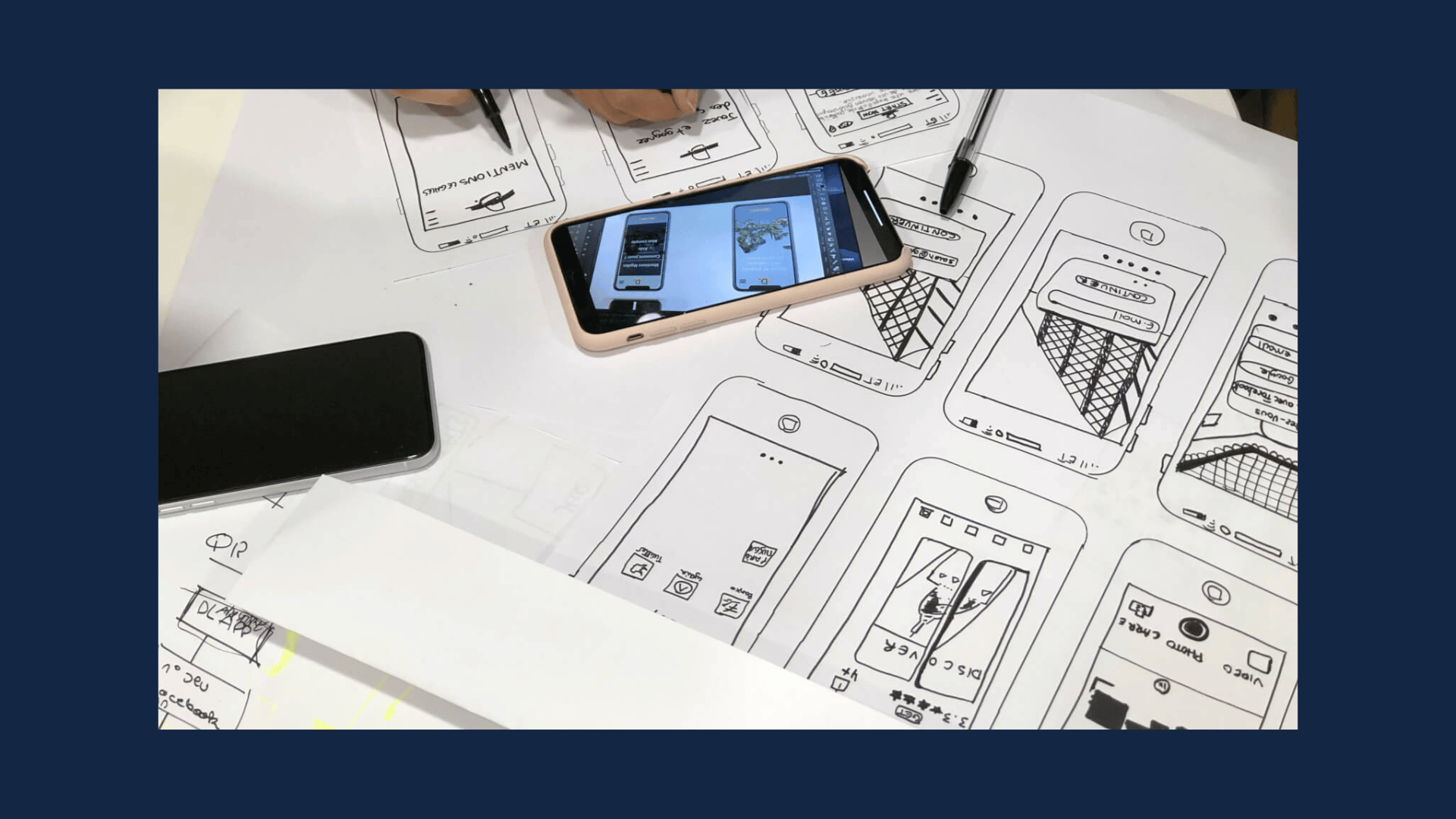
A prototype is an interactive mock-up of a product that people can click through before anyone writes code. Digital NSW's design toolkit says high-fidelity mock-ups help you clarify execution, align forms with user goals and spot mistakes early, so you can change course before development starts. That is the reason to prototype at all, and it should shape how you judge tools.
Rework's buying guide suggests scoring vendors on these criteria:
- Fidelity range: can it do rough wireframes and polished screens?
- Interaction depth: transitions, conditional logic and variables.
- Real data: can the prototype show dynamic content rather than placeholder text?
- Device preview: can you test on a real phone?
- Usability-testing integration: can you put it in front of users without rebuilding it?
- Developer handoff: do specs and assets travel to the engineers cleanly?
- AI generation and output path: is the result a throwaway mock-up or a step toward real code?
- Budget per editor: and whether viewers or reviewers cost extra.
The same guide makes a point worth repeating. Score tools against the fidelity your stage needs, not the most impressive demo, because more fidelity than a stage requires slows everyone down. A founder testing whether anyone wants the product does not need pixel-perfect micro-animations. A fintech team validating a payment flow before launch probably does.
Think about growth too. PrototypeTool advises planning for where your team will be in 12 to 18 months, since a tool that suits three designers may not suit thirty, and switching mid-growth is disruptive and expensive.
The best prototyping tools compared
The table lists entry prices in USD as published in Hedrick's July 2026 comparison unless noted. Free tiers and seat rules change, so confirm on each vendor's page.
How much does prototyping software cost?
Entry prices run from about $7 per editor per month for Penpot to $25 for ProtoPie and Axure RP, in USD as published by Hedrick. Convert at the day's exchange rate and check whether viewers and reviewers are free before you count seats.
Raw RapidMVP and Design Sprint: the prototype, tested and delivered
These are not software you learn. They are frameworks we use to take an idea to a validated prototype on a timeline you can plan around. Our approach rests on research, user testing and data-backed decisions, with you involved throughout. The aim is that when the prototype is done, you know what users did with it.
This is the right pick when the question is "should we build this?" rather than "which app do we draw in?". Founders validating a new product idea and established companies testing a change to a high-traffic flow both fit. Pricing for these frameworks is quoted per project on our pricing page.
Figma: the default for most teams
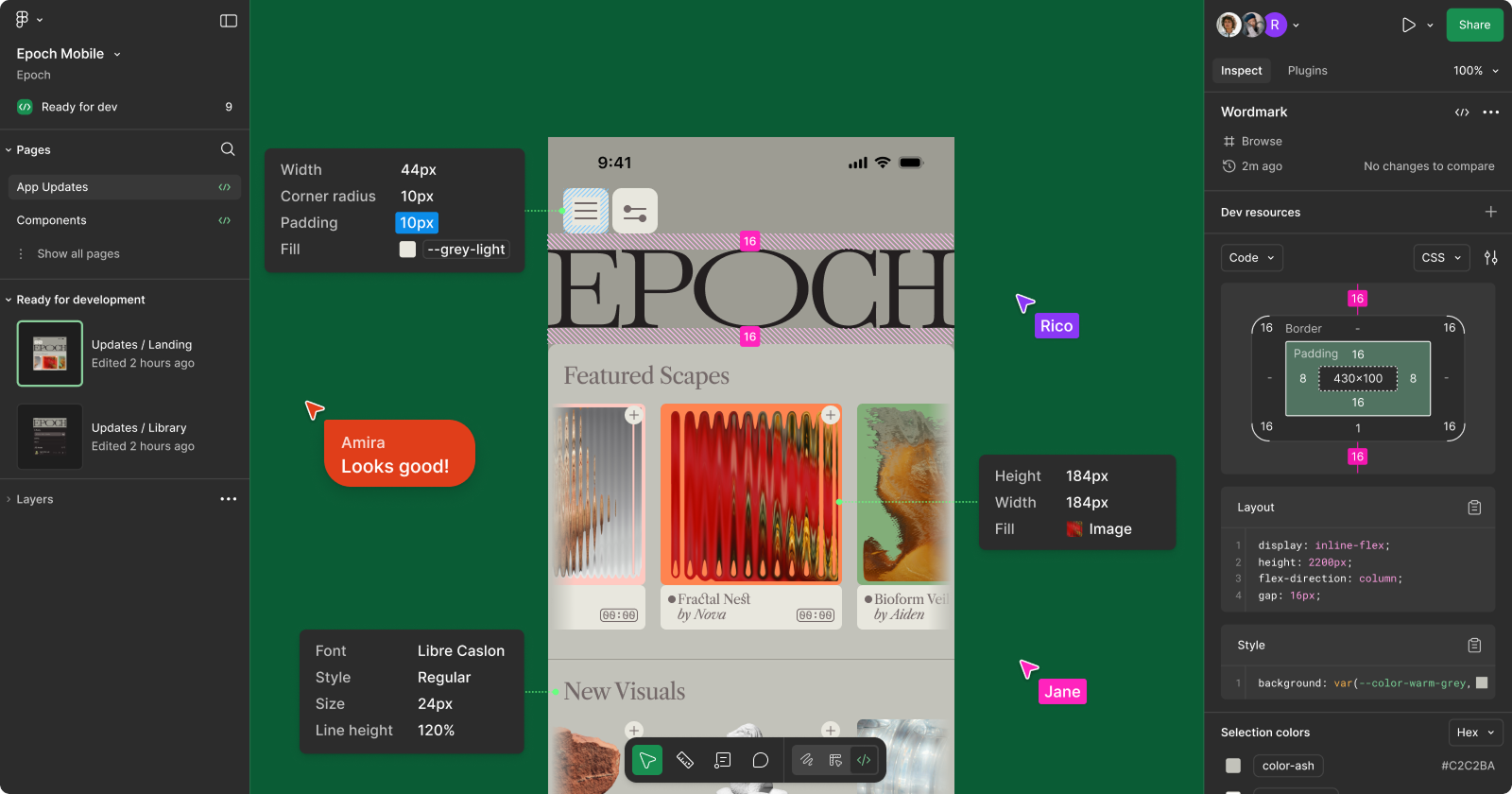
Figma calls itself a collaborative canvas for design, code and AI. It covers interface design, interactive prototyping and developer handoff in one browser-based tool. PCMag Australia highlights that stakeholders can use a Figma prototype as if it were live, which supports early user testing, and that inline comments speed up feedback.
Figma is the default. Surveyed UX practitioners put it at 82.6% usage, well ahead of Framer at 17.5%.
Costbench's check of Figma's pricing page lists a free Starter plan with three team files and basic prototyping. Professional is $15 per user per month billed monthly or $12 billed annually. Viewers and reviewers are cheaper seat types, so an eight-person review panel does not need eight full licences.
Figma is also where the AI features are most practical for working designers. AI We, an Australian publication, describes Figma AI generating component variants, layout suggestions and design directions inside the tool most Australian designers already use. If you want to see what that means for a team's workflow, we have written about Figma AI and design teams and about Figma's developer handoff.
Framer: when the prototype becomes the site
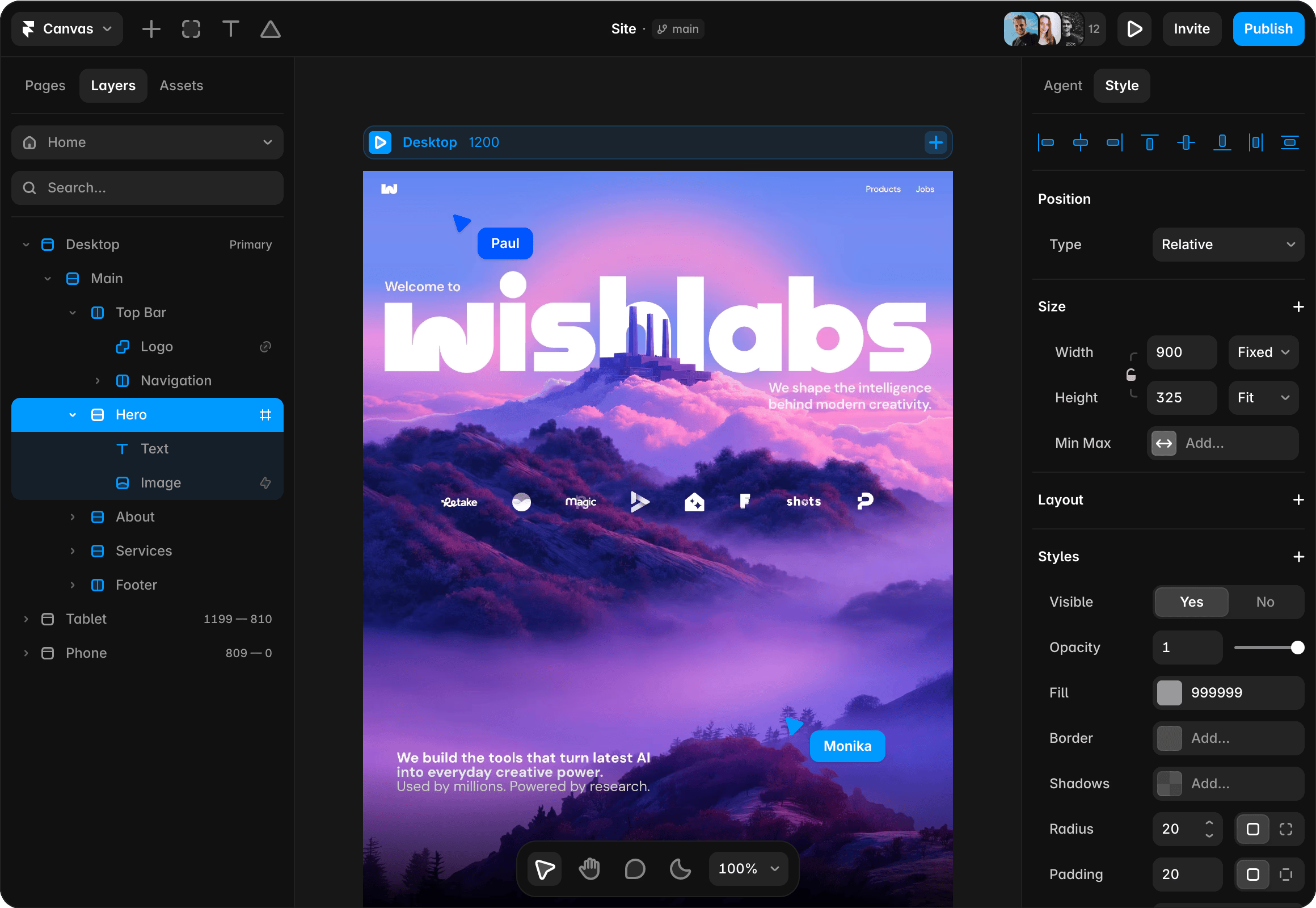
Framer began as a prototyping tool in 2014 and added a site builder in 2022. Faun's comparison describes it today as a website builder with a design canvas, AI page generation, CMS, hosting, forms and analytics. A Framer prototype is a published web page with real data and scroll animations.
That makes it excellent for marketing sites, portfolios and landing pages. UIGuides points out that because it outputs a live website rather than a handoff spec, it is a poor fit for mobile app or SaaS dashboard design. Match it to the job: a landing page you want live next week is a strong Framer case.
ProtoPie: advanced interactions
When a prototype needs to feel like the real product, such as a form that validates an email address, motion that responds to input, or voice and device sensors, ProtoPie is built for it. Its own description covers logic, variables and formulas, multi-device interactions and native sensors. Entry pricing is $25 a month. It is overkill for a first-pass concept and a good choice once the flow is settled and the details matter.

UXPin: prototypes with real code components
UXPin's pitch is production-ready prototypes built with real code components, with governance for larger organisations. UXPickle's spring 2026 data lists it at $348 a year with an AI chat agent that builds coded UI and exports JSX. UXPin's own blog recommends it for enterprise product teams, so treat that as the vendor's view and decide against your own needs. It earns its place when design and engineering share a component library and you want prototypes to behave like it.
Axure RP: complex logic
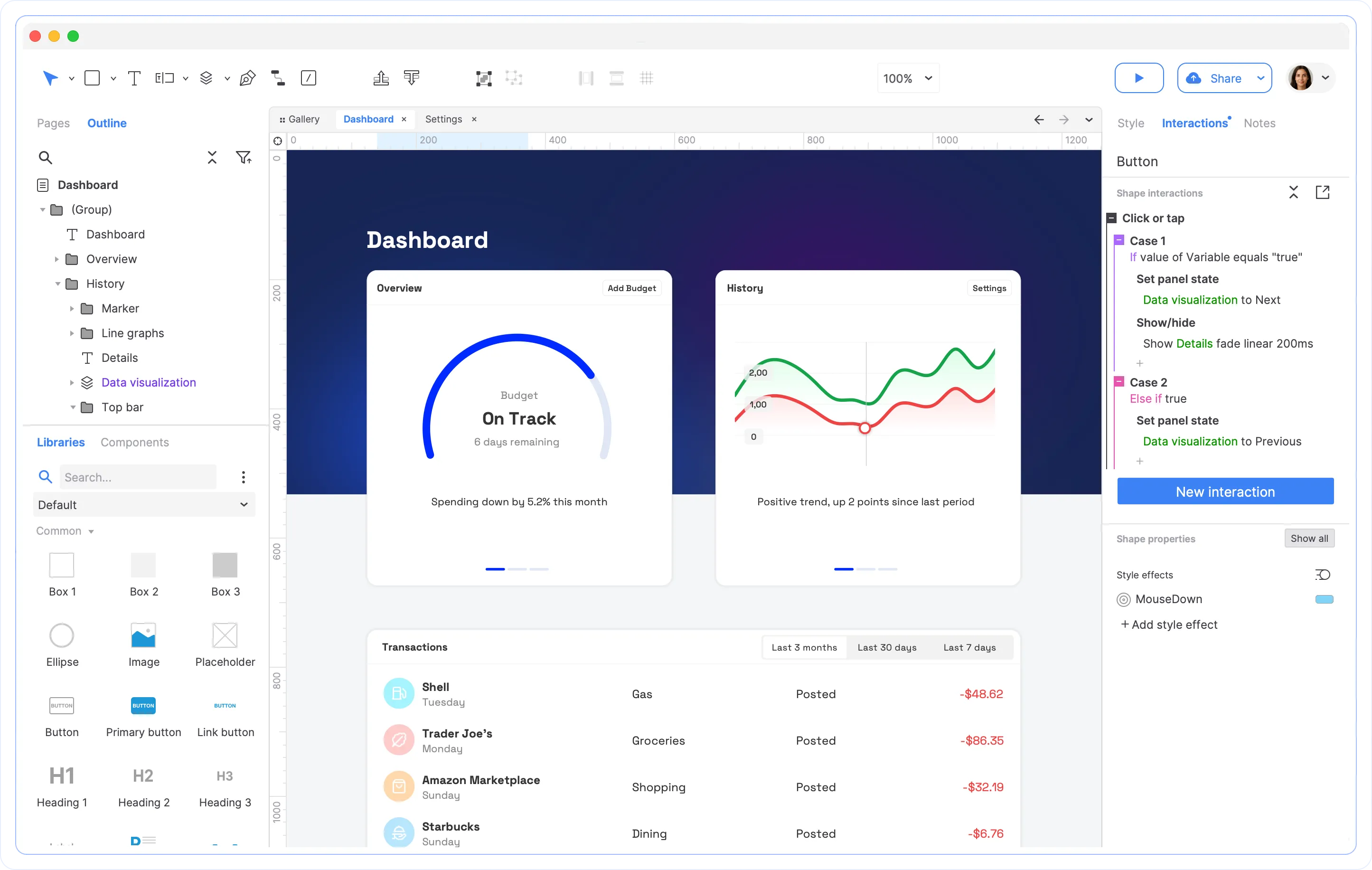
Axure RP is the long-standing choice for conditional logic and complex flows. Hedrick's August 2026 table rates it strong on prototyping but limited on collaboration. It suits analysts and UX specialists modelling intricate enterprise workflows, less so a startup moving quickly with a small team.
Penpot: open source
Penpot is the free, open-source option. Phaedra Solutions rates it the best free UI tool, and Rework maps it to teams needing self-hosting or EU data residency. Entry pricing for paid editors is $7 a month, and the survey figure above puts its usage at 1.1%, so expect fewer plugins and templates than Figma offers.
Sketch: Mac-native
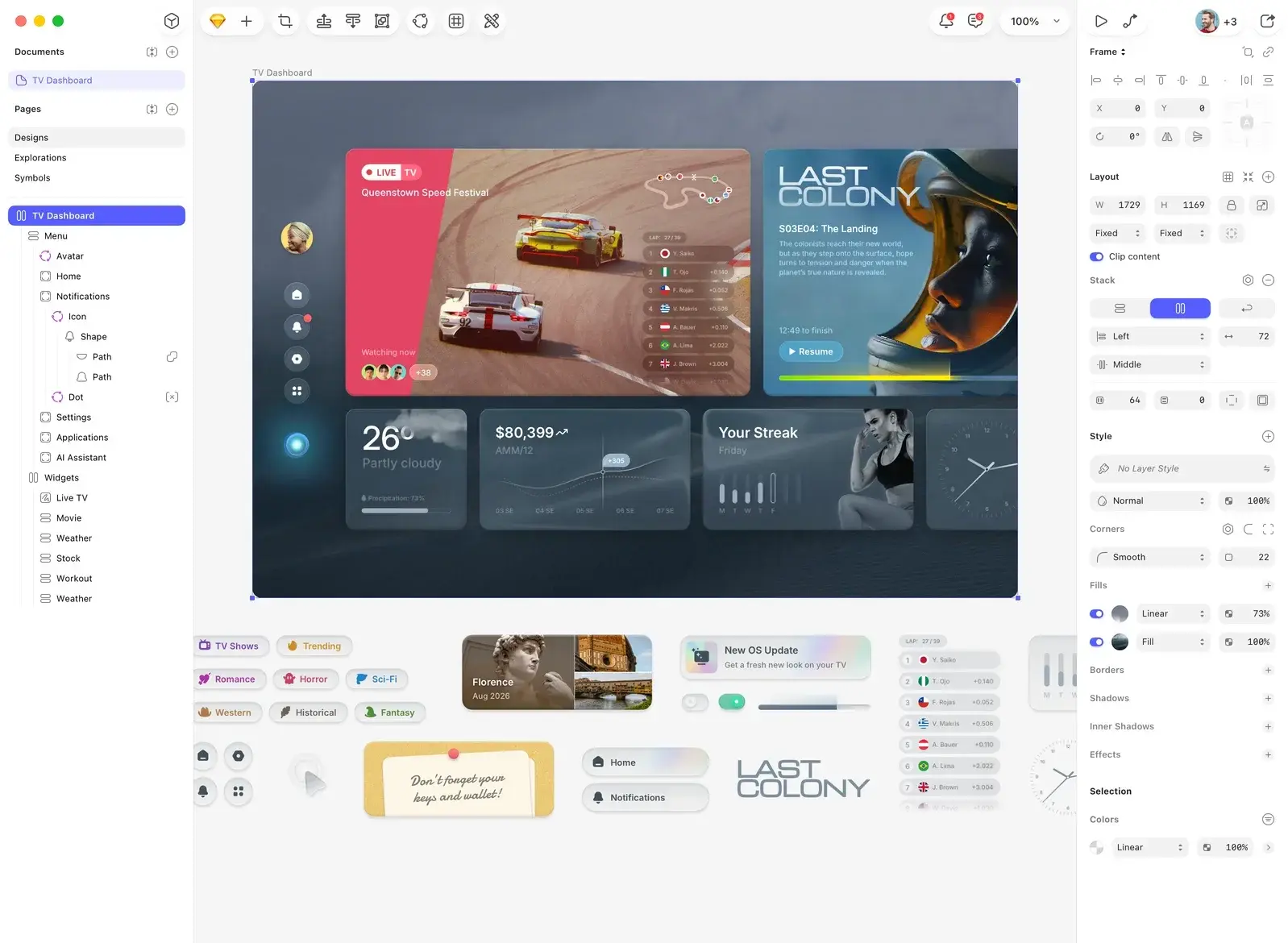
Sketch is a native Mac app for interface design, design systems, prototyping and handoff, with a web app for viewers. It requires a recent version of macOS. Sketch's pricing page lists Standard at $12, Professional at $24 and Enterprise at $44, plus a $120 Mac-only licence with a year of updates. If your whole team is on Macs and values a native app, it remains viable.
Balsamiq, Justinmind and Uizard
Balsamiq keeps things deliberately rough, which is useful when you want feedback on structure and not colour. Cipher Projects lists Justinmind at $19 per editor per month, with a free plan for one project and conditional logic and data-driven interfaces. It lists Uizard at $12 a month with AI-first generation, aimed at people who are not designers. Uizard is useful for a founder sketching a first concept alone, before bringing in a design team.
Which tool fits which situation
Here is how we would match the tool to your stage.
- You have an idea and no evidence yet. Keep it rough. Use paper, Balsamiq or a quick Figma wireframe, then test it with real users. A Design Sprint compresses this into a structured process with a testable prototype at the end.
- You are building a SaaS or app interface. Use Figma. Its collaboration, design-system support and handoff cover the full cycle, and it has the largest community.
- You need a live marketing site or landing page. Use Framer, or have us handle the web build through our web development service.
- You are testing a complex interaction. Use ProtoPie or Axure RP, but only after the flow is proven in a simpler tool.
- You want prototypes close to production code. Look at UXPin, or at Figma's developer handoff tools, depending on how your engineers work.
- You have security or data-residency requirements. Look at Penpot's self-hosting.
What about AI? AI We describes Framer AI as able to produce a working interactive prototype from a text description, which suits early concept testing. It also lists Maze for unmoderated usability testing with AI analysis across sessions, which connects with Figma. AI speeds up making screens. It does not tell you whether the screens solve the user's problem.
The tool is the easy part
Teams often spend weeks picking software and a few days testing what they built. It should be the other way around. A polished prototype nobody has tried is a guess with good typography.
Three habits separate prototypes that pay off from those that do not:
- Write the question first. What decision will this prototype help you make? Choose fidelity from that.
- Test with five or so real users from your audience, not colleagues, and watch what they do rather than asking what they think.
- Decide the output path up front. Is this a throwaway for learning or the first step toward the build? Rework flags this as a choice to settle before you start.
For businesses focused on conversions, the same logic applies to live products. Our Full UX/CRO Audit starts from $2,500 as a one-off and reviews the experience you already have, so prototype changes target the problems that matter.
Our perspective
We get asked which tool is best nearly every time a prototype comes up. Our honest answer is that it matters less than people think.
A prototype exists to answer a question: will people understand this, want this, finish this? Any tool on this list can make a screen that looks convincing. The value comes from research before it, testing during it and the discipline to act on what you find.
That is why we built our work around frameworks such as the Design Sprint and RapidMVP. They give a startup or an established company a validated direction in a short, planned window, with you in the room for the decisions. The prototype becomes evidence, not decoration.
If you are weighing software, pick one that fits your stage and move on to the part that counts. If you are weighing whether an idea deserves a build, that is where we can help.
Take your prototype from clickable to proven
If you would rather skip the tool shopping and get to a validated product direction, we offer a Design Sprint and RapidMVP for turning ideas into tested prototypes. For ongoing work, our Design Team (Platinum) plan is $8,400 per month. You can see everything we offer on our services page.