.svg)
.svg)

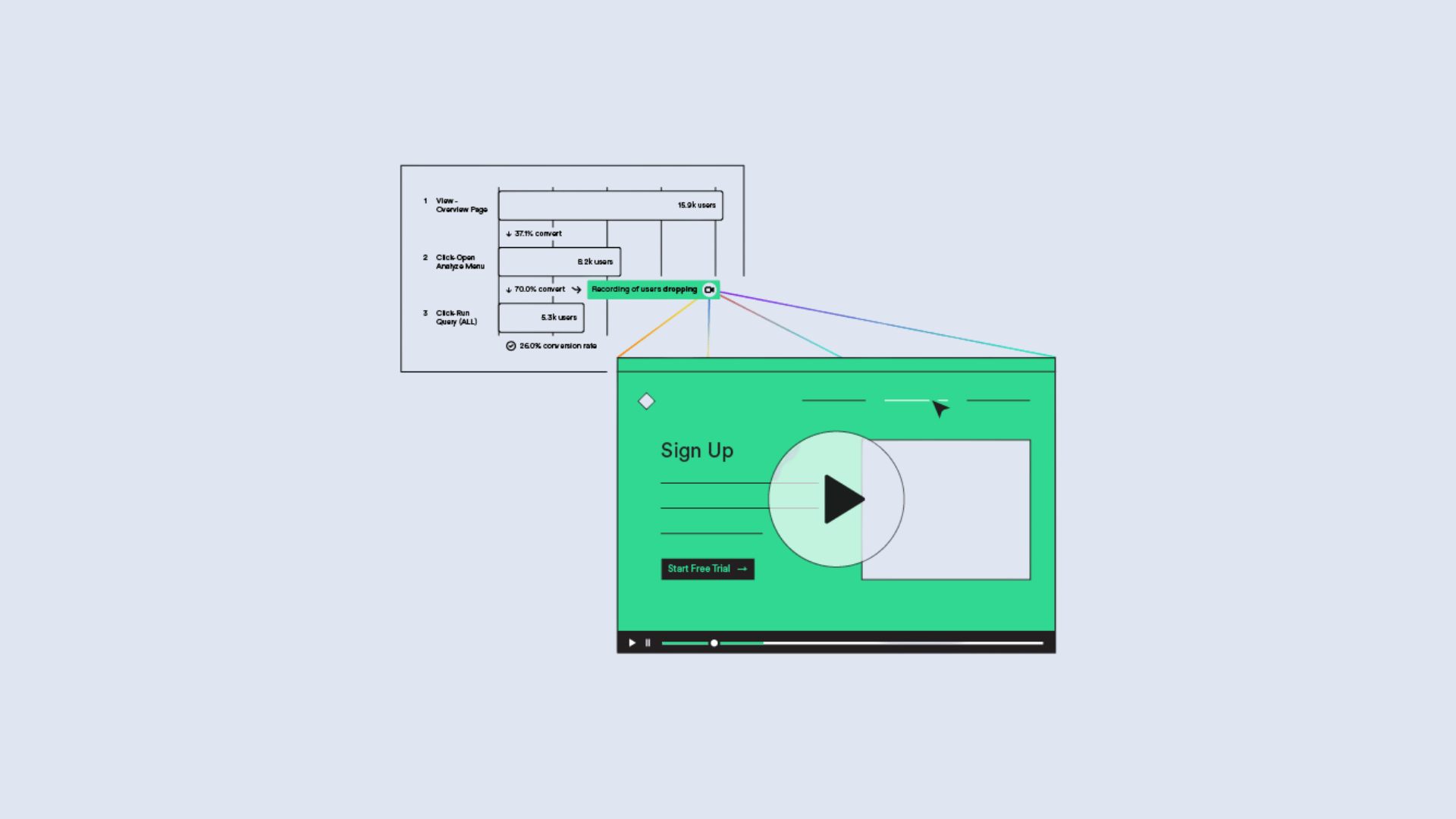

The best session replay tool is the one your main user will open every week. For marketing teams with no budget, that is usually Microsoft Clarity. For CRO and product teams, it is often Hotjar or FullStory. For engineers chasing bugs, it is LogRocket or an open-source option like OpenReplay. In Australia there is a second filter: privacy. What a replay tool records, and where it sends it, matters as much as how nice the playback looks.
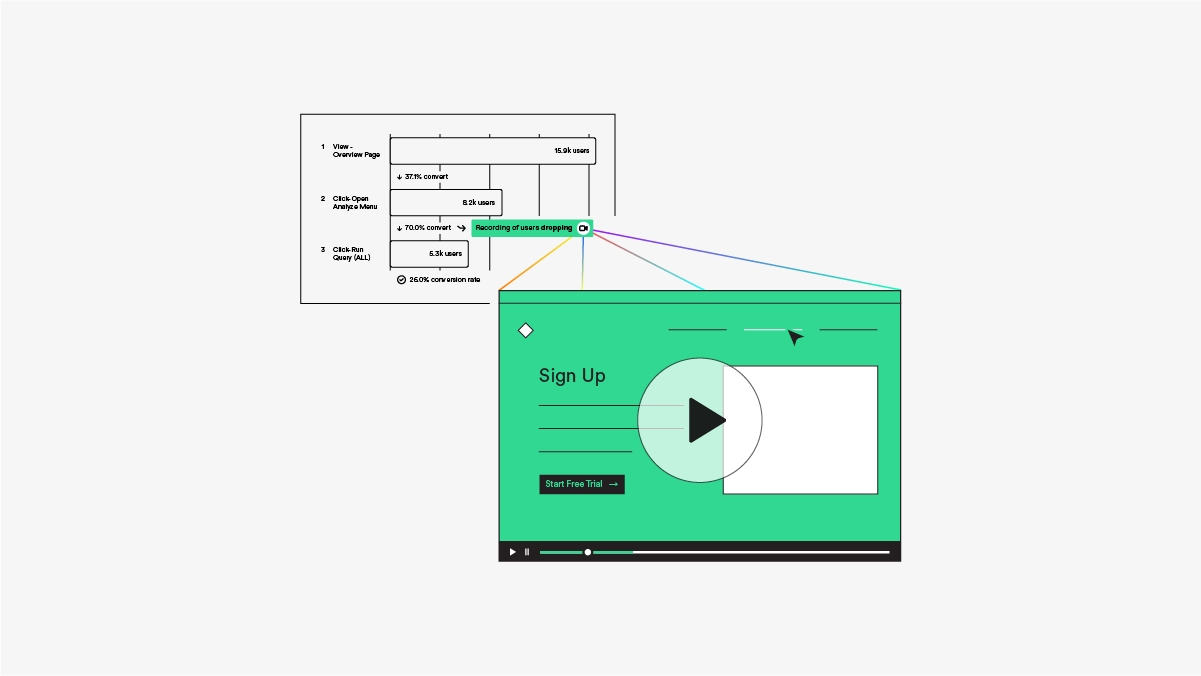
Below, we compare the main session replay software on the criteria that decide real purchases: who it suits, what it costs, how it handles masking, and where it falls short. We also cover the Australian privacy points that most listicles skip, and how to use recordings so they lead to decisions rather than a pile of unwatched video.
What session replay software actually does
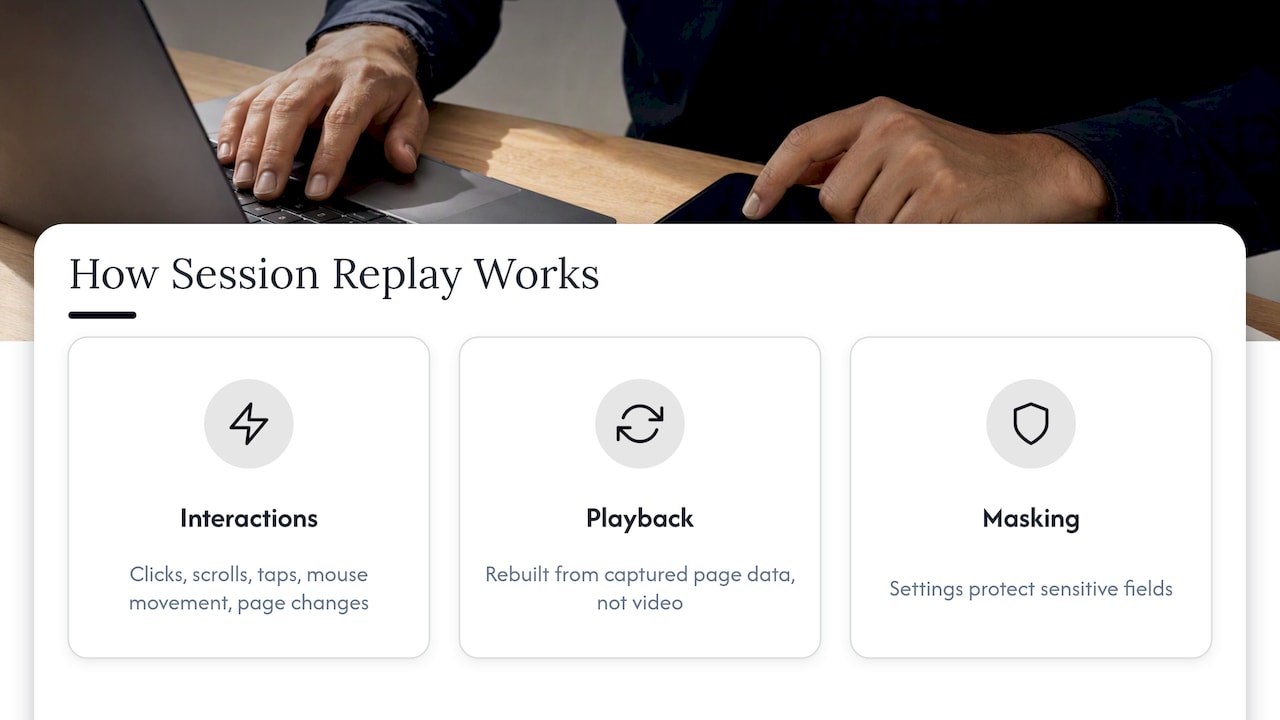
Session replay rebuilds a visit from the events your browser or app captured: clicks, scrolls, taps, mouse movement, page changes and, depending on settings, form interactions. The playback looks like a screen recording, but it is reconstructed from page data. That is why privacy regulators treat it as a serious form of tracking, and why masking settings matter so much.
You will see the same idea sold under several names: session recording, session replay, user session playback, digital experience analytics. The core product is the same. What differs is what sits around it: heatmaps, funnels, surveys, error tracking, AI summaries, or a full observability stack.
How we compared these tools
We looked at five things, in this order:
- Primary user. Marketer, CRO specialist, product manager or developer. Practitioners note that picking a tool outside your main persona's workflow often leads to low adoption.
- Pricing model. Free, per-session tiers, or quote-based.
- Privacy controls. Default masking, selective masking, consent hooks, data location.
- Context around the recording. Heatmaps, feedback, errors, network logs.
- Fit for Australian teams. Local adoption, AUD-friendly pricing and regulated-sector readiness.
Prices move often. Treat every figure below as a starting point and confirm on the vendor's page before you commit.
Session replay tools compared at a glance
This is a practical shortlist by use case, not a measured ranking of Australian market share or a hands-on benchmark of every product. Confirm current features, deployment options and pricing with each vendor, then trial one real workflow.
The best session replay tools, one by one
Microsoft Clarity: the free default
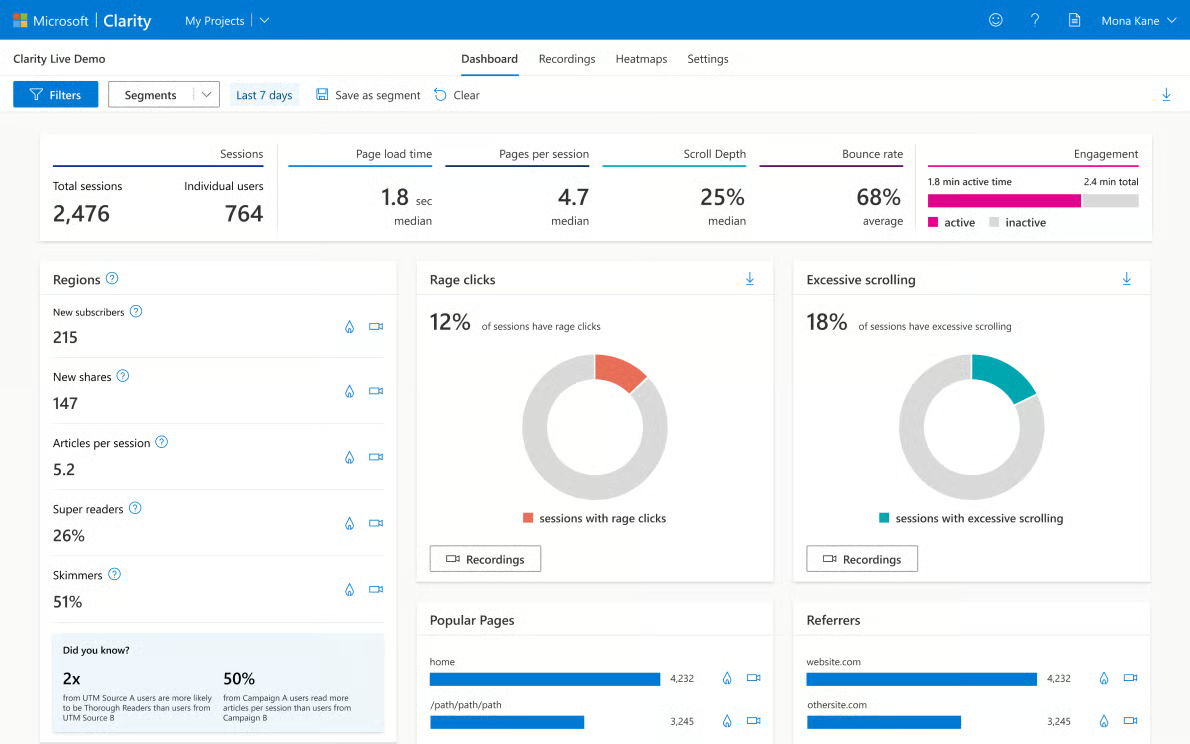
Microsoft Clarity offers session recordings and heatmaps without a subscription charge. Check current collection limits, retention, contractual terms and data use rather than treating free pricing as the only selection criterion.
Test masking on your own pages before collecting live sessions. Review URL parameters, rendered text, forms and dynamic content as well as password fields. A vendor's privacy settings do not by themselves establish that your deployment meets your obligations.
Pick it if: you want to start watching real sessions this week and your site does not handle sensitive data.
Hotjar: the SMB and mid-market workhorse
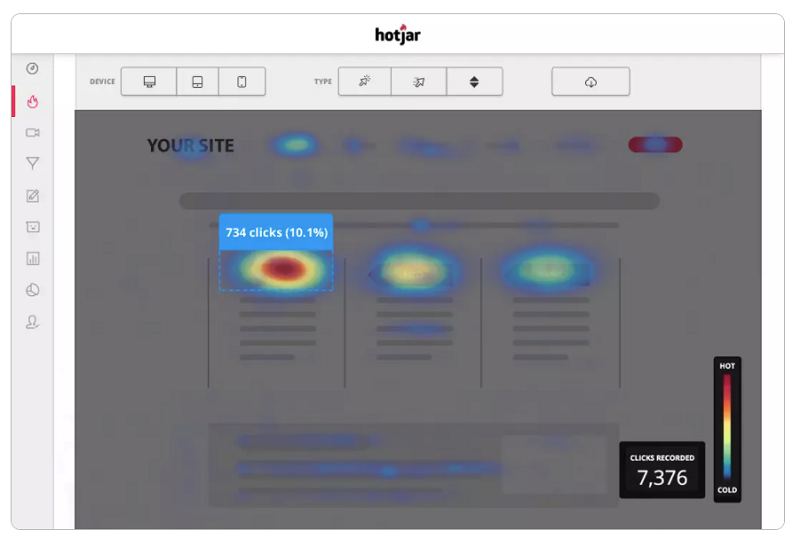
Evaluate Hotjar and the current Contentsquare offering when you need recordings alongside feedback and behavioural analysis. Confirm current product packaging, capture allowance, retention and survey access. A regional roundup is not evidence of AUD billing or local market leadership.
The feedback tools are the real draw. A recording tells you someone hesitated on a pricing page. A one-question survey can tell you why.
Pick it if: a marketer or CRO lead owns the tool and you want qualitative feedback in the same place as the recordings.
FullStory: enterprise-grade behavioural analytics
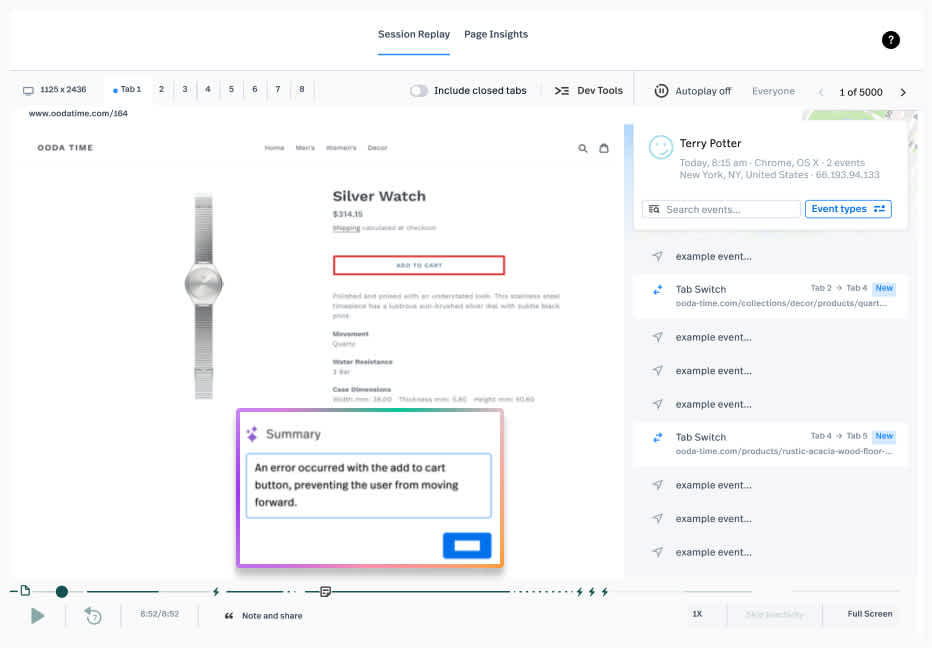
Fullstory is an option for teams evaluating searchable replay and behavioural analytics across a larger product. Verify session coverage, frustration signals, access controls, retention and the current commercial proposal. This guide does not establish that it leads the Australian market.
If you go this route, plan the privacy work properly. A default FullStory setup sets first-party cookies holding a persistent visitor identifier, which is exactly what your consent platform needs to control.
Pick it if: you have large traffic, several teams who need the same recordings, and a procurement process that expects a vendor risk assessment.
.jpeg)
Glassbox: for regulated industries
Include Glassbox when evaluating enterprise replay, analytics and governance requirements. Ask for evidence of masking, access controls, audit logging, deployment location and deletion processes. Suitability for a regulated organisation depends on its implementation and assessment, not a vendor category label.
LogRocket: replay for developers
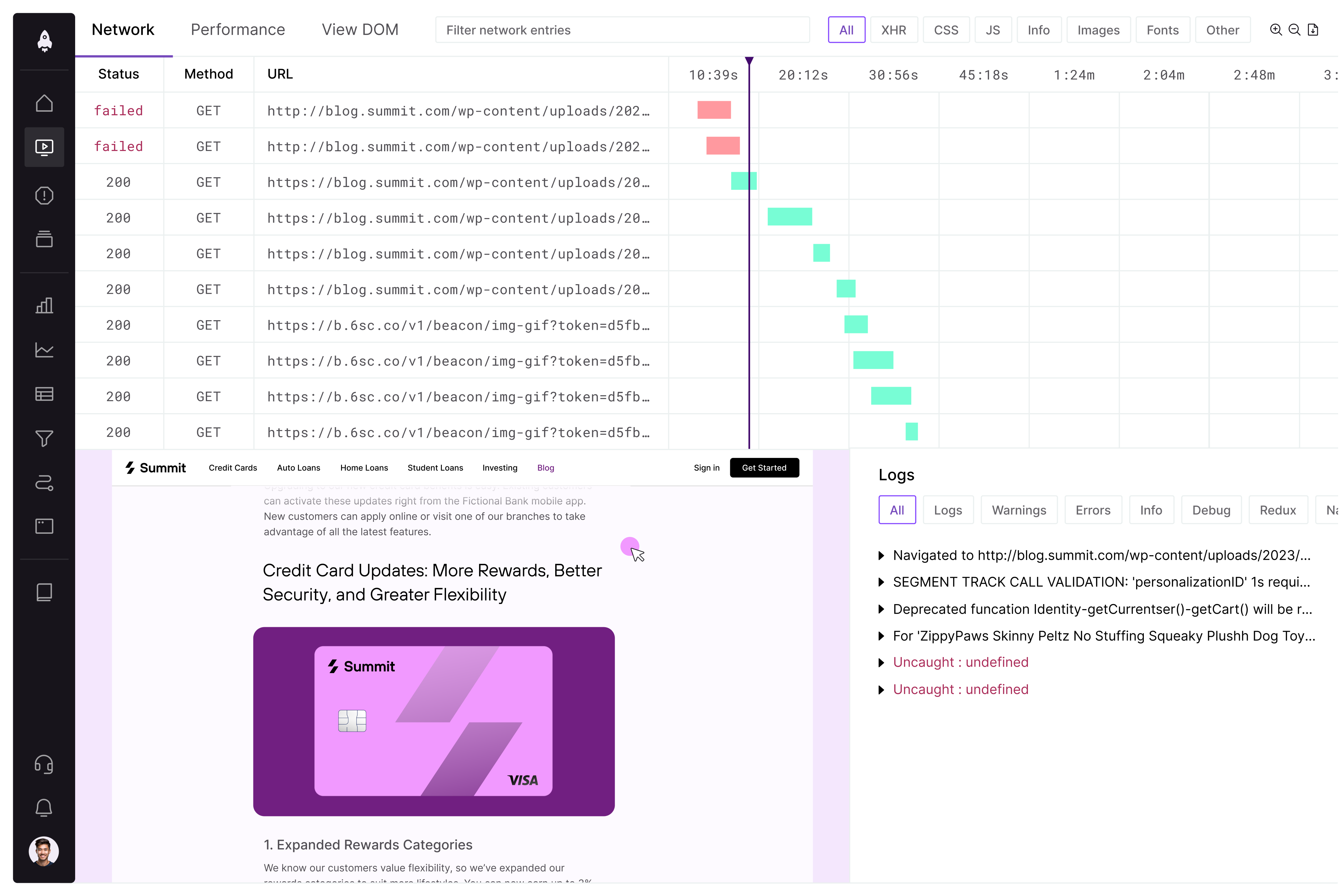
LogRocket combines replay with debugging context such as logs, errors and network activity. Its pricing page lists a starting price of $176 per month based on annual-plan savings; final cost depends on captured sessions and configuration, including seats, retention and add-ons. Confirm currency and contract terms.
Pick it if: the people who will use it write code for a living.
PostHog, Sentry, Datadog and OpenReplay: the engineering shortlist
Userpilot's 2026 review of more than 40 tools groups LogRocket, PostHog, Sentry, OpenReplay and Datadog as the best fit for engineering teams that need console, network and stack detail. The logic is simple: if your team already lives in an observability tool, adding replay there means one less login and better context.
OpenReplay deserves a separate note. It is open source and can be self-hosted, which means recordings can stay on infrastructure you control. For teams with strict data residency or security demands, that is a strong argument, though you take on the running of it.
UXCam and others for mobile and niche needs
If your product is a mobile app, a web-first tool will only get you so far. Zapier lists UXCam as its mobile session replay pick, and Lucky Orange for live session tracking. Match the tool to the surface your customers actually use.
Session replay and privacy in Australia
Australian teams should assess the data actually collected and whether the organisation is covered by the Privacy Act. The OAIC's tracking-pixel guidance addresses collection, notice, use and disclosure, security and overseas disclosure. It is relevant context for tracking technology, not a session-replay-specific approval or ban.
APRA CPS 234 applies to APRA-regulated entities and addresses information security, including relevant third-party controls. It is not a general rule covering every Australian website, health business or telecommunications provider.
The practical rules are consistent across the sources we read:
- Mask and minimise collection. Exclude sensitive pages and fields; verify what leaves the browser in test sessions, including dynamic text, URLs, console and network data where captured.
- Configure permissions before capture. Determine notice and consent requirements for the actual data, purpose and markets. Where consent is required or is your chosen policy, prevent capture until permission and honour withdrawal.
- Retest after interface changes. Include new fields and dynamic components in a documented masking and exclusion review.
- Record less. Triggering recording for specific support tickets or flows, rather than always-on capture, reduces the compliance surface and storage cost while keeping most of the debugging value.
The Optus and Medibank breaches changed how Australian regulators and customers think about stored personal data. A replay archive full of names, emails and addresses is exactly the sort of thing that turns a small incident into a large one.
How to choose: five questions
- Who will watch the recordings? If the answer is "marketing", start with Clarity or Hotjar. If it is "engineering", start with LogRocket, PostHog or OpenReplay.
- Does the site handle sensitive data? Banking, health, insurance and checkout flows push you toward tools with strong masking and audit support, or toward self-hosting.
- Do you need the why, not just the what? Surveys and feedback widgets (Hotjar-style) cover this. So does moderated user research.
- What is your traffic? Per-session pricing can climb quickly on busy sites. Enterprise tools are quoted on volume.
- Do you already have an analytics stack? A replay add-on to your product analytics or error tracker may beat a standalone tool. If you are rethinking your analytics setup, our guide to Google Analytics alternatives is a useful companion.
How to get value from recordings
The biggest mistake teams make is treating replay as passive recording. The most successful ones use it as a targeted diagnostic tool, switching it on for specific flows like checkout rather than capturing every visit. Recording everything produces a data swamp and a compliance headache, and nobody watches the footage.
A simple routine works well:
- Start with a question. "Why do 60% of people drop off at the shipping step?" beats "let's see what users do."
- Filter before you watch. Look for rage clicks, dead clicks, error events and abandoned forms.
- Watch a small, structured sample. Ten sessions from one funnel step will teach you more than a hundred random ones.
- Cross-check with a heatmap. Our write-up on heatmap analysis covers the traps, such as false bottoms, that mislead scroll data.
- Write a hypothesis, then investigate. Replay, interviews and usability sessions provide evidence; a suitably designed randomised experiment can estimate causal lift. None guarantees an explanation from one recording.
If you want a wider view of the tooling that sits around replay, see our complete guide to conversion rate optimisation tools and our shorter list of CRO tools that improve UX and UI design.
Our perspective: replay is evidence, not the answer
We are a UX, UI and conversion rate optimisation studio in Sydney, so we see session replay from the point of view of what it changes on the page, not as a product to sell.
Our view is that replay is the fastest way to stop arguing about opinions. Watching ten real people fumble a form ends a lot of meetings. But a recording only shows behaviour. It does not tell you what someone expected, what they were comparing you against, or what almost made them buy. That is why we pair replays with user research, analytics and testing, and why our work is built on data and research rather than taste.

We also think teams over-invest in the tool and under-invest in the habit. A free tool watched every Friday by someone who owns the funnel will beat an enterprise licence nobody opens. Pick the cheapest option that fits your privacy position, build the routine, and upgrade only when you hit a real limit.
On privacy, we would rather you record less. Decide which two or three flows matter, mask everything else, and keep retention short.
When you want a team to act on what you see
Our conversion rate optimisation service helps turn behavioural findings into research and testable changes. The Full UX/CRO Audit starts from $3,500 plus GST as a one-off, and the UX/UI Design Team starts from $8,400 per month plus GST. Check current scope on our pricing page.