



Choose Notion if your team is small to mid-sized, works across product, design and marketing, and wants one flexible place for docs, databases and projects. Choose Confluence if engineering runs on Jira, or if you need formal review, tight permissions and an auditable wiki. Either tool only works once someone has designed how people find, read and trust what is inside it. That design work decides whether your workspace is used or abandoned, and it is a UX problem before it is a software problem.
Below we compare the two on the things that decide the choice: price, structure, Jira, search, AI, security and the way teams outgrow each one.
Notion vs Confluence at a glance
The figures above come from Notion's pricing page, Confluence's feature page and a 2026 comparison from Fabric. Prices are quoted in US dollars, so Australian buyers pay the local equivalent at the exchange rate on the day, which moves constantly. Check each vendor's pricing page for the live number.
How the two tools think about work
The cleanest summary of the difference is control versus freedom. A 2026 comparison from Super describes Notion as flexible blocks you can shape and Confluence as a clear page tree with review steps. That matches what teams feel in daily use.
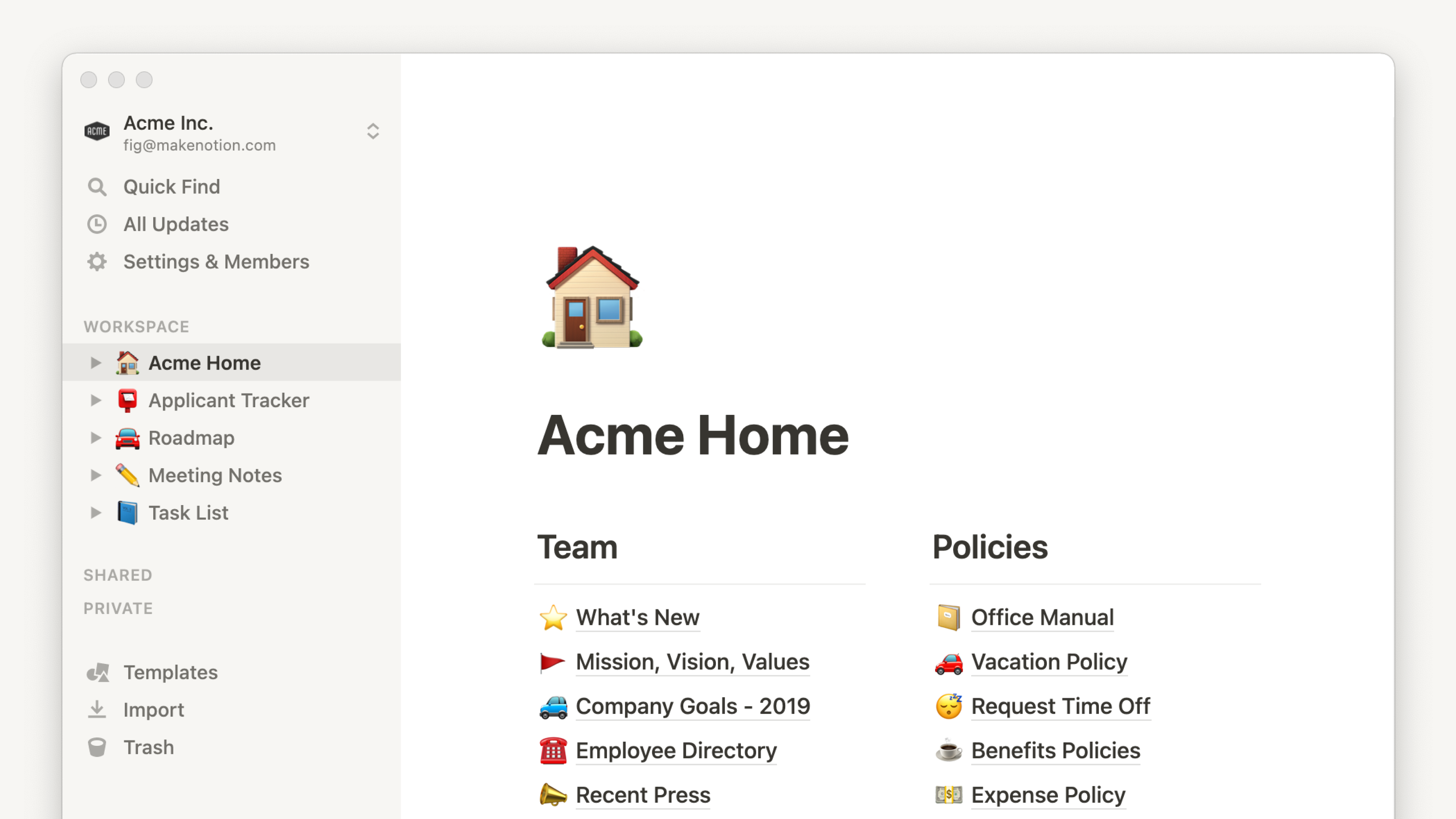
Notion starts as a blank page. You can turn it into a wiki, a roadmap, a content calendar or a CRM, and a table can sit on any page. Notion describes itself as an AI workspace for documents, wikis, projects and databases.
Confluence starts from spaces and pages. Atlassian positions it as an AI workspace for knowledge and collaboration, connecting documents, threads, meetings and decisions. The structure is firmer, so a new hire finds a page in the same place a colleague would.
Neither approach is wrong. Flexibility helps a ten-person startup move fast. Structure helps a two-hundred-person company stop arguing about where things live.
Documentation and databases
Notion's strength is the database. Teams build relational tables with multiple views, formulas and rollups, and the same data shows up as a board, a calendar or a list. Design and marketing teams tend to like it because a table can live next to a brief without ceremony.
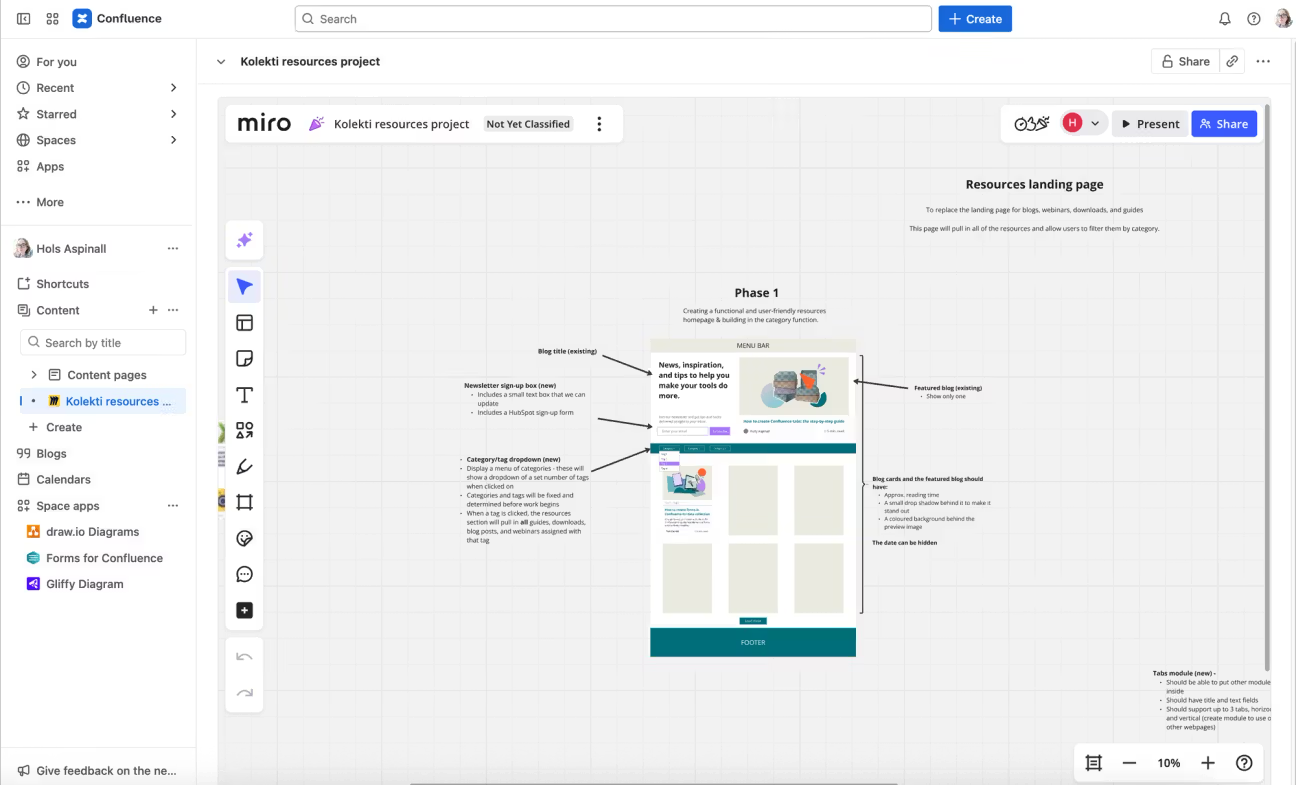
Confluence has pages, templates, whiteboards and smart links, and its database option is less mature, according to the same Super comparison. A practitioner team that uses both tools reported that design and marketing people pushed back on Confluence because it forces a page just to hold a table.
For long-lived, authoritative documents, such as runbooks, policies and architecture decisions, Confluence's draft, publish and compare-versions flow is a real advantage. For working documents that change daily, Notion's inline editing is faster.
Jira, integrations and the engineering question
This is the factor that settles most decisions. If your engineers live in Jira, Confluence pages link to issues with embedded macros, so sprint plans, incident reports and post-mortems stay connected. A 2026 write-up from Fabric calls Jira integration the single biggest factor for many teams and describes Notion's version as basic.
ClickUp's 2026 comparison lists Notion at 100+ integrations through its API, with one-way syncs to tools such as Jira, GitHub and Asana. It lists Confluence at 3,000+ Marketplace apps and native Jira, Trello and Bitbucket integration.
If you are still deciding on the issue tracker itself, our comparison of Linear and Jira is a useful companion, because that choice often drags the documentation tool along with it.
Search, AI and everyday speed
Search is where large wikis hurt. Confluence offers full-text search with advanced operators and its query language, which helps when you have thousands of pages. Notion's search is fast and respects permissions, but a practitioner account found it degrades past roughly 300 pages without space-level scoping. Treat that as one team's experience rather than a hard limit, and plan your page structure so it matters less.
On AI, both vendors now bundle it. Notion's in-page AI and Agent work inside the document. Confluence uses Rovo for summaries, agents and answers across Atlassian tools. On plans, TechPresso's 2026 review notes that Notion Free and Plus carry only limited AI trials, Business includes Notion Agent and AI Meeting Notes, and Confluence Standard includes 25 Rovo credits per user a month, rising to 70 on Premium.
What each tool really costs
Notion lists Free, Plus at US$10, Business at US$20 per member a month, and custom Enterprise pricing. Business is where SAML SSO, Notion Agent and AI Meeting Notes arrive.
Confluence is free for up to 10 users with 2 GB of file storage and unlimited spaces and pages. Above that, TechPresso's November 2026 comparison finds Confluence cheaper at every team size, putting Standard at US$720 a year for 10 users against US$1,200 for Notion Plus billed yearly. It also notes that Confluence SAML SSO below Enterprise needs a separate Atlassian Guard Standard subscription, which can change the sums.

A worked example: a 10-person product team that needs a shared wiki and nothing more can run Confluence free, or on Standard for US$720 a year. If the same team wants its roadmap, content calendar and wiki in one tool, Notion Plus at US$1,200 a year may replace two other subscriptions. The cheaper tool is the one that retires the most other tools, not the one with the lowest seat price.
Security, permissions and Australian data
For larger organizations, governance becomes the deciding factor. Confluence spaces have their own administrators and straightforward page restrictions, which suits auditable documentation. Atlassian lists enterprise governance features such as advanced encryption, data security policies and role-based access control on its own comparison page.
Notion's page-level permissions are easy at small scale and can get confusing as workspaces grow. One practitioner team described a contractor who saw pages they should not have because a linked database inherited different permissions from its parent. The lesson is to design permissions deliberately from the start, and Notion's Enterprise tier is where audit logs and advanced security controls sit.
Australian teams should also check where data lives. An Australian AI pricing tracker records that Notion has no Australian data center. On the Atlassian side, data residency is available on every paid plan, though it pins in-scope data at rest and not user account data or audit logs. If you work in finance, health or government supply chains, confirm residency and compliance requirements with your own legal or security adviser before you commit.
Why teams switch, and how to avoid it
People leave Confluence for unreliable search, stale pages and hierarchy that sprawls without governance. People leave Notion for the opposite reason: too much freedom. An Australian industrial-operations write-up from Wunse describes governance drift, where by month six there are three places to log a note and by month twelve nobody knows which is the real one.
The pattern is the same in both tools. The software is rarely the failure. The information architecture is: unclear naming, no owner for each section, no rule for when a page expires, and no thought about who reads what and when.
A short checklist that works in either tool:
- Name an owner for every top-level section. Pages without owners go stale first.
- Write down what belongs where. One sentence per section is enough.
- Limit top-level structure. Five to seven entry points beat thirty.
- Set a review rhythm. Quarterly is realistic for most teams.
- Watch how people actually search. The words they type should be the words in your titles.
Which one should you pick?
Many companies end up with both: Confluence for authoritative organization-wide documents and Notion for fluid team-level work. That is a legitimate setup, as long as it is deliberate and someone has decided which tool is the source of truth for what.
Our view: the tool is the easy part
We build products and brands for startups and established companies, so we live inside both of these tools. Research notes, design decisions, sprint outcomes and test results all need a home, and we have seen how quickly a wiki becomes a graveyard when nobody designed it for the people reading it.
That is why we treat a workspace like any other product. Who is the user? What are they trying to find? What happens when they cannot find it? The same questions we ask in user research and a design sprint apply to your internal docs. If you want to see how a simple interface wins people over, look at how Notion's minimal interface turned a blank page into a product used by millions.
Our advice: pick the tool that matches how your team already works, then spend your energy on structure, ownership and a few clear conventions. A well-designed Confluence beats a messy Notion, and the reverse is just as true.
Where the real return sits
The wiki helps your team. The product, brand and website are what your customers see, and they are where design effort pays back in revenue. We run UX design, conversion rate optimization and branding engagements, plus design workshops, user research, Design Sprints and RapidMVP for teams that need to validate an idea quickly.
A Full UX/CRO Audit starts from $2,500 one-off, and our Design Team (Platinum) plan is $8,400 per month. Both are listed on our pricing page, and the full range of services is on our services page.
If your tools are sorted and your next question is why visitors do not convert or how to validate a product idea, that is the conversation to have with us.