.svg)
.svg)



Consider Linear when your product and engineering team values streamlined workflows, cycles and keyboard-driven issue tracking. Consider Jira when configurable workflows, cross-team reporting and existing Atlassian integrations are central requirements. Team size alone does not settle the choice: both serve growing organisations, and fit depends on the process, governance and integrations you actually need.
We're a design and product agency, so we see these tools from the side of the people who feed them: designers handing work to developers, founders trying to ship an MVP, and product owners drowning in tickets. This guide covers what actually differs, what each costs, and what to check before you switch.

What each tool is trying to be
Linear describes itself as a product-development system for teams and agents, built with AI workflows at its core. Atlassian positions Jira as a project-management product for planning work and tracking progress across engineering and non-engineering teams, including design, marketing, HR and operations.
That difference in ambition shows up everywhere. Linear assumes you are building software and tells you how it thinks that should work. Jira assumes you might be doing almost anything and gives you the parts to build your own process.
These are tendencies, not universal usability results. Trial the same work in both tools: create an issue, link a design, assign ownership, change status and produce a report. Measure onboarding effort and recurring administration in your own configuration.
Workflow and usability

Linear: fast, opinionated, light
Linear's core objects are issues, projects, cycles and initiatives. Cycles are time-boxed work periods, similar to sprints but with less ceremony. Linear supports various agile methods, but its own docs say it works best with The Linear Method, its philosophy on how teams should work.
That is a feature if you like the philosophy and a constraint if you don't. You are adopting a way of working along with a tool.
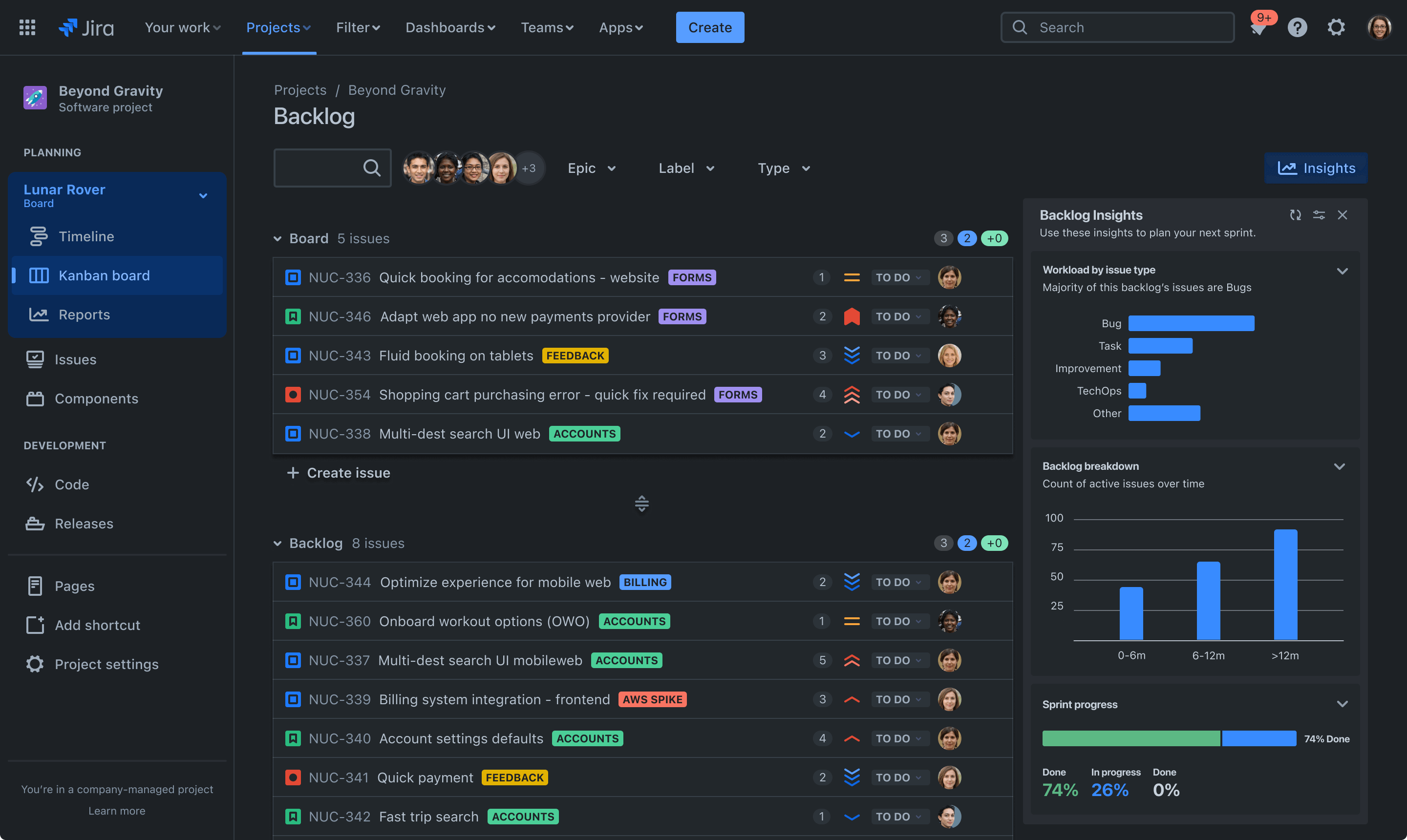
Jira: flexible, layered, heavier
Jira supports hierarchical work types and configurable planning, with advanced options depending on plan. Linear combines issues and sub-issues with projects and initiatives. Compare the structure needed for your own work rather than assuming one product has hierarchy and the other does not.
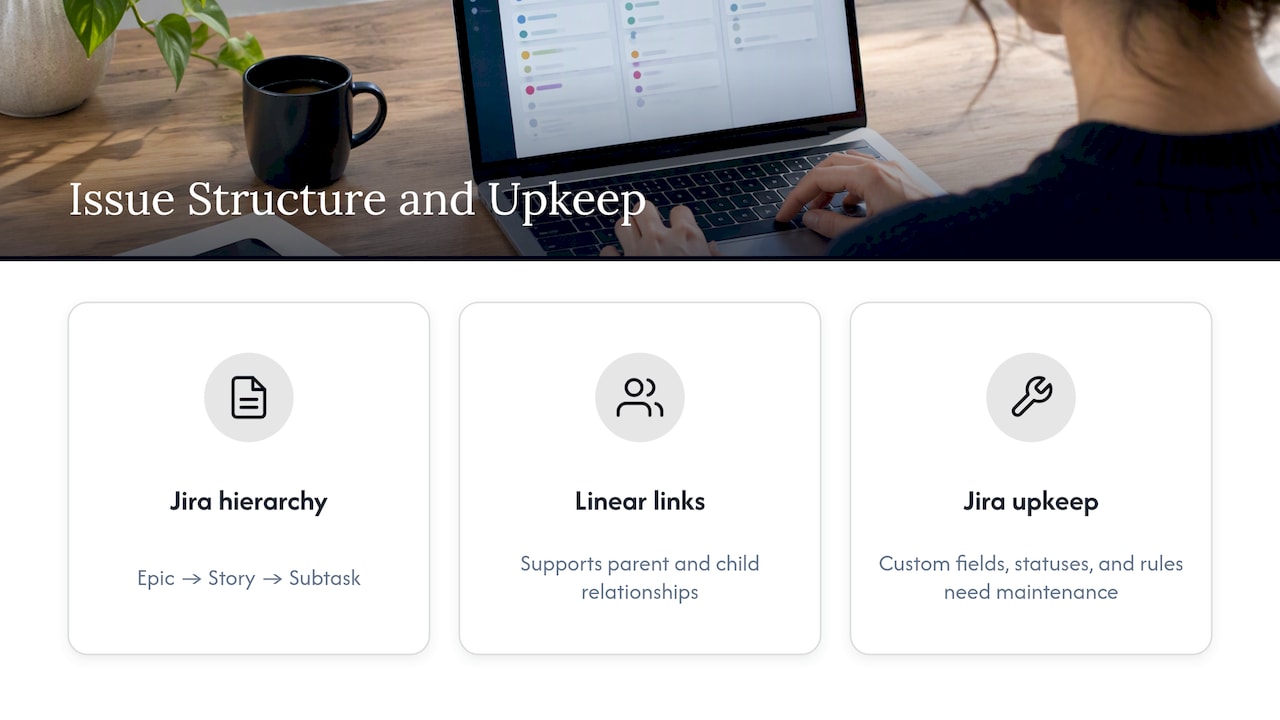
Jira's strength is that you can shape it. Its weakness is exactly the same sentence. Every custom field, status and automation rule is something somebody has to maintain.
A quick side-by-side
This comparison is a selection guide, not a feature-count score. Check the vendors' current plan matrices and trial the reporting and integrations your team relies on.
Customization, automation and reporting
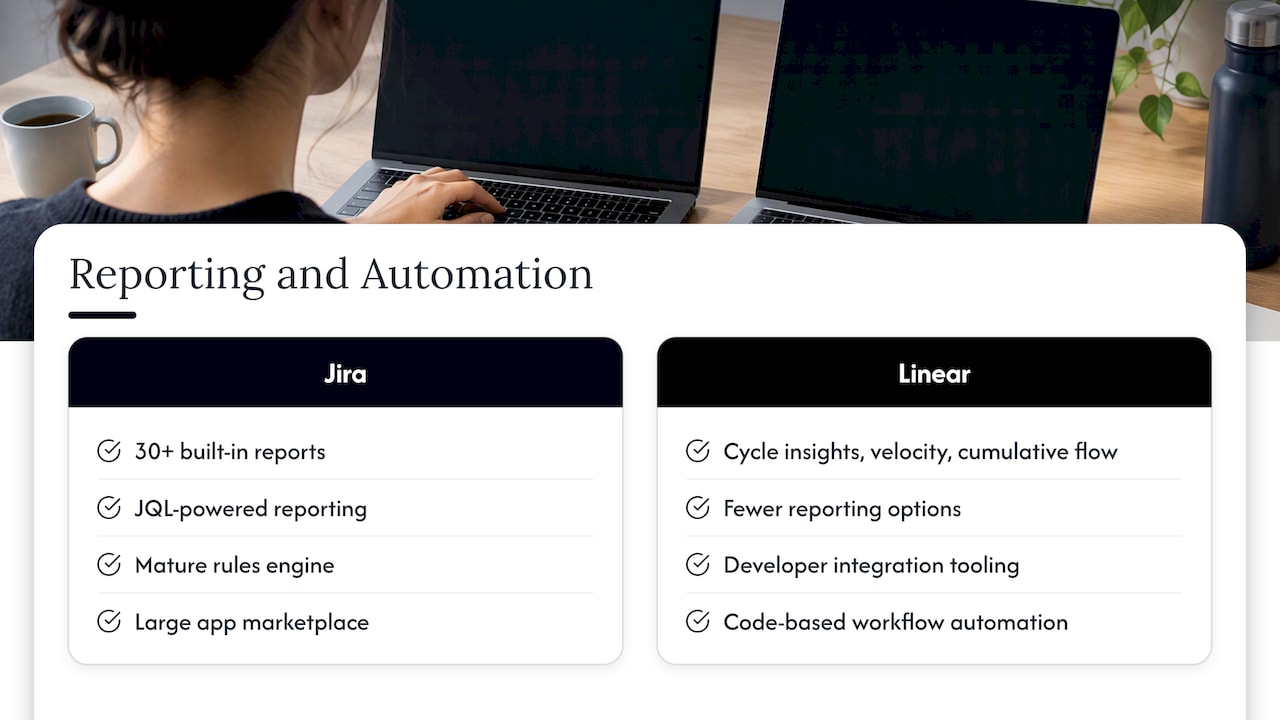
Jira offers configurable workflows, agile reports and querying through JQL. Linear offers cycle progress and plan-dependent Insights and dashboards. Neither removes the need for consistent issue data. Ask each tool to produce the reports your team needs before judging reporting depth.
Linear's own listing shows a broader toolkit than people assume: issues, projects, cycles, initiatives, customer requests, triage, Linear Insights, Linear Asks, API and webhook access, import and export, though features vary by plan. So it is not a toy. It just draws a boundary around what a product team needs.
Both products support integrations and workflow automation. Check Jira's current automation allowances and Linear's native integrations, API and webhooks against your actual use cases. Distinguish no-code rules from custom integration work, and include maintenance, permissions and usage costs.
Integrations and AI
Jira's Rovo AI assistant integrates with Confluence, Slack and code repositories to give organization-wide context. If your documentation already lives in Confluence, that pull is strong.
Linear integrates with Slack and Microsoft Teams and has its own AI and agent workflows. For design teams specifically, the integration that matters most is often the handoff from the design file to the ticket. Whichever tracker you choose, a clean process there saves more time than any feature on this page, and our guide to Figma developer handoff covers how to set it up.
What they cost
Pricing checked on 28 October 2026. Linear's displayed Basic and Business rates below are per user per month billed yearly. Jira's displayed prices are estimates that depend on seat count and billing selection, so they are not a like-for-like annual quote. Confirm billing currency, GST, renewal terms and add-ons for an Australian purchase.
See Linear pricing and Jira pricing for current terms. Linear Free permits unlimited members but limits issues and teams. Jira Free permits up to 10 users. Paid feature access varies by tier.
Check the limits behind the quote: storage, automation, identity management, support and uptime commitments. Jira's plan guide lists reporting, planning and administration differences. Read the actual contract and service-level terms rather than treating an Enterprise label as a compliance guarantee.
Compare total operating cost, including licences, optional apps, identity features, AI usage, training and ongoing administration. A smaller seat price does not guarantee a smaller overall bill, and a streamlined tool does not automatically eliminate administrative work.
Which team should choose which
Choose Linear when
- Your work is mostly product development and the team prefers Linear's workflow model.
- You value speed and are happy to adopt a recommended way of working.
- Nobody wants to be the Jira admin.
- You ship in short cycles and want issues to feel light.
A product-development focus can favour Linear, but there is no universal headcount threshold. Larger teams should test cross-team visibility and governance; smaller teams should still check essential workflow and reporting requirements.
Choose Jira when
- Work spans engineering, operations, HR or marketing, and everyone needs one system.
- You need configurable reporting and governance that you have verified in the relevant Jira plan.
- You depend on specific marketplace apps or Confluence.
- You have, or can fund, someone to own the configuration.
Check the fine print for enterprise IT
Review Linear's security documentation and the applicable Jira plan and contract. Check data location, access controls, audit retention, export, identity management and any required agreements. Linear offers a HIPAA Business Associate Agreement on Enterprise; that does not make every workspace compliant by default. If self-hosting or air-gapped deployment is mandatory, verify an explicitly supported deployment and its lifecycle rather than assuming Jira Cloud satisfies that requirement.
Switching: what to assess first
Linear publishes a migration guide that frames the main choices well. Decide whether to import issues or start fresh, choose standardized or autonomous workflows, and consider using Jira's two-way sync while you trial or transition.
Decide what history matters before importing. Audit stale issues, custom fields and retention requirements, then test representative issues, attachments, comments, users and relationships. A migration can simplify configuration, but this article does not establish a predictable productivity gain or guaranteed complete transfer.
Linear's own pitch guide argues that a migration is a one-time disruption, while a tool that no longer fits is a recurring, costlier one. That is the vendor's view, naturally, but the logic holds in reverse too: if Jira fits and your team is simply tired of a messy configuration, cleaning up Jira may be cheaper than leaving it.
A practical sequence:
- Audit what you actually use: statuses, fields, automations, reports.
- Run both tools side by side on one team for a full cycle or sprint.
- Decide what history to carry over. Often the answer is open issues only.
- Agree the new workflow in writing before you import anything.
- Set a firm date to retire the old tool, or the two will live on together.
Our perspective
We get asked about tools constantly, and our honest answer is that the tracker is rarely the bottleneck. The teams that struggle with either product usually have a priorities problem wearing a tooling costume. Tickets pile up because nobody has agreed what matters this quarter, not because the board is the wrong colour.
That is why we lean on research and short, structured work before anyone opens a backlog. A design sprint forces a team to decide what to test and who it is for. A rapid MVP forces scope down to something real. After that, almost any tracker works, and the choice becomes a question of fit: how big you are, how much process you can carry, and who will own it.
So we'd put it this way. If you are a small product team and you want the lightest path from idea to shipped, Linear's opinions will probably feel like relief. If you are a larger organization with many stakeholders and a reporting burden, Jira's flexibility is the point, as long as someone tends it. And if the tickets you are fighting about are really design questions, such as unclear flows or drop-offs nobody has measured, a funnel review like the one in our funnel analysis guide will settle more arguments than a new tool.
When the real problem is the product, not the tracker
If your backlog is full of vague UX tickets, first clarify the evidence, scope and owner. Our UX/UI Design Team starts from $8,400 per month plus GST. The Full UX/CRO Audit starts from $3,500 plus GST as a one-off. Confirm the current scope and inclusions, or explore our UX design service before deciding what support fits.
A short decision checklist
Answer these honestly and the choice usually makes itself.
- Who will use it? Map product, engineering and other teams to the workflows they need. Headcount alone is not a reliable cutoff.
- Who will maintain it? No named owner means choose the lighter tool.
- What must you report, and to whom? Audit and compliance needs favor Jira's depth.
- What do you already pay for? Confluence and Atlassian apps tilt toward Jira; a Slack-and-GitHub culture tilts toward Linear.
- What are your security constraints? Check deployment, data location, identity, retention and contractual requirements for the exact plan under consideration.
- How much change can the team absorb this quarter? If the answer is little, fix the current setup first.