.svg)
.svg)

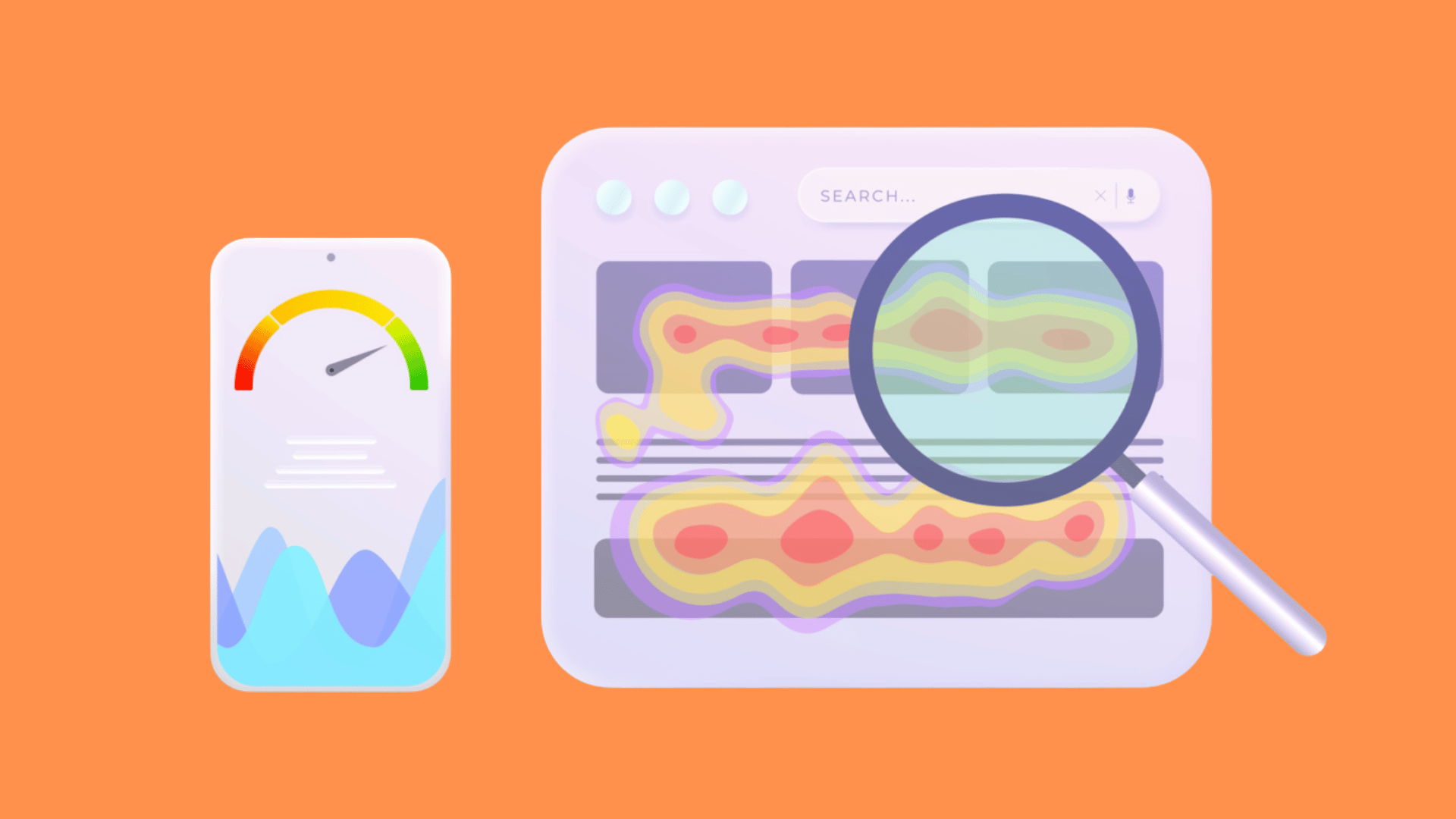

Microsoft Clarity is a useful starting point for teams seeking free heatmaps and recordings. Compare Contentsquare, where new Hotjar sign-ups now go, when you also want surveys and broader analysis. For product debugging or enterprise workflows, consider LogRocket, Fullstory and Glassbox. The best choice depends on your question, capture controls and ability to act on the findings.
We run conversion and UX projects for a living at Raw Studio in Sydney, so we have opinions about this. The short version: a heatmap never tells you what to change. It tells you where to look.
What a heatmap can and can't tell you
A heatmap visualises aggregated clicks, taps, pointer movement or scroll reach, depending on its type. Colour represents the selected metric and scale; it does not directly measure attention, comprehension or intent. Recordings add observed interaction sequences, while rage-click and dead-click flags are investigation prompts rather than diagnoses.
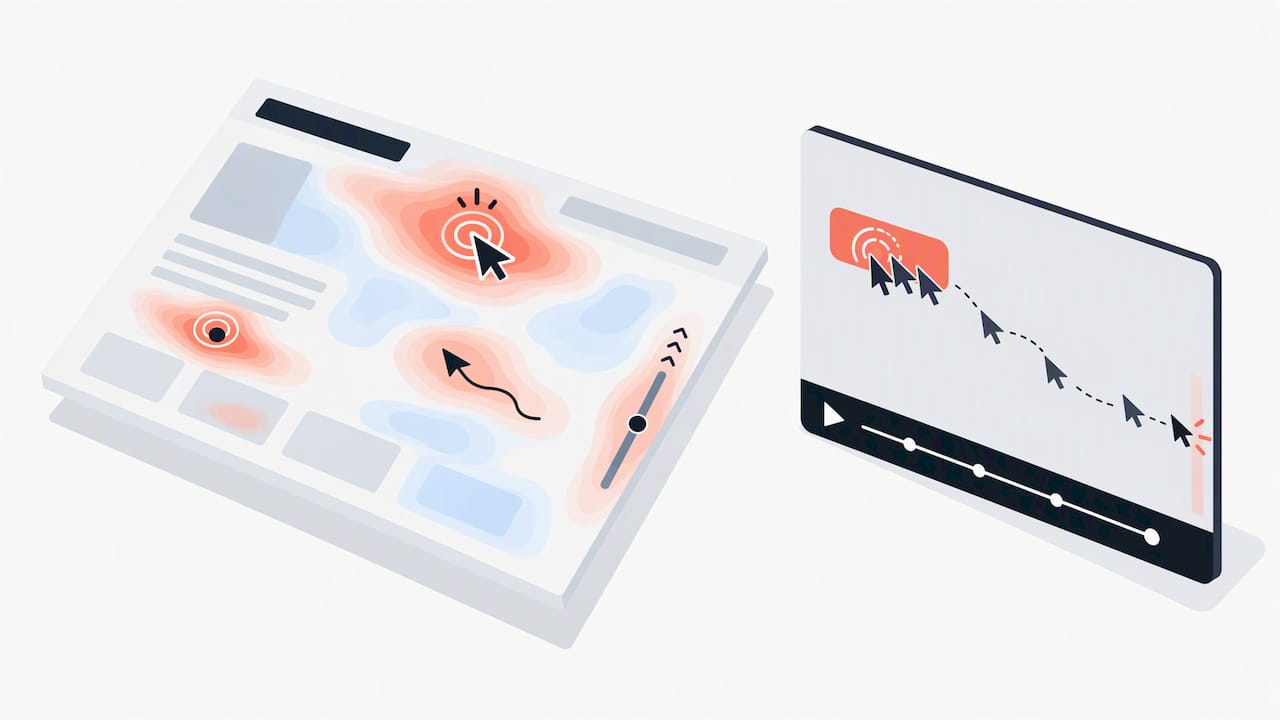
That is useful, but it is descriptive. A cold call-to-action might be badly worded, badly placed, or simply irrelevant to the people who land on that page. We wrote about one classic trap in our UX heatmap analysis of false bottoms and color: a design that looks finished at a certain scroll depth, so visitors stop scrolling even though content continues below. The scroll map shows a cliff. The fix is a design decision, not a software setting.
So judge a tool by how fast it gets you from "something odd is happening here" to "here is a test worth running".
How we compared the tools
We weighed six things that matter to a team that has to act on the data:
- Heatmap types: click, scroll, move, and newer attention or engagement maps.
- Session recordings: limits, filters, rage-click and dead-click detection.
- Feedback: on-page surveys and widgets, so you can ask why.
- Data volume and retention: how many sessions you get, and for how long.
- Cost at your traffic level: the sticker price is rarely what you pay after a year of growth.
- Privacy controls: masking, consent handling and where data is processed.
This is an editorial shortlist by use case, not a hands-on benchmark of every product. Current vendor documentation is used to check key features and packaging. Confirm capture allowance, retention, permissions and pricing in a trial before committing.
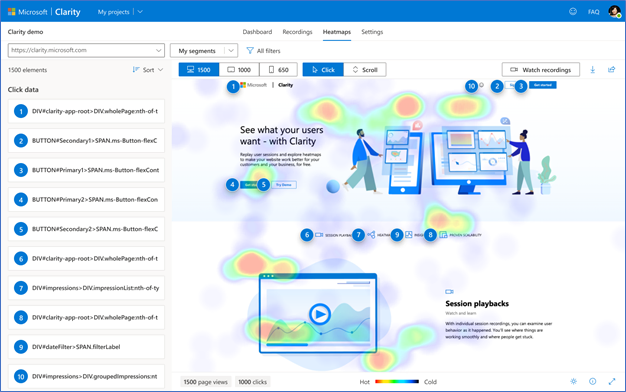
Microsoft Clarity: the best free heatmap tool
Microsoft Clarity offers free heatmaps, recordings and AI summaries. Its documentation states that there are no traffic limits. That does not mean every visitor will be captured: consent, blocking, exclusions and implementation can affect coverage.
Where it shines
- No traffic-based subscription upgrade; still check capture coverage and retention for your implementation.
- Rage-click and dead-click signals help identify sessions worth investigating; confirm the underlying issue before changing the interface.
- Light enough for marketers who are not analysts.
Where it stops
Clarity also supports multi-step funnels, so the claim that it lacks funnel analysis is outdated. If direct visitor feedback is central to the study, compare dedicated survey options. Review retention and collection controls rather than assuming free means unlimited access to historical data.
Best for: startups, small business sites, and anyone who has never looked at a heatmap before.
Hotjar and Contentsquare
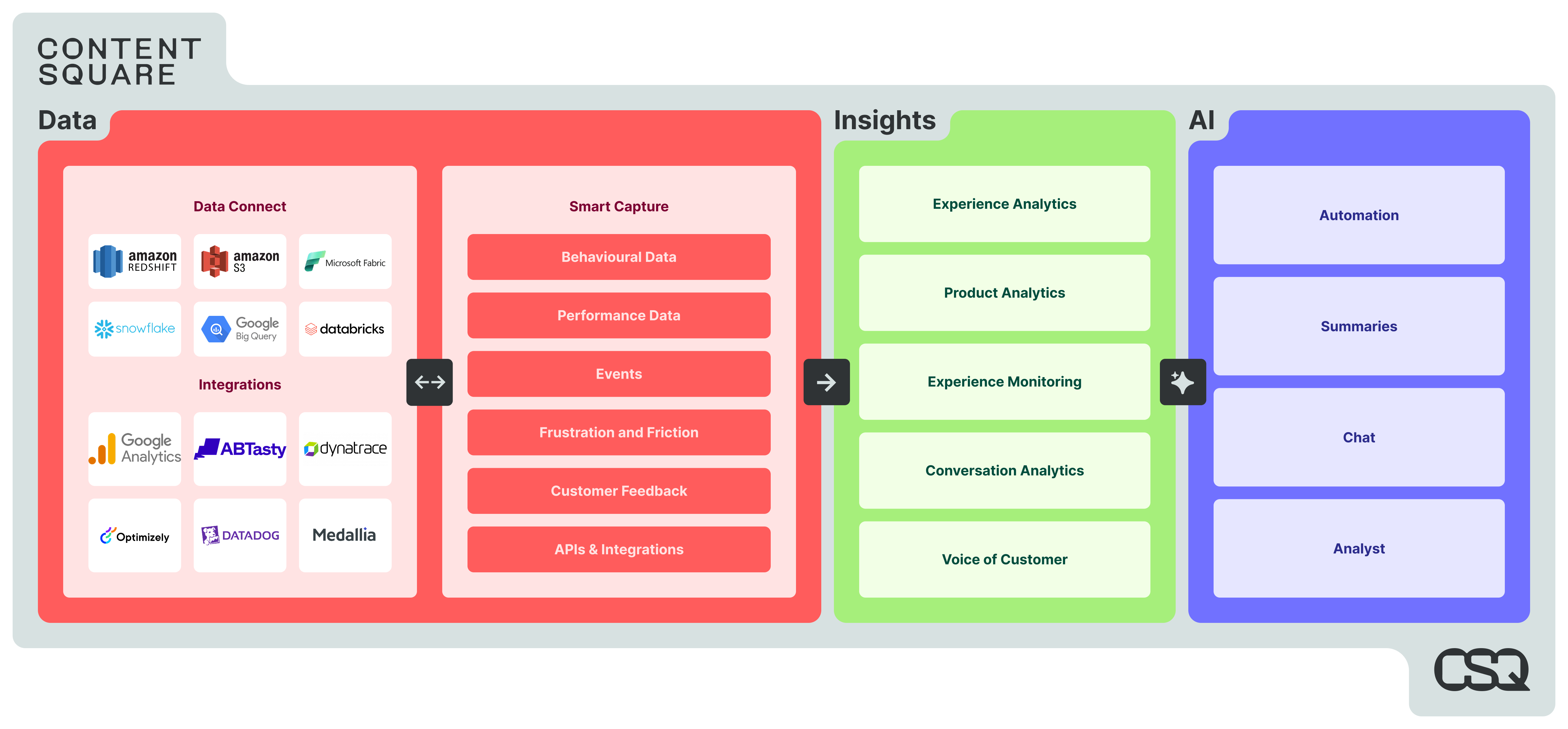
Hotjar is now Contentsquare, and new accounts are created on Contentsquare. The current Free plan lists 200,000 monthly sessions, one project and one month of data access, with heatmaps, replay, funnels and basic surveys. Check current terms and feature access before deploying.
Do not budget from historical Hotjar plan names or prices. Existing customers should confirm their migration and renewal terms; new buyers should compare current Contentsquare plans against the session volume, retention and feedback workflow they need.
Where it shines
- Heatmaps and recordings sit next to surveys and feedback widgets, so you can ask a visitor why they did something.
- Evaluate paid tiers when your required retention, session allowance or capabilities exceed the Free plan.
- Trial the combined heatmap, replay and feedback workflow on a representative page before committing.
Where it stops
Paid capture allowances and retention requirements can affect cost. Compare the total proposal at your expected volume, including implementation and review time, rather than assuming every feedback workflow requires a paid plan.
Best for: teams that need qualitative feedback alongside behavior data.
Other heatmap tools worth a look
These products cover different jobs. Compare their current Fullstory heatmap, LogRocket debugging, Glassbox experience analytics, Mouseflow behaviour analysis and Crazy Egg optimisation workflows against your own needs. The table is a shortlist, not a ranking.
These strengths are use-case distinctions, not exclusive features. Validate the current plan and a real study workflow; several products offer overlapping heatmaps, replay, surveys and funnels.
Clarity vs Hotjar: which should you pick?
This is the question we hear most. The honest answer depends on traffic, budget and what you plan to do with the data.
There is no universal traffic threshold that determines which tool is best. Compare your research question, capture coverage, retention, feedback needs and total cost. Neither a free nor a paid platform substitutes for interpretation.
The hybrid stack
A hybrid stack can make sense when one tool handles broad behavioural review and another answers targeted feedback questions. Start with one tool if it already covers both needs. Additional scripts add performance, governance and review work; check for duplicate capture and whether the extra evidence changes a decision.
Privacy for Australian sites
Heatmap and replay collection can involve personal information. Assess whether your organisation is covered by the Privacy Act and what the actual capture and disclosure involve. The OAIC tracking-pixel guidance is relevant context for tracking obligations, not a session-replay-specific approval. Practical checks include:
- Minimise and test capture. Mask or exclude personal and sensitive content before collection. Test dynamic text, URLs and rendered values as well as form inputs; masking a field alone does not guarantee that personal information cannot appear elsewhere.
- Review sensitive pages and data flows. Exclude unnecessary capture, verify access controls, retention and overseas handling, and retest after interface changes. A vendor compliance label does not establish that your deployment meets its obligations.
- Provide clear notice and configure required permissions. Describe collection, purposes and disclosures accurately. Determine consent requirements for your actual data, purpose and visitor markets; where permission is required, prevent capture until it is obtained and honour withdrawal.
This is general information, not legal advice. If you handle health records, payments or data about children, ask a privacy lawyer or your organisation's privacy officer to review the setup before launch.
How to run your first heatmap study
Most people install a tool, stare at red blobs for ten minutes, and change a button color. Here is a better routine.
- Pick one page and one question. For example: why do few visitors reach the pricing table on the landing page?
- Collect enough data. Wait for a meaningful number of visits per device type. Mobile and desktop behave differently, so look at them separately.
- Combine evidence. Read click maps as recorded actions, scroll maps as reach, and recordings as sequences. None reliably reveals intent on its own.
- Write a hypothesis. "Visitors stop at the hero because the image looks like a page end. Adding a visual cue will lift scroll depth."
- Plan the evaluation. Where feasible, run a randomised A/B test with a defined outcome, meaningful effect and adequate sample. A before-and-after result alone does not establish causal lift.
- Ask people. Use targeted feedback or usability sessions to explore possible explanations. A handful of interviews can identify issues but does not quantify prevalence. Our user survey guidance can help plan questions.
The pattern we see on SaaS sites is that heatmaps expose the symptoms of the same handful of problems. Our list of 12 UX mistakes that kill SaaS conversion is a handy checklist to hold against what you see. If forms are where people drop off, start with these form conversion hacks.
Our perspective: the tool is the cheap part
We have sat in a lot of workshops where a team proudly shares a heatmap and then says, "so now what?" That moment is the real subject of this article.
Here is what we believe, from running research-led design work for startups and established companies:
- Pick a tool that answers the current question. Start with a small, defined study and assign someone to review the evidence. Time to insight depends on traffic, setup and the question.
- Heatmaps are a starting point for a hypothesis, not a verdict. We pair them with user research and testing, because behavior shows what and people explain why.
- Measure outcomes, not colours. Track signups, enquiries or sales alongside the interaction metric. Use an appropriate evaluation design; a before-and-after case study may show an association without isolating causation.
- Budget for the fix, not just the software. The subscription is the small line item. Design and development time to act on what you learn is the large one.
If you want a wider tool landscape beyond heatmaps, we have also covered CRO tools that help improve UX and UI, the full range of conversion rate optimisation tools and Google Analytics alternatives.
Philippe
When you want someone to read the data with you
Our Full UX/CRO Audit starts from $3,500 plus GST as a one-off. The UX/UI Design Team starts from $8,400 per month plus GST. Confirm current scope and pricing, explore the free UX audit, or review our conversion rate optimisation service.