.svg)
.svg)

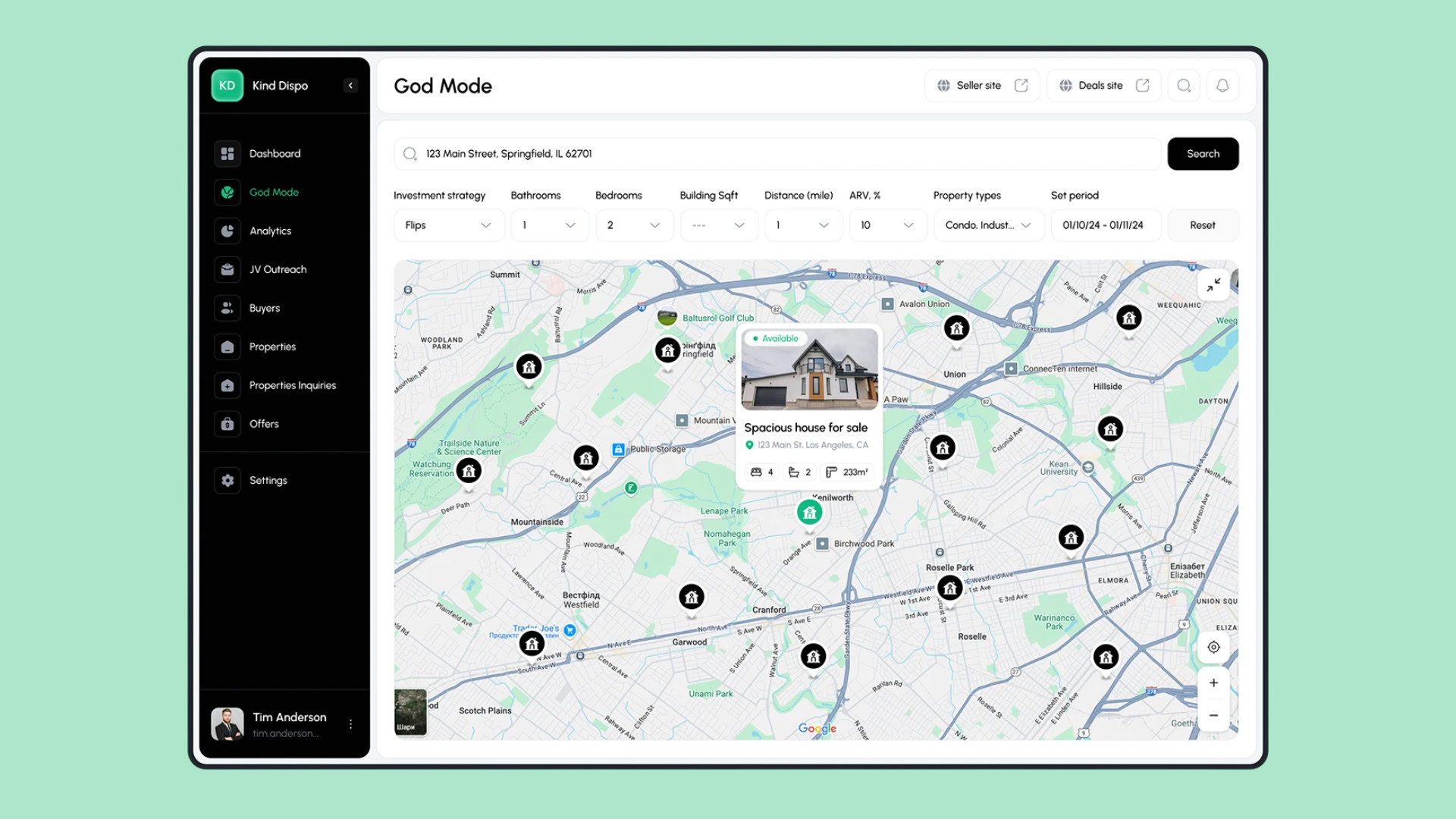

Home search has always been spatial. Before users care about finishes or square footage, they care about where a home is located. This is why the most successful real estate products lean heavily into map ux. Location is not just a filter, it is the foundation of the decision.
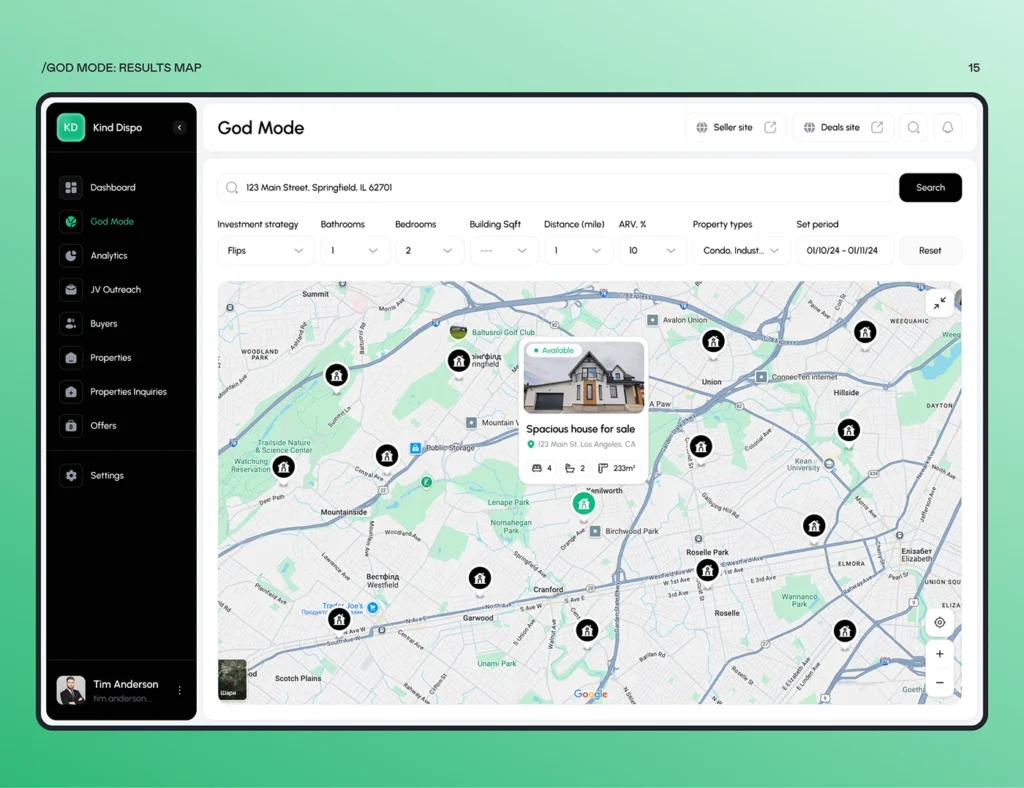
Apps like Zillow, Redfin, and Rightmove did not make maps optional by accident. They learned that when users see homes on a map, they understand tradeoffs faster. A slightly smaller home feels acceptable if it is closer to work or next to a park. Maps accelerate these realizations by making context visible instantly.
Limitations of List Based Discovery
List based discovery hides geography behind addresses and neighborhood labels. Early versions of Craigslist real estate listings are a good example. Users had to read addresses, open external maps, and mentally connect dots.
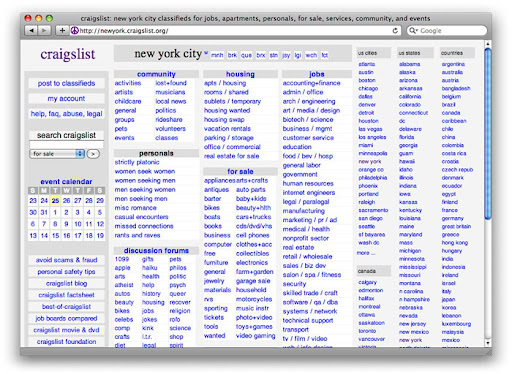
Even today, some property portals still default to list views. This creates friction similar to what users experience on older versions of Realtor.com, where switching between list and map interrupts flow.
Comparing neighborhoods becomes guesswork. Two listings may look identical in a list, yet one is next to a highway and the other near a quiet residential street. Without a strong map ux, users must click into each listing to discover these differences, slowing down the search and increasing fatigue.
Core Principles of Map First UX
Successful real estate apps follow consistent map first patterns that reduce cognitive load and increase clarity.
Pricing Pins
Zillow popularized price based pins that show listing prices directly on the map. This single decision transformed browsing behavior.
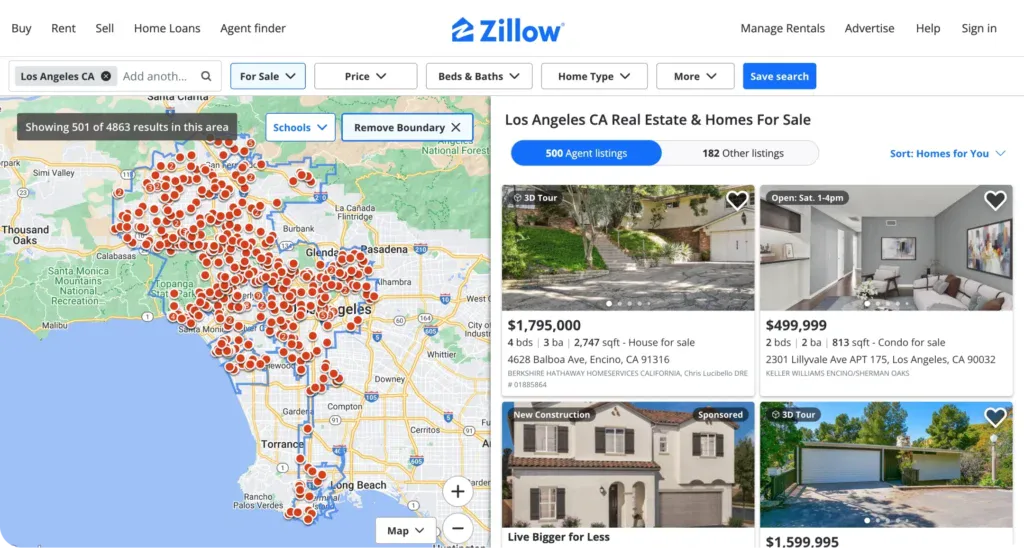
Users can instantly see that homes cluster at lower prices in certain pockets while premiums appear near waterfronts or city centers. Redfin refined this further by adjusting pin sizes and contrast, making price scanning effortless.
Pricing pins turn the map into a market overview rather than a navigation tool.
Scroll and Pan Interaction
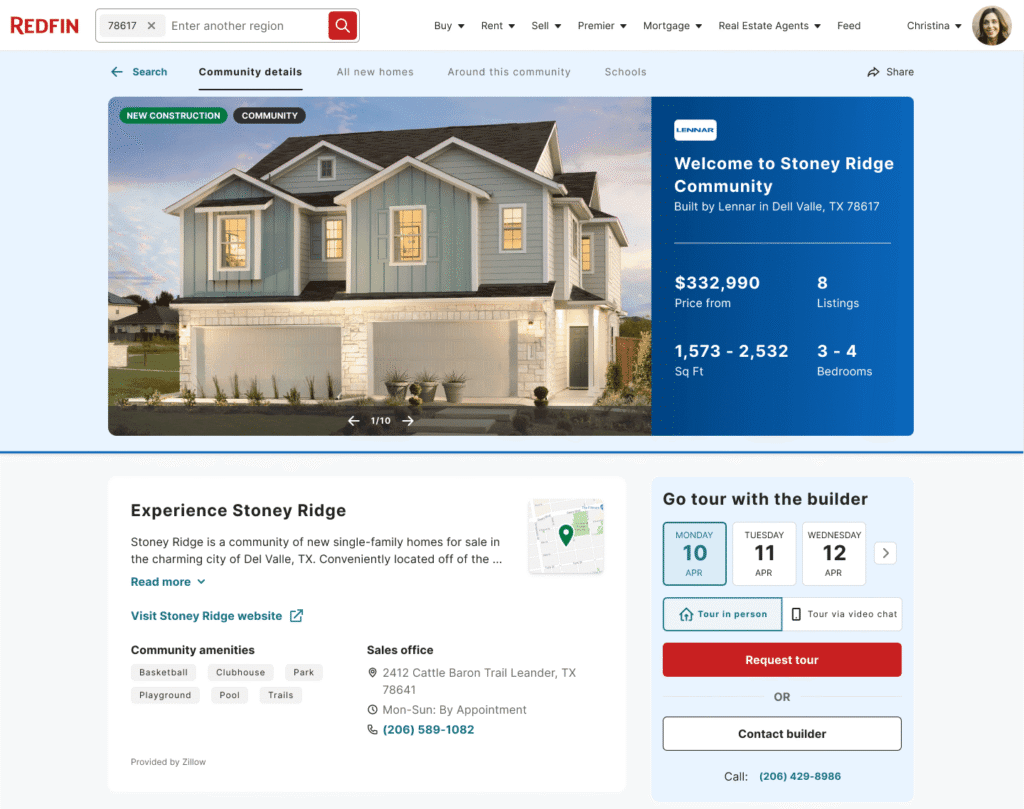
Redfin is a strong example of responsive map ux. When users pan or zoom the map, listings refresh automatically without pressing a search button.
This mirrors how people already explore areas in Google Maps. The interface feels alive and predictable. Users explore neighborhoods organically rather than executing repeated searches.
This pattern keeps users engaged longer and encourages exploration instead of rigid filtering.
Cluster Behavior
Apps like Rightmove and Zillow use clustering to manage dense urban listings. In cities like London or New York, hundreds of properties can exist within a few blocks.
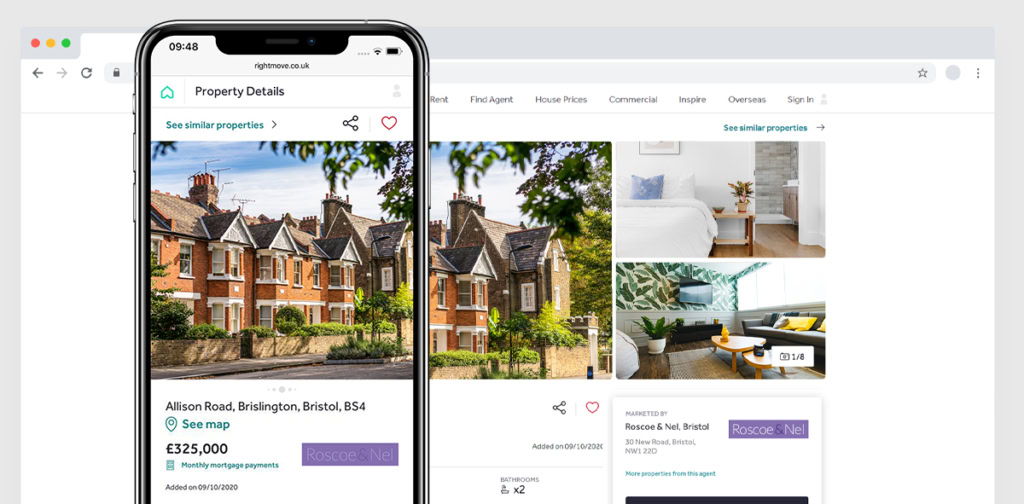
Clusters show counts at a high level, then break apart smoothly as users zoom in. This progressive disclosure helps users understand supply density without overwhelming them.
Cluster behavior is a foundational element of scalable map ux.
Enhancing Map Interaction Tools
Beyond navigation, interaction tools let users express intent visually.
Draw on Map
Redfin and Realtor.com both offer draw on map features. Users can sketch custom shapes to define search areas that match how they think.
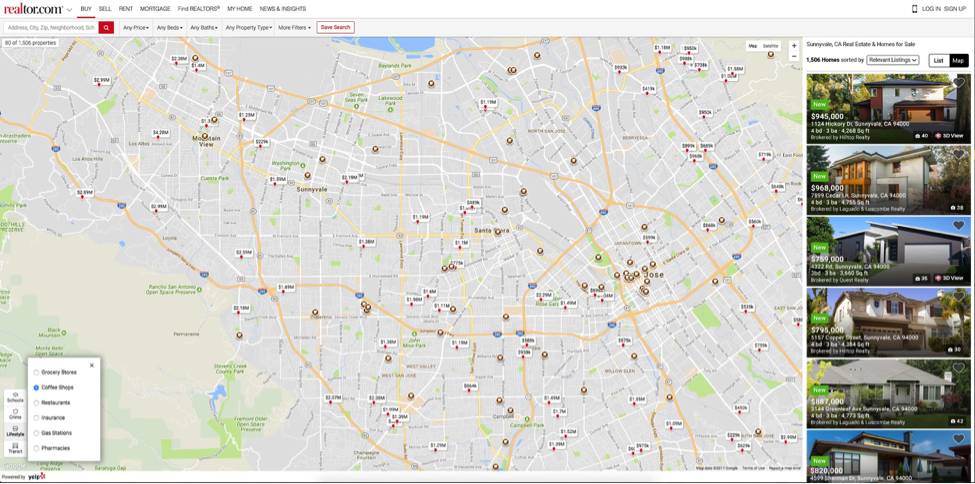
This is especially useful in cities where neighborhood boundaries are fuzzy or subjective. A user might draw around areas near a specific subway line or school district rather than rely on preset filters.
Draw tools give users control and reduce frustration when predefined zones do not fit their needs.
Live Filters
Zillow’s live filters update the map in real time as users adjust price ranges, bedroom counts, or home types.
When users drag the price slider and watch pins disappear or reappear instantly, expectations adjust naturally. This immediate feedback loop is a hallmark of effective map ux.
Live filters turn exploration into a conversation between user and interface.
Bounding Box Search
Most modern real estate apps now rely on bounding box search, including Zillow and Redfin.
As users move the map, results automatically update to match the visible area. There is no need to confirm or reset searches. The map itself becomes the query.
This aligns perfectly with natural exploration behavior.
Adding Data Layers That Improve Decision Making
The real power of map ux emerges when contextual data layers are added.
Schools
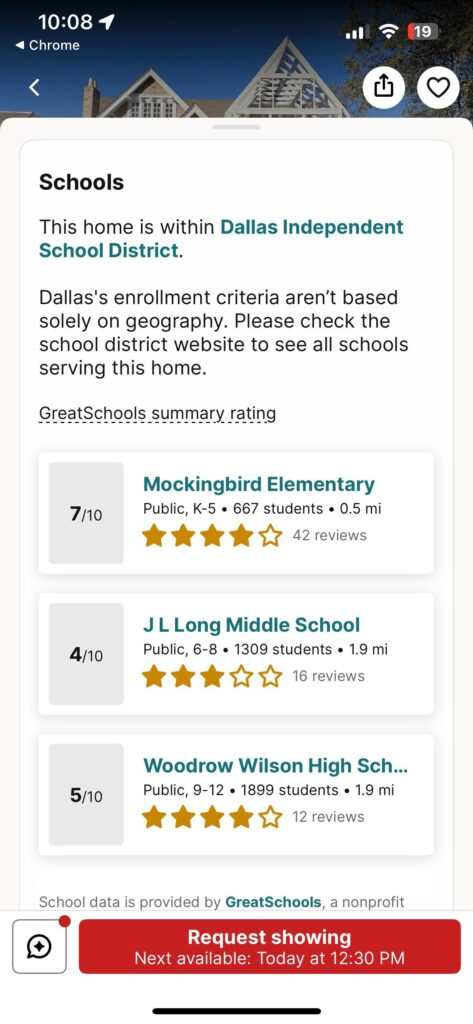
Zillow and GreatSchools integration is a well known example. School ratings, boundaries, and proximity appear directly on the map.
For families, this can immediately eliminate or elevate entire areas. Instead of researching schools separately, users make informed decisions within the same interface.
Crime
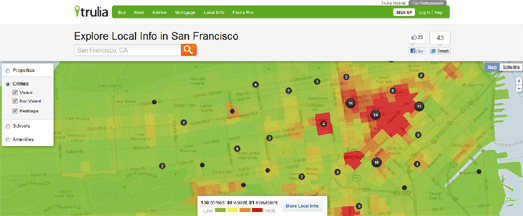
Apps like Trulia introduced crime heatmaps early on. These overlays help users understand safety patterns visually rather than through raw statistics.
A neighborhood that looks affordable may raise concerns when overlaid with higher incident density. This transparency builds trust, even when it disqualifies listings.
Commute
Redfin and Google Maps integrations allow users to estimate commute times from a listing to a workplace.
Seeing a 25 minute commute versus a 50 minute one can instantly reshape priorities. Commute layers ground decisions in daily reality, not just aesthetics.
Amenities
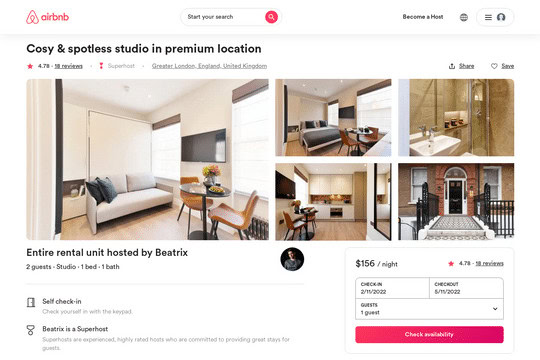
Zillow, Airbnb, and even Apple Maps influence expectations here. Users now expect to see grocery stores, parks, cafes, and transit stops layered onto maps.
In real estate platforms, this helps users validate lifestyle fit. Walkability becomes visible, not just a score.
Mobile Map Experience
Mobile is where map ux either shines or fails.
Gestures
Apps like Zillow and Redfin closely follow native map gesture standards. Pinch to zoom, drag to pan, tap to open listing cards.
Because these gestures match Google Maps and Apple Maps, users need no onboarding. Familiarity reduces friction instantly.
Sticky Filters
Sticky filter bars, used effectively in Zillow’s mobile app, keep key controls accessible while exploring the map.
Users can adjust price or home type without leaving the map view, maintaining flow and focus.
Split View
Zillow’s split view pattern, with the map on top and listings below, is now an industry standard.
As users move the map, the list updates automatically. Selecting a listing highlights its pin, reinforcing spatial awareness.
How Map Centric UX Increases Lead Quality
Map centric ux does not just increase engagement, it improves intent quality.
Users who explore deeply using maps tend to understand neighborhoods, price ranges, and tradeoffs before reaching out. Zillow and Redfin both report that map engaged users submit fewer but higher intent inquiries.
These users reference specific streets, schools, or commute times when contacting agents. Conversations start with context rather than discovery, saving time for both sides.
Conclusion
Map ux has moved from a supporting feature to the backbone of modern real estate platforms.
Apps like Zillow, Redfin, and Rightmove have proven that when maps lead the experience, users make faster, more confident decisions. As expectations continue to rise, list first discovery will feel increasingly outdated.
The future of real estate search belongs to platforms that treat maps not as a view, but as the product itself.