
Apple UX Principle: How Simplicity Drives Apple’s 5–10% Conversion Rates

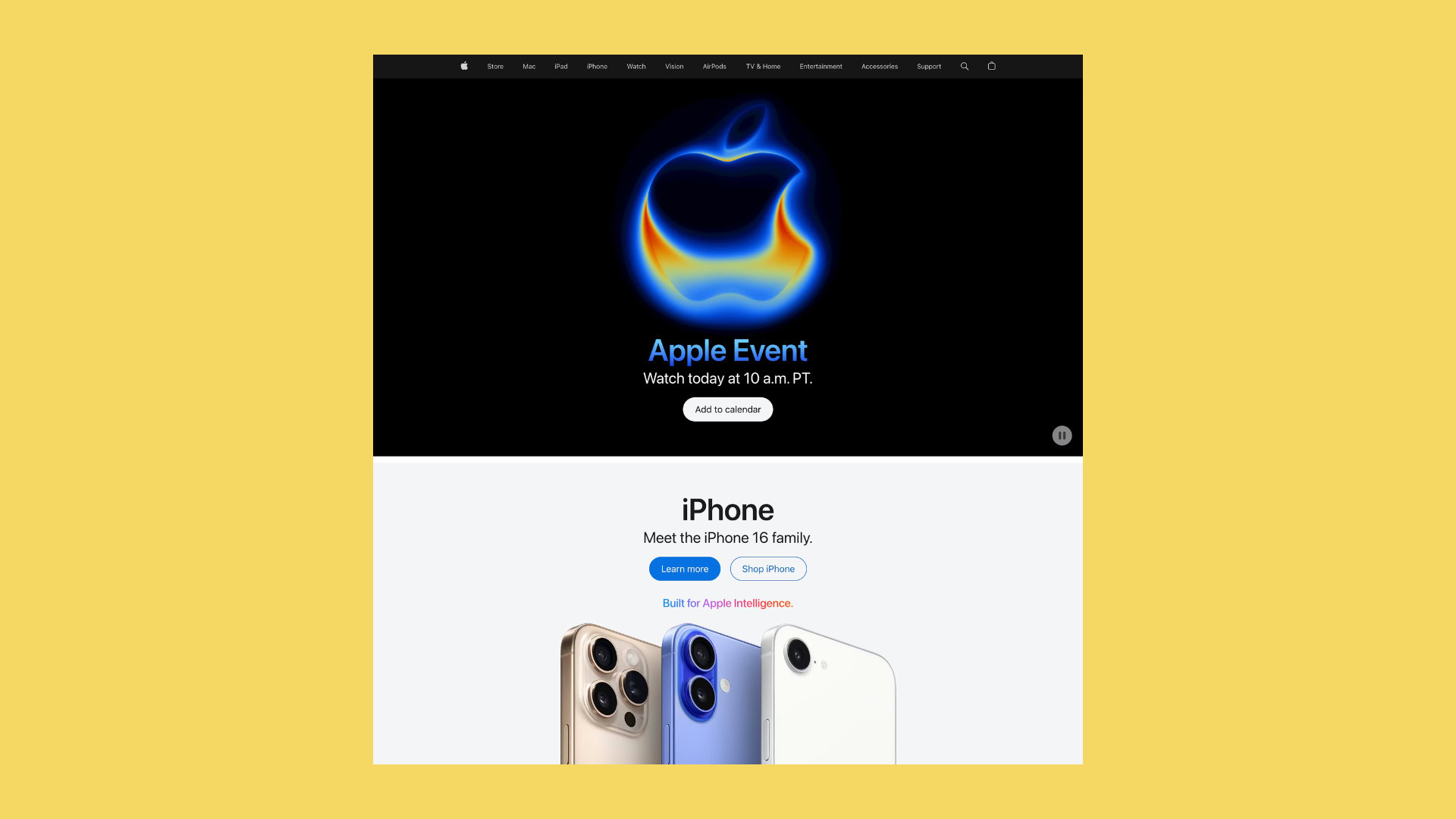
The Apple UX Principle is often misunderstood as a design style defined by minimalism and clean interfaces. In reality, what Apple Inc. has built is far more strategic. It is a system designed to influence how people think, feel, and ultimately decide.
This case study explores how Apple applies five core UX principles, usability, communication, functionality, aesthetics, and emotional connection, to create product experiences that consistently outperform industry benchmarks. More specifically, it examines how these principles contribute to Apple’s estimated 5–10% conversion rates, significantly higher than the typical ecommerce average of 2–3%.
The goal is not to replicate Apple’s design, but to understand the mechanisms behind its performance.
Table of Contents
Why Most Websites Fail to Convert
To understand Apple’s advantage, it is important to first examine why most digital experiences underperform.
Many websites are designed with the assumption that providing more information will lead to better decisions. As a result, they present users with multiple product options, dense feature lists, numerous calls to action, and competing messages all at once.
While this approach aims to be comprehensive, it creates a different outcome.
Users are forced to process too much information simultaneously. Instead of feeling informed, they feel overwhelmed. Instead of moving forward, they hesitate.
Behavioral research by Sheena Iyengar and Mark Lepper demonstrated that when people are presented with too many choices, they are less likely to make a decision at all. This phenomenon, known as choice overload, is one of the most consistent findings in decision science.
In a digital context, this translates directly into lost conversions.
Every additional decision a user must make increases cognitive load. Every moment of uncertainty introduces friction. And every instance of friction increases the likelihood that the user will abandon the process entirely.
Most websites unknowingly optimize for information density. Apple optimizes for decision clarity.
Case Overview: The Apple Product Page as a Conversion System
Apple product pages are not designed as static information repositories. They are engineered as guided decision systems.
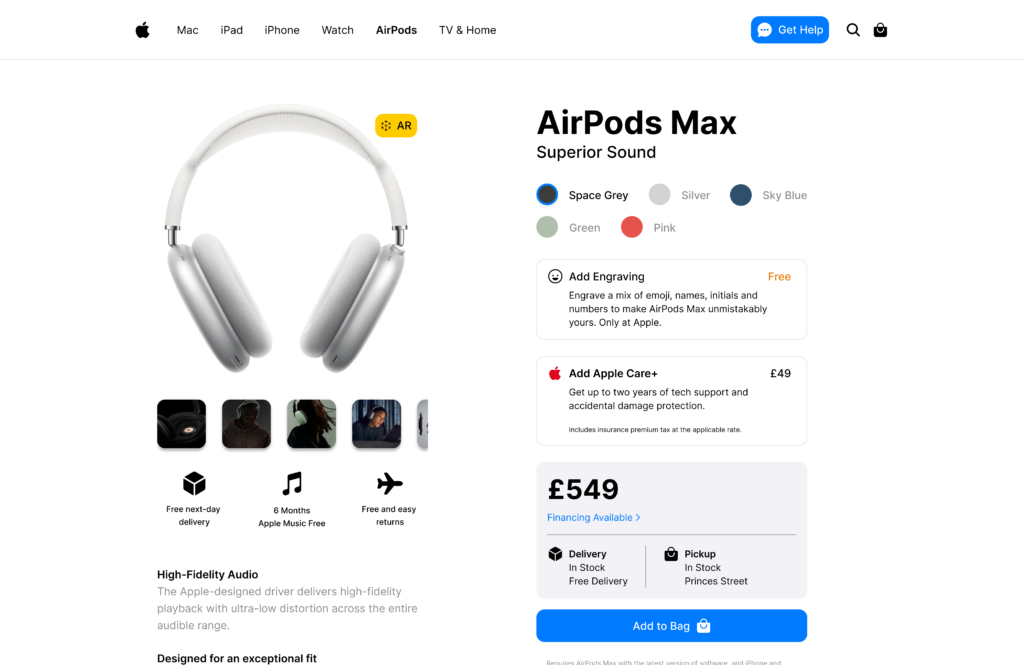
When a user lands on an Apple product page, they are not confronted with multiple choices or navigation paths. Instead, they are introduced to a carefully structured experience that unfolds over time.
The page behaves like a narrative.
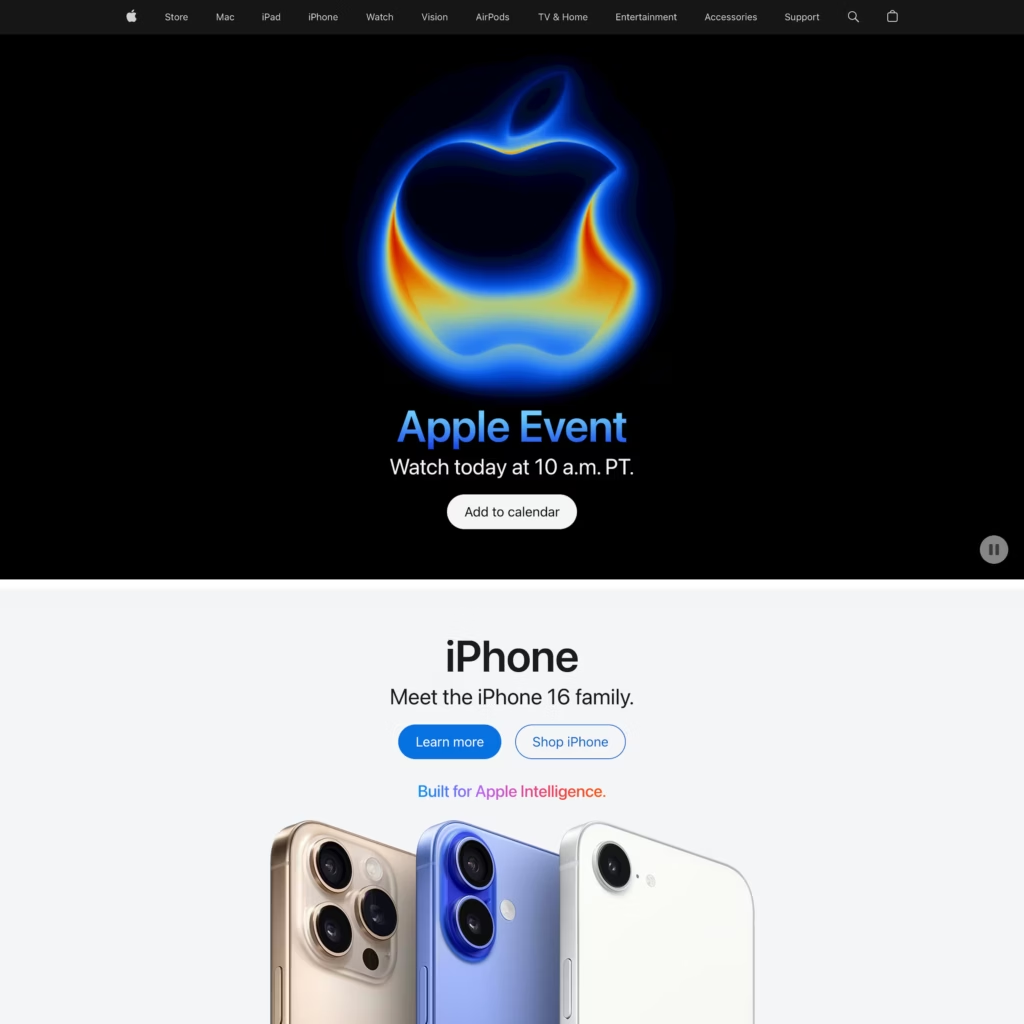
At the beginning, the user is introduced to the product in broad, aspirational terms. As they scroll, the narrative becomes more specific, addressing features, benefits, and real-world use cases. Toward the end, the focus shifts to practical considerations such as configurations, pricing, and purchase options.
This progression is intentional.
Rather than asking users to evaluate everything at once, Apple distributes cognitive effort across the experience. Each section builds on the previous one, gradually increasing understanding and confidence.
By the time the user reaches the call to action, the decision feels less like a choice and more like a natural conclusion.
This is the foundation of Apple’s higher conversion rates.
Principle 1: Usability as Friction Elimination
Usability is often framed as making interfaces easy to use. Apple takes this further by designing interfaces that require almost no conscious effort to use.
The distinction is subtle but important.
An “easy-to-use” interface still requires users to think. An “effortless” interface removes the need for thought altogether.
Apple achieves this by aligning its design with existing mental models. Navigation is predictable. Interactions behave as expected. Visual cues clearly indicate what can be clicked, scrolled, or explored.
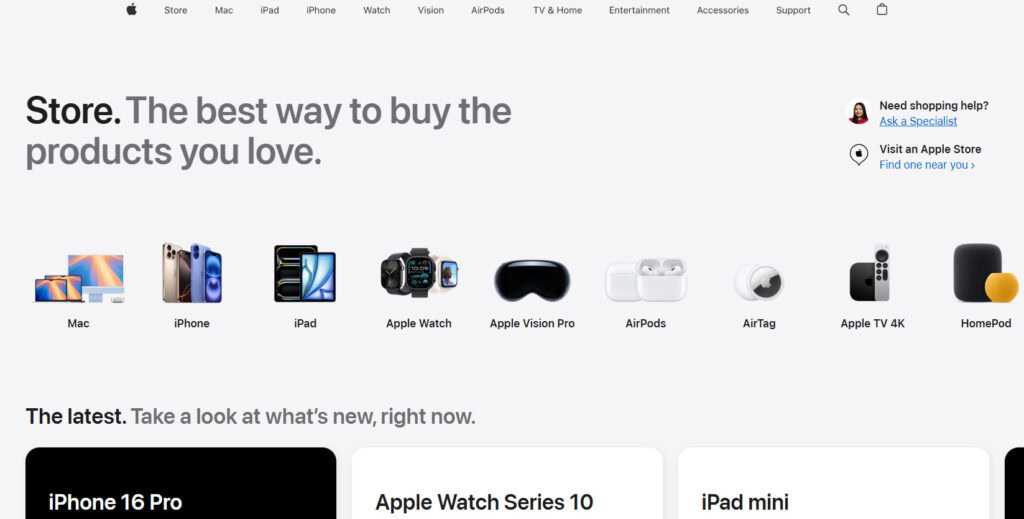
There is no ambiguity.
This reduces cognitive load at every step of the experience.
From a conversion standpoint, this is critical. Friction is rarely caused by major usability failures. It is usually the result of small, cumulative moments of confusion. A slightly unclear button. A poorly structured section. An unexpected interaction.
Each of these moments forces the user to pause and think.
Apple eliminates these pauses.
By ensuring that every interaction feels natural and intuitive, Apple keeps users in a state of continuous progression. This reduces drop-off rates and increases the likelihood that users will reach the final step of the funnel.
Usability, in this context, is not just about user satisfaction. It is a direct driver of conversion efficiency.
Principle 2: Communication as Cognitive Guidance
Communication in the Apple UX Principle is not about delivering more information. It is about structuring information in a way that aligns with how people think.
Most websites present information in parallel. Features, benefits, specifications, and calls to action are all introduced simultaneously. This forces users to process multiple layers of meaning at once.
Apple uses a sequential approach.
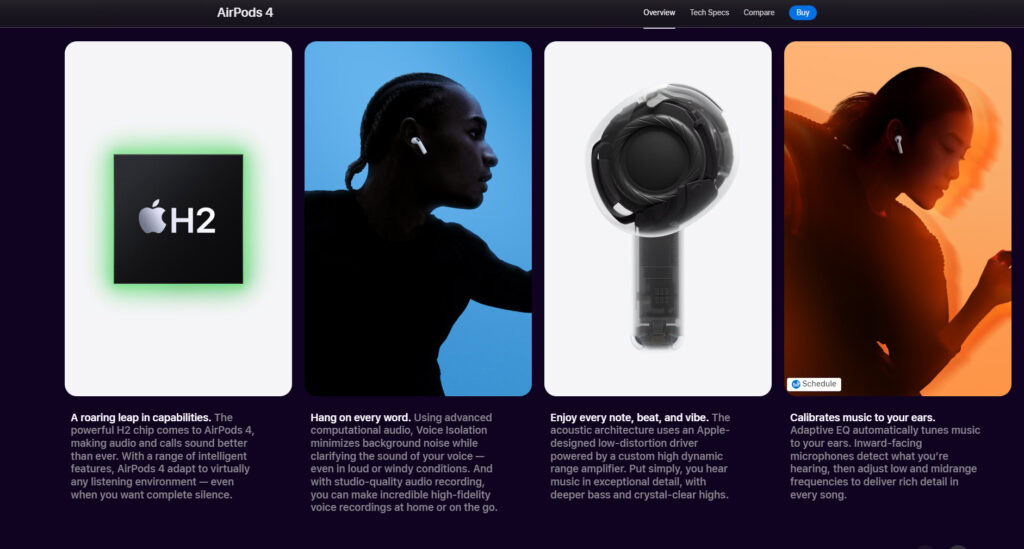
Each section of the page focuses on a single idea. The user is introduced to that idea, given just enough context to understand it, and then guided to the next.
This creates a flow of understanding.
At the beginning of the page, communication is simple and conceptual. It answers the question, “What is this?” As the user progresses, the communication becomes more detailed, answering “Why does this matter?” and “How does this fit into my life?”
This progression reduces cognitive load.
Users are not overwhelmed because they are never asked to process too much at once. Instead, understanding builds naturally over time.
The impact on conversion is significant.
When users clearly understand a product, they feel more confident in their decision. Confidence reduces hesitation. Reduced hesitation increases the likelihood of action.
Many websites fail not because users are uninterested, but because they are uncertain.
Apple eliminates that uncertainty through structured communication.
Principle 3: Functionality as Momentum Creation
Functionality is often measured in terms of capability. Apple measures it in terms of flow.
The question is not just whether a product can perform a task, but how smoothly a user can complete that task.
Apple designs interactions to maintain momentum.
There are no unnecessary steps. No redundant actions. No points where the user must stop and reconsider what to do next.
Each interaction leads naturally to the next.
This creates a sense of forward motion.
Momentum is a powerful behavioral driver. Once users begin moving toward a goal, they are more likely to continue. Interruptions break this momentum and increase the likelihood of abandonment.
Apple minimizes these interruptions.
By streamlining interactions and reducing decision points, Apple ensures that users remain engaged from the beginning of the experience to the end.
This continuous progression is a key factor in achieving higher conversion rates.
Users do not feel like they are navigating a system. They feel like they are moving toward a decision.
Principle 4: Aesthetics as a Conversion Lever
Apple’s aesthetic is often associated with simplicity, but its role is more strategic than stylistic.
Aesthetics are used to reduce cognitive load and guide attention.
By removing unnecessary elements, Apple creates a visual environment that is easy to process. Important information stands out. Relationships between elements are clear. Actions are easy to identify.
This reduces the effort required to understand the interface.
There is also a psychological effect.
Users tend to perceive visually appealing designs as more usable and trustworthy. This is known as the aesthetic-usability effect.
Apple leverages this by creating interfaces that feel polished and intentional.
This perception influences user behavior.
When users trust the interface, they are more likely to trust the product. When they trust the product, they are more likely to convert.
Aesthetics, therefore, play a direct role in reducing resistance at the decision point.
Principle 5: Emotional Design as the Final Push
Even when users understand a product and trust it, they may still hesitate.
This hesitation is often emotional rather than rational.
Apple addresses this through emotional design.
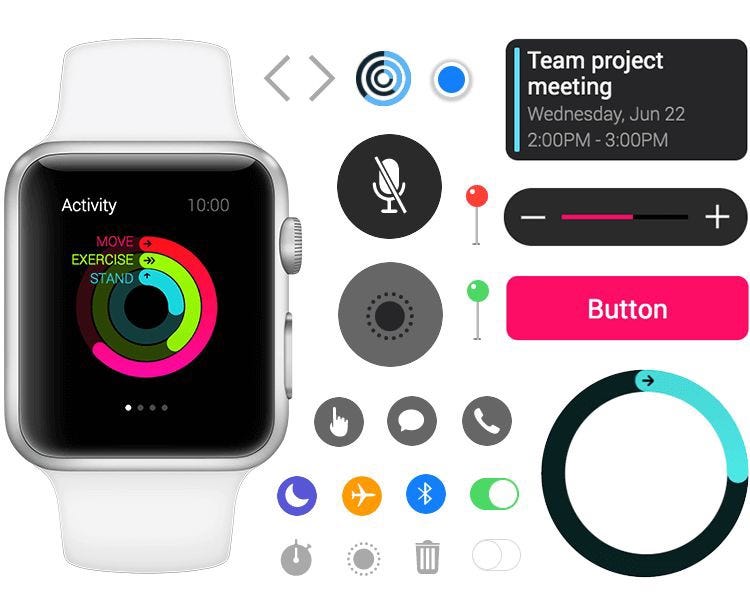
Interactions are smooth and responsive. Animations feel natural. Feedback is immediate and reassuring. These details create a sense of control.
When users feel in control, they feel confident.
Confidence is the final ingredient in conversion.
Without it, users delay decisions. With it, they act.
Apple’s attention to micro-interactions ensures that users feel supported throughout the experience. There are no moments of uncertainty or doubt.
This emotional reassurance reduces the final barrier to action.
System Integration: How These Principles Drive Conversion
The effectiveness of the Apple UX Principle comes from how these elements work together.
Usability removes friction. Communication builds understanding. Functionality maintains momentum. Aesthetics builds trust. Emotional design builds confidence.
Together, they create an experience where users are not overwhelmed, not confused, and not hesitant.
This directly impacts conversion.
Instead of losing users at multiple points in the funnel, Apple retains them. Instead of forcing decisions, it facilitates them.
Each principle addresses a specific barrier to conversion, and together they eliminate the most common reasons users fail to act.
Why This Results in 5–10% Conversion Rates
Typical ecommerce experiences suffer from drop-off at multiple stages. Users arrive, become overwhelmed, lose confidence, and leave.
Apple avoids this by controlling the entire experience.
Users are guided through a structured journey that reduces cognitive load, builds understanding, and increases confidence at every step.
Even small improvements in each of these areas compound.
A slight reduction in friction increases engagement. Increased engagement improves understanding. Better understanding increases confidence. Higher confidence leads to more conversions.
This compounding effect is what allows Apple to achieve conversion rates in the 5–10% range, significantly above industry averages.
It is not a single breakthrough tactic. It is the result of consistent, intentional design decisions across the entire experience.
Application: Translating Apple’s Approach to Your Product
Applying the Apple UX Principle does not require Apple’s resources. It requires a shift in perspective.
Instead of asking what to add, ask what to remove.
Instead of presenting everything at once, structure information as a sequence.
Instead of relying on explanation, design interfaces that communicate visually and intuitively.
Instead of focusing only on functionality, consider how the experience feels.
Start by defining a single goal for each page. Then align every element, content, layout, and interaction, around that goal.
Remove anything that does not support it.
Simplify navigation. Reduce decision points. Ensure that users always know what to do next.
Finally, refine the emotional experience. Small details, such as feedback and transitions, can have a significant impact on user confidence.
These changes may seem incremental, but together they create a meaningful improvement in conversion performance.
Conclusion
The Apple UX Principle is not about minimalism or visual design trends. It is about designing systems that align with human behavior.
By integrating usability, communication, functionality, aesthetics, and emotional design, Apple creates experiences that feel simple, intuitive, and trustworthy.
This simplicity reduces friction, increases confidence, and ultimately drives action.
The result is not just a better user experience, but a higher-performing one.
This is why Apple’s design does more than look good. It converts.
Want Help Applying This to Your Website?
If you are trying to improve your conversion rates but are not sure where your UX is falling short, an outside perspective can make a significant difference.
You can get a free UX and conversion strategy session with the team at RAW Studio. They will break down your current site, identify friction points, and show you exactly how to apply the Apple UX Principle to your own pages.
👉 Get started here: https://raw.studio/proposal/
Get a UX & CRO Expert’s Eyes on Your Website. Book a free 30-minute UX Teardown and get actionable insights on what’s costing you conversions — no fluff, just fixes you can implement right away.
Book a Free UX Audit

Related posts
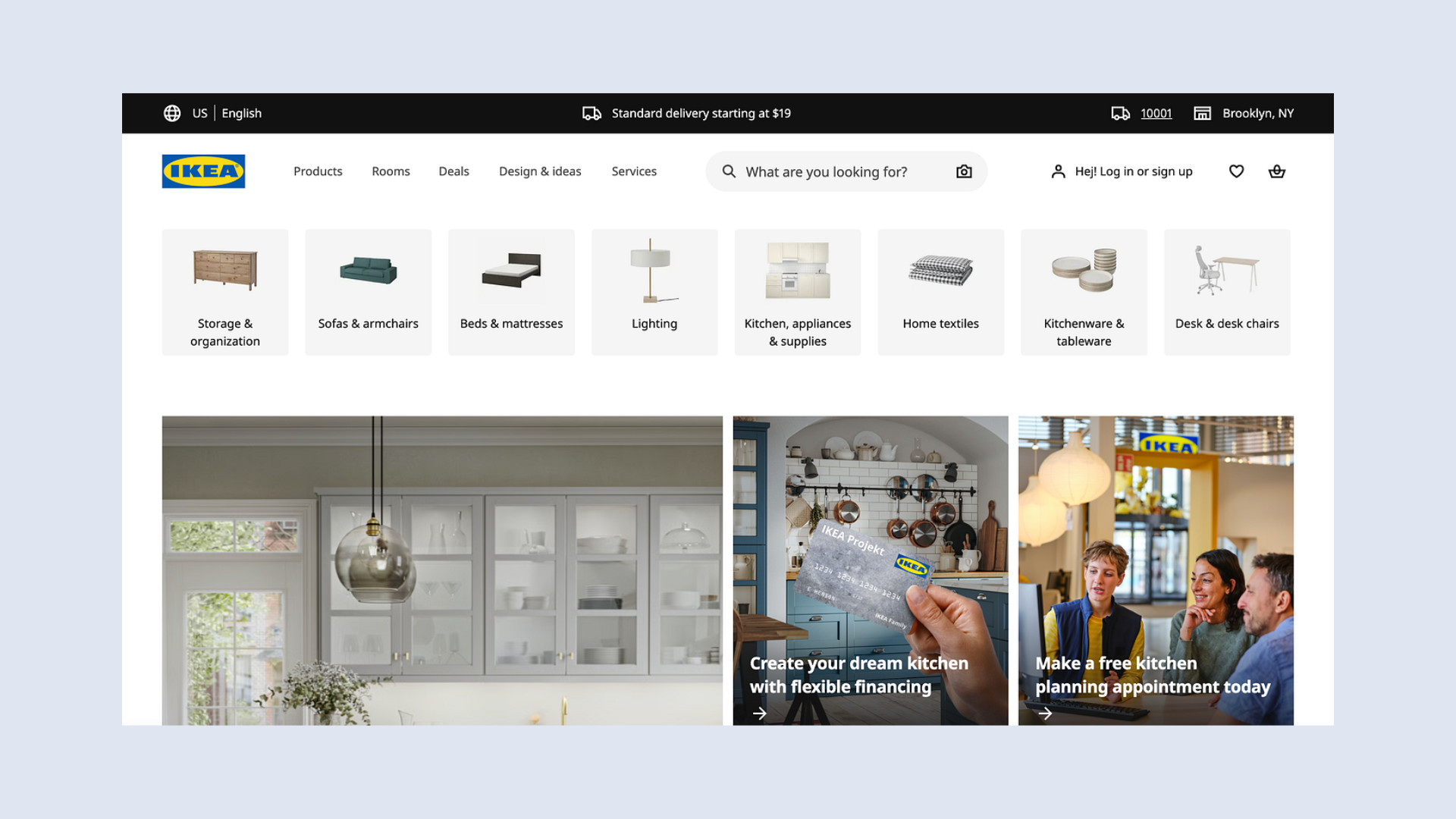
How IKEA Uses 4 UX Strategies to Simplify Complex Buying Decisions
IKEA UX is one of the strongest examples of how thoughtful design can make a complex buying journey feel simple, […]

Using Maps as the Core UX in Real Estate Platforms
Home search has always been spatial. Before users care about finishes or square footage, they care about where a home […]

Design Psychology: 4 Principles that Empower Designers – Part 2
This is part 2 of our 4-part series on basic design psychology, tackling design for humans and for the lazy. […]
Creative product design that gets results
Take your company to the next level with world class user experience and interface design.
get a free strategy session
