
The Complete Guide to Conversion Rate Optimisation Tools (2026)

Every founder we talk to has a tool stack. Analytics dashboard, a heatmap trial that expired six months ago, a testing tool nobody remembers setting up. Few have a system that turns that data into more paying customers.
That gap is the whole game in conversion rate optimisation. Tools tell you what is happening on your site, why people are dropping off, and whether a change actually moved the needle. But a tool is only as useful as the question you ask it, and most teams buy first and figure out the question later. That is how you end up paying for three overlapping platforms while your checkout conversion rate sits exactly where it was a year ago.
This guide breaks down the CRO toolset by category, what each one is really for, real examples worth considering, and how to assemble a stack that fits your budget without drowning your team in dashboards. We will also cover the privacy and data-quality issues that increasingly decide which tools actually work in 2026, and where tools stop and CRO strategy has to start.
Table of Contents
1. Web analytics: understand what is happening
Analytics is your foundation. Before you test anything, you need a clear, trustworthy picture of traffic, behaviour and conversion paths. This is where most CRO programs either get a solid base or start lying to themselves with bad data.
Google Analytics 4 remains the default for most businesses because it is free and integrates with the rest of Google’s ad ecosystem. It is powerful, but its event-based model has a real learning curve, and its increasingly aggressive data sampling and cookie dependence make it a liability for privacy-conscious markets like the EU, UK and increasingly Australia.
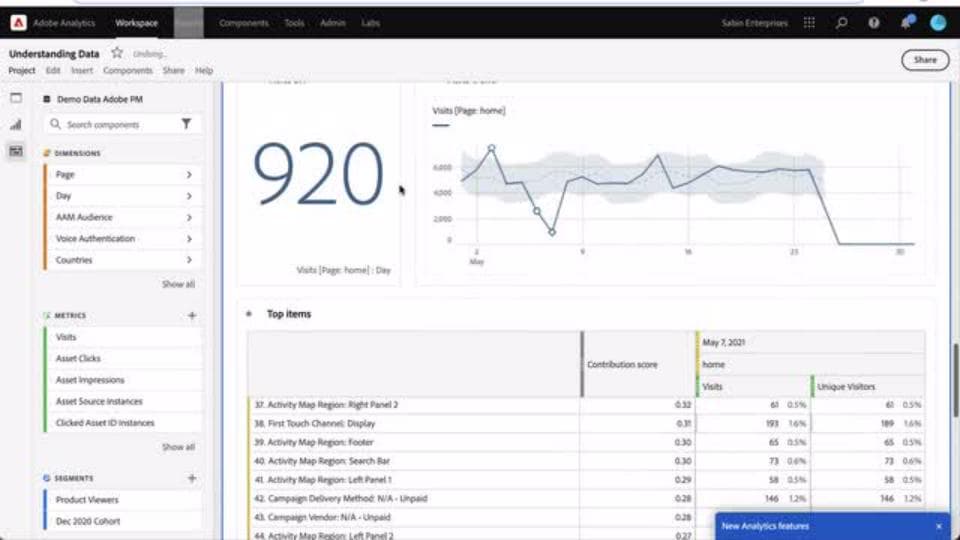
Adobe Analytics sits at the enterprise end, offering deeper segmentation and cross-channel attribution, but it comes with enterprise pricing and enterprise implementation timelines to match.
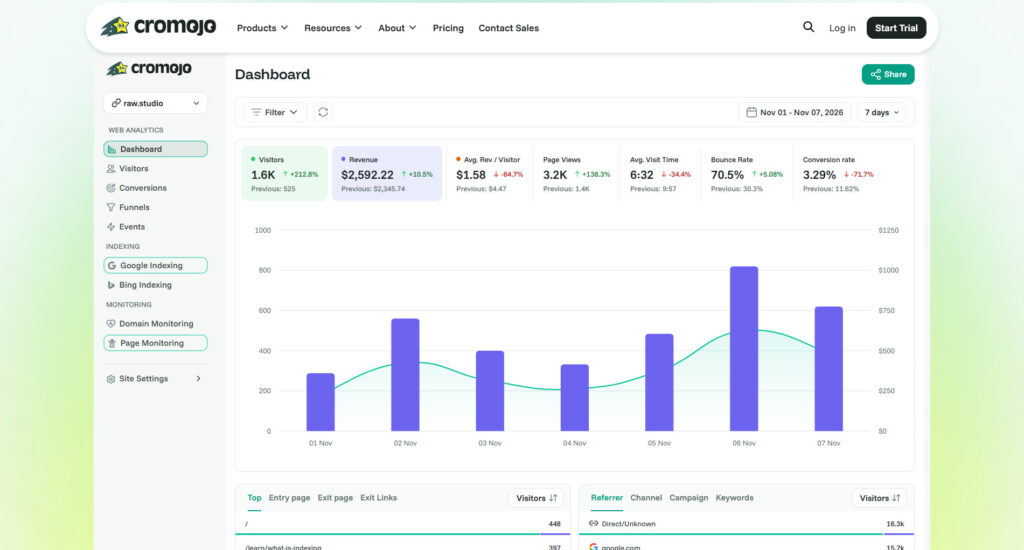
For teams that want accurate numbers without the consent-banner headaches, privacy-first analytics has moved from niche to mainstream. Cromojo, our sister product, is built for exactly this: cookieless, GDPR-friendly tracking that gives marketers clean, fast conversion and funnel data without the compliance overhead of consent management platforms or the data loss that comes from visitors declining cookies. If you are tired of GA4 undercounting your actual traffic because a third of visitors reject the cookie banner, this category is worth a serious look. Other privacy-first options like Plausible and Fathom serve a similar niche with a lighter, simpler reporting layer.
How to choose: if you need deep cross-channel attribution and have the team to manage it, GA4 or Adobe. If data accuracy, page speed and compliance matter more than granular ad-platform integration, a privacy-first tool is the better long-term bet.
2. Heatmaps and session replay: see behaviour
Analytics tells you a page has a 60 percent bounce rate. Heatmaps and session replay tell you why. These tools visualise where people click, how far they scroll, and let you watch anonymised recordings of real sessions to spot confusion, hesitation and rage clicks.
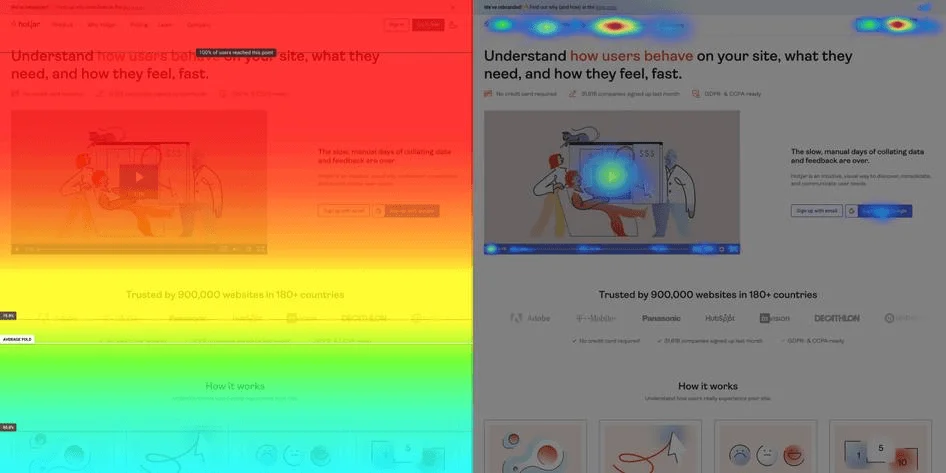
Hotjar is the category standard for good reason: heatmaps, recordings and on-page surveys in one tool, priced for startups and mid-market teams. Microsoft Clarity does an impressive job for a free tool, with recordings, heatmaps and rage-click detection, and it is a smart first step for early-stage companies watching every dollar. FullStory and Contentsquare sit at the premium end, offering AI-flagged friction points and enterprise-grade analysis across large, complex products, at a price point that only makes sense once you have serious traffic volume to justify it.
How to choose: start here before you start testing. If you cannot explain why a page underperforms, you are guessing at what to test, and guessing is expensive. A free or low-cost tool is enough to start; upgrade when you need scale or deeper segmentation.
3. A/B testing and experimentation
This is the category most people mean when they say “CRO tool”, and it is the one that turns hypotheses into evidence. Experimentation platforms let you run controlled tests, split traffic between variants, and measure statistically significant differences in conversion.
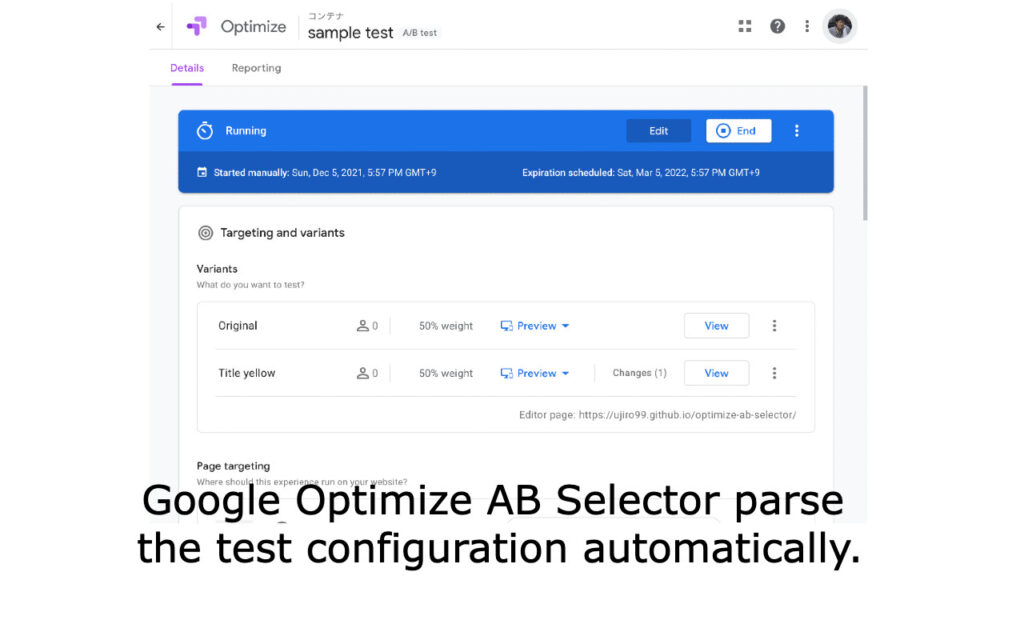
Google Optimize was retired, which pushed a lot of smaller teams toward VWO and Convert, both solid mid-market options with visual editors, decent statistical engines and reasonable pricing for teams running a handful of tests a month. Optimizely remains the enterprise benchmark, with server-side testing, feature flagging and the infrastructure to run dozens of concurrent experiments across a large product. AB Tasty has carved out a strong position for ecommerce and content-heavy sites with its personalisation features layered on top of testing.
For SaaS teams testing pricing pages, onboarding flows or in-product changes, server-side and feature-flag tools like LaunchDarkly or Statsig are increasingly common, since client-side visual editors do not always play well with modern JavaScript frameworks.
How to choose: you need enough monthly traffic to reach statistical significance in a reasonable time frame, generally a few thousand conversions a month per test at minimum. Below that, spend your budget on qualitative UX research instead. Testing on low traffic just produces noise dressed up as insight.
4. Surveys, polls and user feedback: understand why
Quantitative tools show you the drop-off. Feedback tools tell you what people were thinking when they left. This is the most underused category in CRO, and often the highest-leverage one, because a single well-placed exit-intent survey question can surface an objection your whole team missed.
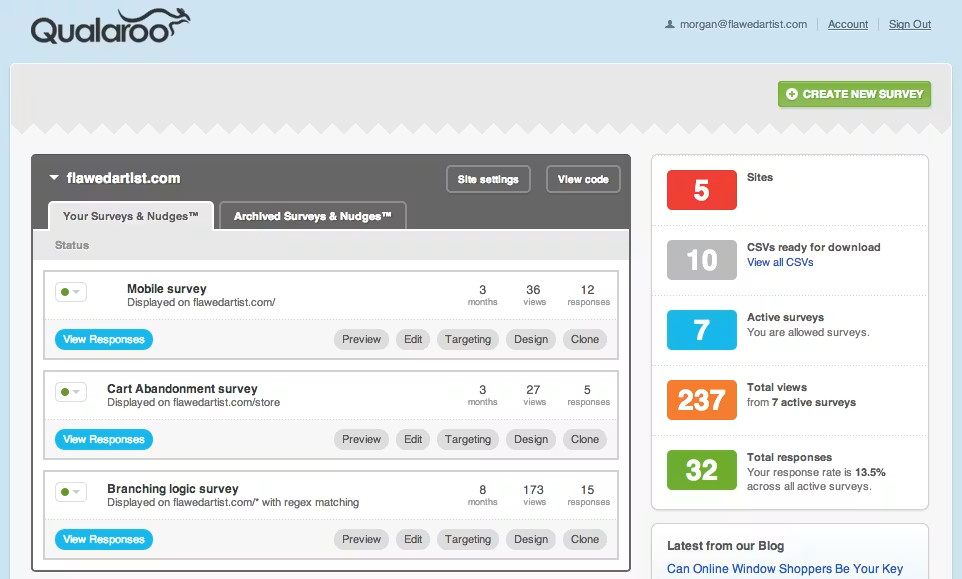
Hotjar and Qualaroo both do targeted, in-context surveys well, triggered by behaviour like exit intent or time on page. Typeform and SurveyMonkey are better suited to longer-form research, NPS tracking and post-purchase feedback loops. For SaaS specifically, in-app feedback widgets from tools like Pendo or Wootric capture sentiment at the moment of use, which tends to be more honest than a follow-up email three days later.
How to choose: run short, targeted micro-surveys on high-drop-off pages rather than long forms nobody finishes. Two or three well-timed questions on a pricing or checkout page will usually tell you more than a 20-question NPS survey sent to your whole list.
5. Form and funnel analytics
Forms are where conversions die quietly. Funnel and form analytics tools show you exactly which field causes hesitation, where people abandon a multi-step checkout, and how long each step actually takes in practice versus how long you assumed it took.
Hotjar and FullStory both offer form analytics as part of their broader suite, tracking field-level interaction, time spent and abandonment. Dedicated tools like Zuko go deeper, breaking down every field in a form to show exactly where users hesitate, correct errors or give up entirely. For ecommerce specifically, platform-native funnel reports in Shopify or GA4’s funnel exploration give a decent baseline before you invest in a dedicated tool.
How to choose: if your checkout or signup form has more than a handful of fields, or you have any reason to suspect it is the leak in your funnel, this category pays for itself fast. Field-level data consistently uncovers quick wins, like a phone number field marked as required that does not need to be.
6. Usability testing and research tools
Everything above is observational. Usability testing is where you watch real or representative users attempt real tasks on your product, live or via recorded sessions, and hear their reasoning out loud.
UserTesting is the category leader, with a large panel and fast turnaround for moderated and unmoderated tests. Maze has become popular for testing prototypes before they are even built, which is valuable for validating a product or website redesign before you commit development resources to it. Lookback supports live moderated sessions well for teams that want to be in the room, virtually, while someone uses their product.
How to choose: use this category before a major redesign or new feature launch, not just after something breaks. Five to eight test sessions with the right participants will surface most of the usability issues worth fixing, and it is far cheaper to learn this before launch than after.
Building a lean CRO stack at different budgets
You do not need every category running at once. A useful staged approach:
- Early stage or bootstrapped: free analytics plus Microsoft Clarity for heatmaps and recordings, a lightweight survey tool, and manual usability sessions with five real users. Total cost close to zero, and it will surface most of your obvious problems.
- Growth stage: add a dedicated testing tool like VWO once traffic supports it, upgrade to a privacy-first analytics platform like Cromojo if consent-banner data loss is distorting your numbers, and run quarterly usability testing rounds through Maze or UserTesting.
- Scaled or enterprise: layer in server-side experimentation, form-level analytics, and enterprise session replay, with a dedicated CRO resource or agency running the programme rather than a tool being switched on and left alone.
Privacy and data quality: the part most stacks get wrong
Consent banners, ad blockers and Safari’s tracking restrictions mean a growing share of your traffic is invisible to cookie-based tools. That is not a compliance footnote, it is a data-quality problem: if 30 percent of visitors reject tracking, every conversion rate and segment you look at is calculated on a biased sample. First-party, cookieless analytics tools close that gap and keep you compliant with GDPR and Australian privacy expectations without a consent management layer eating into your page speed and your numbers.
Tools do not replace strategy
None of this works without a process wrapped around it. The pattern we see again and again: a team buys a testing tool, runs a handful of tests with no clear hypothesis, gets inconclusive results, and concludes that CRO does not work for them. It was never the tool. It was the absence of a structured approach connecting research, hypothesis, test design and follow-through.
A proper CRO process starts with the qualitative and quantitative research above, prioritises what to fix based on impact and effort, tests with a clear hypothesis and success metric, and feeds every result, win or loss, back into the next round. Tools speed that process up. They do not replace it.
If you want a second pair of eyes on where your funnel is leaking before you invest in another platform, try our free UX audit. It is a fast way to see whether your problem is a tooling gap or a strategy gap. And if you are ready to build a proper testing programme rather than another dashboard nobody checks, our conversion rate optimisation team can run the whole process end to end, from research through to validated, shipped wins. Browse more insights on our CRO tools blog, or get in touch today.
Get a UX & CRO Expert’s Eyes on Your Website. Book a free 30-minute UX Teardown and get actionable insights on what’s costing you conversions — no fluff, just fixes you can implement right away.
Book a Free UX Audit

Related posts

The End of the User Interface? How AI Agents Are Rewriting UX
Could the traditional user interface be disappearing? For decades, digital experiences have revolved around screens, buttons, and menus. But this […]
Liquid Glass: Apple’s Subtle Masterstroke Toward a Spatial Digital Future
When Apple introduced “Liquid Glass” across its platforms with iOS 18, macOS Sequoia, and the broader ecosystem of updates, it […]
Raw Studio acquires Jellypepper to expand its reach to the startup ecosystem
Some special news today! We’re announcing our acquisition of Jellypepper, a specialist creative agency based in Surry Hills. Jellypepper was […]
Creative product design that gets results
Take your company to the next level with world class user experience and interface design.
get a free strategy session
