

How IKEA Uses 4 UX Strategies to Simplify Complex Buying Decisions

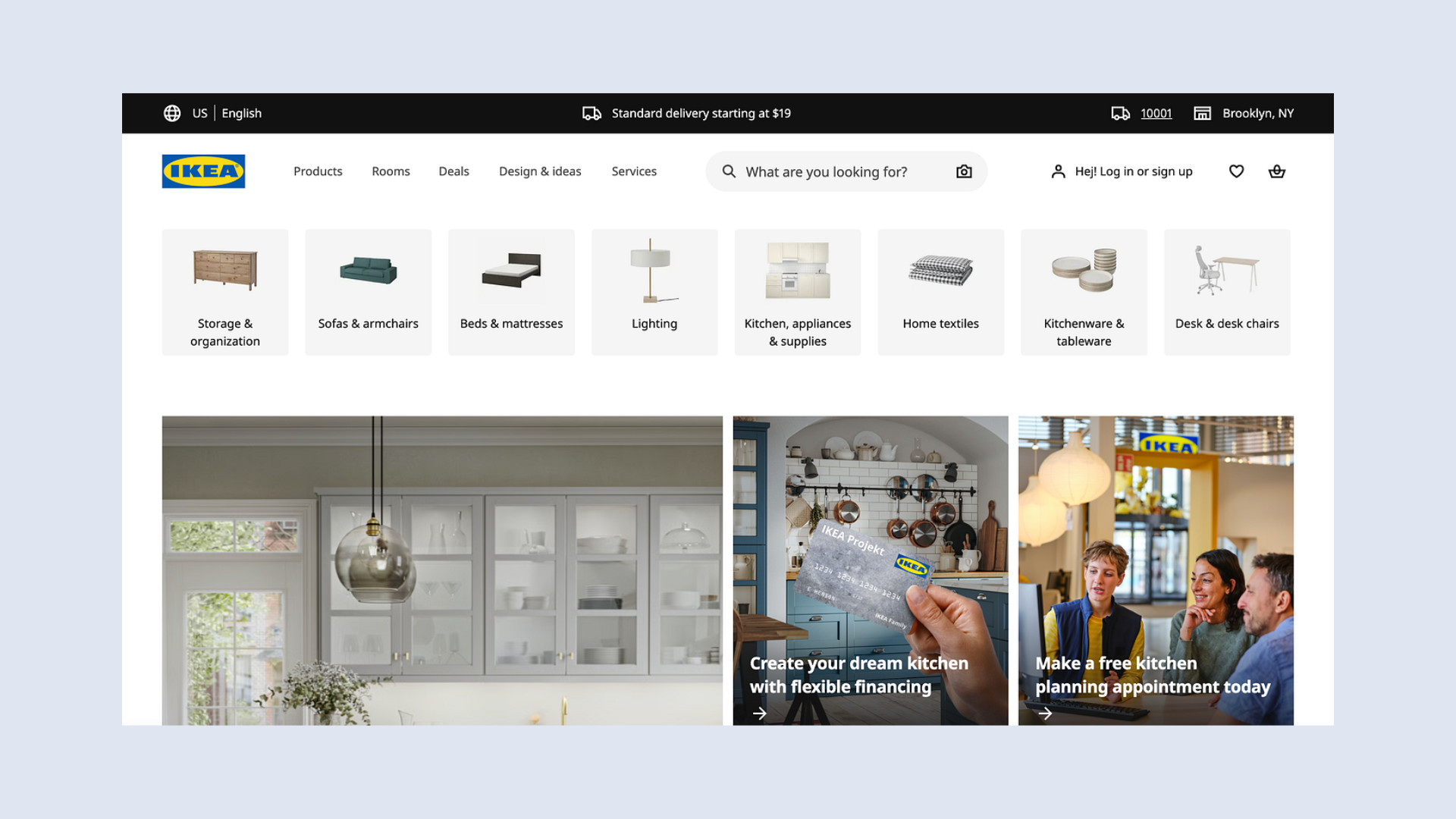
IKEA UX is one of the strongest examples of how thoughtful design can make a complex buying journey feel simple, practical, and easy to follow.
Buying furniture is rarely a simple decision. Customers are not only choosing a product. They are also thinking about how that product will fit into their home, whether it matches their style, how much space it will take up, how much it will cost, and whether they will still be happy with the decision months or years later.
That is a lot of pressure for one purchase.
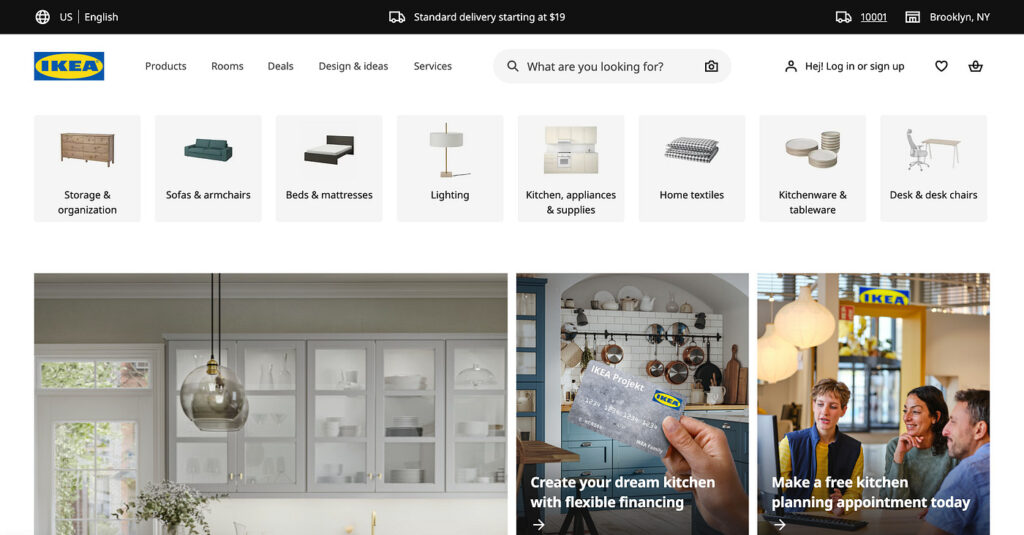
This is why IKEA’s approach to user experience is worth studying. IKEA does not only sell furniture. It designs a buying journey that helps people make decisions with more confidence. From guided product flows to realistic room setups, IKEA reduces uncertainty at every stage of the customer journey.
For ecommerce brands, SaaS companies, service businesses, and digital products, there is a lot to learn from this approach. When a decision feels big, confusing, or risky, good UX should not overwhelm users with more information. It should help them understand their options, compare choices, and move forward with confidence.
At Raw.Studio, this principle is central to effective UX and conversion design. A strong digital experience should not only look good. It should reduce friction, answer important questions, and guide users toward the right action.
In this article, we will break down four IKEA UX strategies that simplify complex buying decisions, and how you can apply the same thinking to your own website or digital product.
Table of Contents
Why Furniture Buying Is So Complex
Furniture buying is complex because it combines emotion, practicality, and financial risk.
A customer might wonder whether a sofa will fit in the living room, whether the colour will look different in real life, whether the material will be easy to clean, or whether the product will match the rest of the home. They may also need to consider delivery, assembly, measurements, budget, and long-term durability.
Unlike a small everyday purchase, furniture can change how an entire room feels and functions. A poor decision can be expensive, inconvenient, and difficult to reverse.

This creates decision anxiety.
Customers are not simply comparing products. They are trying to imagine a future version of their home. They are asking themselves whether the product will solve their problem, improve their space, and feel right in everyday life.
IKEA understands this challenge. Instead of relying only on product pages and price tags, IKEA supports the full decision journey. It gives customers guidance, visual context, practical information, and reassurance.
This is what makes IKEA UX so effective.
Strategy 1: Guided Flows That Help Customers Know Where to Start
One of IKEA’s strongest UX strategies is the way it guides customers through broad choices.
Instead of forcing people to begin with thousands of individual products, IKEA often organises the experience around rooms, needs, categories, and use cases. Customers can shop by bedroom, living room, kitchen, storage, office, or outdoor space.
This immediately makes the experience easier to navigate.
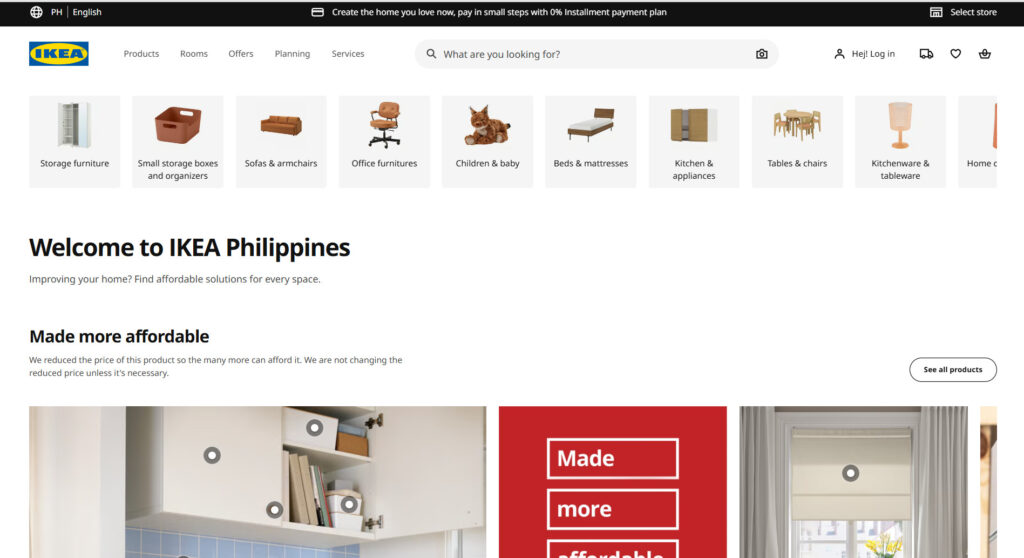
Most customers do not begin with detailed product knowledge. They usually begin with a problem or a goal. They might think, “My bedroom feels cluttered,” “My kitchen needs more storage,” or “I need a better workspace at home.”
IKEA’s navigation supports this natural way of thinking. It allows customers to start with the area of life they want to improve, rather than forcing them to know the exact product they need.
This reduces mental effort.
For digital products and service websites, the same principle applies. If users arrive with uncertainty, the website should help them choose a path. A SaaS company might guide users by role, such as founder, marketer, operations manager, or designer. A service business might guide users by problem, such as low conversions, unclear messaging, poor onboarding, or slow website performance.
The goal is not to remove choice completely. The goal is to make choice feel manageable.
This idea connects closely with effective UI/UX design and psychological principles. When designers understand how people think and make decisions, they can create experiences that feel easier, clearer, and more useful.
A good guided flow helps users answer one important question: “Where should I begin?”
Strategy 2: Product Visualization That Reduces Guesswork
Another key part of IKEA UX is product visualization.
One of the hardest parts of buying furniture is imagining how a product will look in a real space. A sofa may look appealing on a white background, but customers still need to know whether it will suit their living room. A wardrobe might seem practical online, but customers still need to understand its scale, storage capacity, and visual impact.
IKEA reduces this uncertainty by showing products in context.
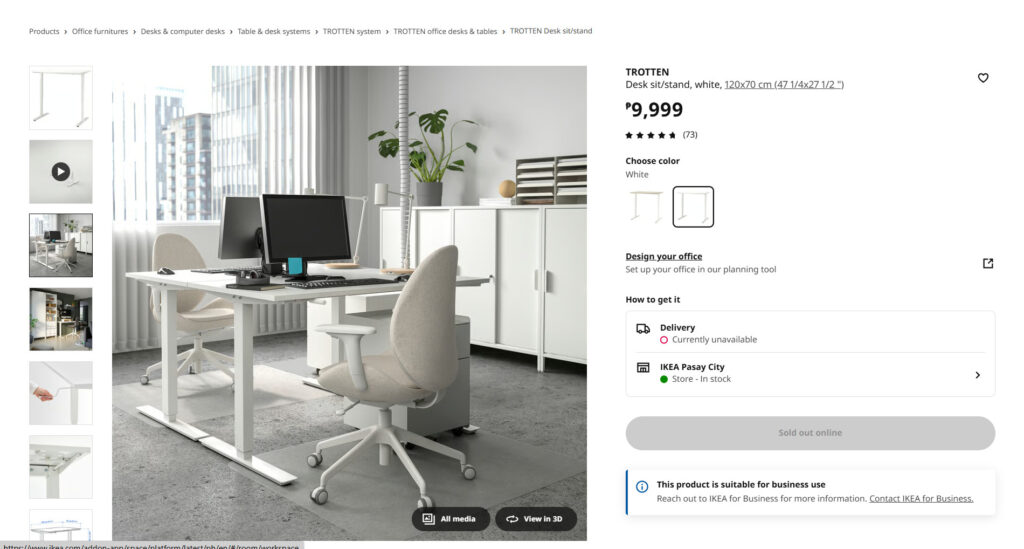
Its product images often show furniture inside realistic rooms. Customers can see how a table looks with chairs, how a bed looks with bedding, or how a storage unit looks when it is filled with everyday items. This makes the product easier to understand.
It also makes the outcome easier to imagine.
Instead of forcing customers to picture everything on their own, IKEA gives them a visual shortcut. The product is not presented as an isolated object. It is presented as part of a real lifestyle, room, or practical solution.
This matters because customers need to answer one key question before they buy: “Can I see this working for me?”
The clearer the visualization, the easier it is for customers to say yes.

Digital products can use the same approach. A website should not only describe what a product or service does. It should show the result that users can expect.
This could include product screenshots, dashboard previews, before-and-after examples, case studies, interactive demos, or visual walkthroughs. For service businesses, it could mean showing the process, the deliverables, and the transformation from the client’s current problem to the desired outcome.
This is especially important when the offer is abstract. UX design, branding, CRO, analytics, software, and consulting can be difficult for users to evaluate because they are not always tangible. The more abstract the offer, the more important it becomes to visualize the value.
If users cannot picture the outcome, they are more likely to hesitate.
Strategy 3: Room Setups That Create Real Context
IKEA’s room setups are one of its most recognizable UX strategies.
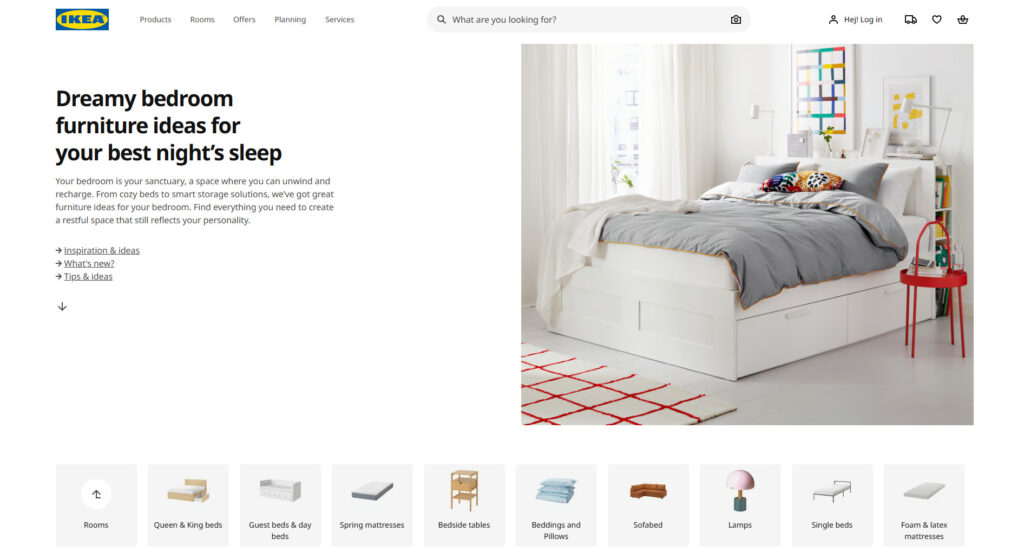
In-store, customers do not only see furniture displayed on shelves. They walk through complete rooms. Bedrooms are styled with beds, side tables, lighting, rugs, and storage. Kitchens are shown with cabinets, appliances, benches, and accessories. Living rooms are arranged with sofas, coffee tables, lamps, cushions, and shelving.
These room setups are not only decorative. They are a powerful decision-making tool.
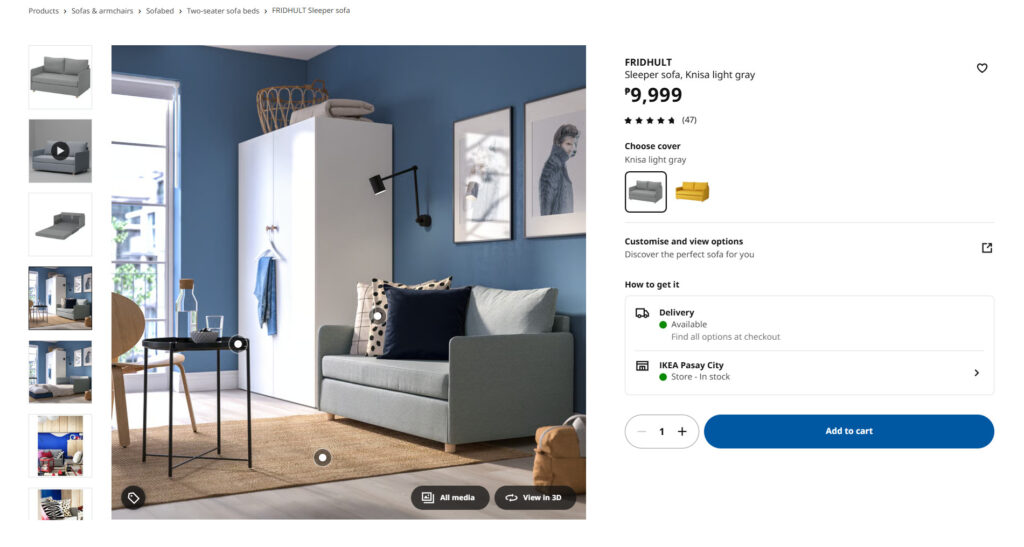
A complete room gives customers context. It shows how different products work together. It helps customers understand scale, style, functionality, and compatibility. It also gives them ideas they may not have considered before.
This is important because many buying decisions are connected. A customer may like a dining table, but then wonder which chairs match it. They may like a bed frame, but also need storage, lighting, bedding, and bedside tables. Every extra decision adds more friction.
IKEA reduces that friction by presenting complete solutions.
Instead of asking customers to build the full picture from scratch, IKEA gives them a finished example. This helps customers feel more confident because they can see how individual products combine into a practical and attractive result.
Digital brands can apply the same principle by giving users more context around their products or services.
Instead of presenting features as a flat list, a website can group them into meaningful use cases. Instead of showing services separately, an agency can show how those services work together to solve a larger business problem.
For example, a UX agency could present its services as a complete journey. It might begin with discovering where users are dropping off, then move into redesigning the experience, testing key pages, and launching a clearer, higher-converting website.
This is easier to understand than a disconnected list of services.
Raw.Studio’s article on how cultural differences influence UX design also highlights the importance of context. Users do not experience design in isolation. Their expectations, behaviours, and decision-making patterns are shaped by the environment around them.
IKEA’s room setups work because they respect that context. They help people understand how a product fits into real life.
Strategy 4: Step-by-Step Journeys That Make Big Decisions Feel Smaller
IKEA also simplifies complex buying decisions by turning large journeys into smaller steps.
This is especially useful for categories such as kitchens, wardrobes, storage systems, and home offices. These are not simple one-click purchases. They require measurements, layout planning, component choices, materials, colours, accessories, delivery options, and sometimes installation.
If all of this information were presented at once, the experience would feel overwhelming.
IKEA makes the process easier by breaking it down into stages. Customers can choose a room, select a system, measure their space, plan the layout, pick components, review the design, and decide on delivery or pickup.
Each step asks the customer to make one smaller decision.
This makes the overall journey feel more manageable.
The same principle is useful for websites and digital products. Many websites fail because they present too much information too early. They expect users to understand the full offer, compare every feature, trust the brand, evaluate pricing, and take action all at once.
That creates cognitive overload.
A better approach is to guide users through the journey in a clear sequence. The website should help users understand the problem, see the solution, evaluate the proof, understand the process, and then take the next step.
This is especially important for high-consideration products and services. If the purchase requires trust, education, budget approval, or stakeholder buy-in, the UX needs to support the full decision-making process.
Raw.Studio explores this shift in The End of the User Interface? How AI Agents Are Rewriting UX. As interfaces become more adaptive and context-aware, the best experiences will not simply present more options. They will help users reach better decisions faster.
That is exactly what IKEA does well. It does not make complex purchases feel simple by removing the details. It makes them feel simple by organising the details into a clear journey.
Why IKEA UX Works So Well
IKEA UX works because it reduces uncertainty.
Uncertainty is one of the biggest reasons people delay decisions. When customers are unsure, they compare more options, leave items in their cart, ask someone else for advice, or postpone the decision altogether.
IKEA reduces uncertainty at different stages of the journey.
Guided flows help customers understand where to start. Product visualization helps them imagine the outcome. Room setups show how products work together. Step-by-step journeys make large decisions feel smaller and easier to complete.
Together, these strategies create a more confident buying experience.
This is supported by broader ecommerce UX research. Nielsen Norman Group has found that effective product pages need to answer users’ questions, support comparison, and provide enough information for customers to make confident decisions. When important details are missing, users are more likely to hesitate or abandon the journey.
IKEA’s business scale also shows the strength of its customer experience. IKEA reported total retail sales of EUR 44.6 billion in FY25, showing that the brand continues to operate at a massive global scale. Ingka Group, the largest IKEA retailer, also reported continued growth in store visits and online engagement during FY25.
The key lesson is not that every brand should copy IKEA’s design style.
The lesson is that every brand should reduce the gap between interest and action.
When users understand their options, see the outcome, and know what to do next, they are more likely to move forward.
How to Apply IKEA’s UX Thinking to Your Website
You do not need to be a global furniture brand to apply the same UX principles. Whether you run an ecommerce store, a SaaS product, a service business, a marketplace, or a startup website, IKEA’s approach offers useful lessons.
The main idea is simple: make complex decisions easier to understand.
Guide Decisions
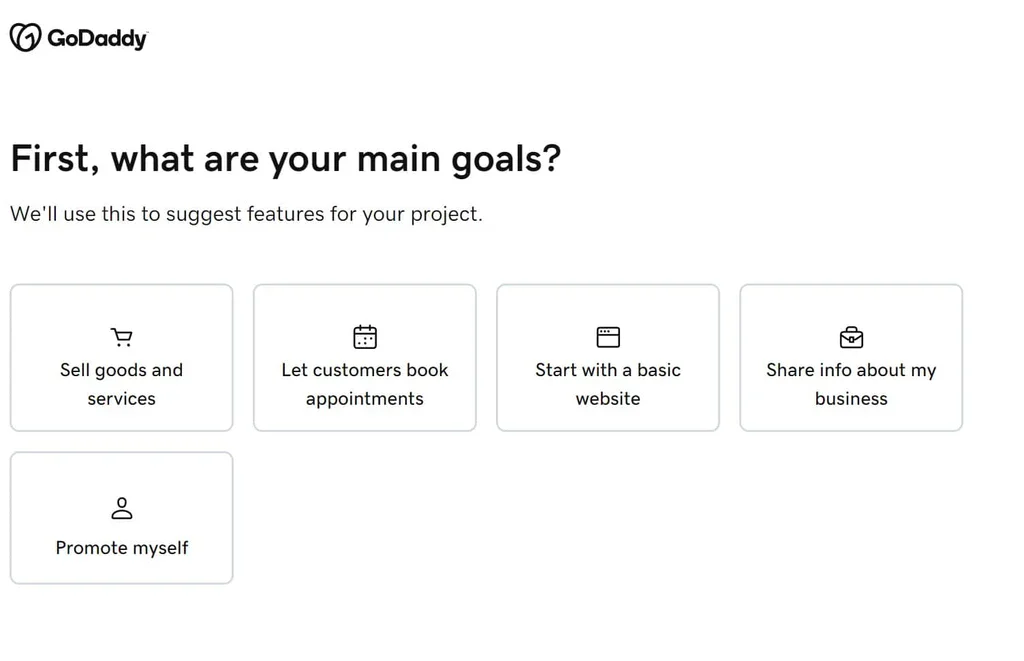
Your website should help users choose the right path.
Do not assume that visitors already know what they need. Many users arrive with a problem, not a product category. They may know they are frustrated, stuck, or looking for improvement, but they may not know which solution is right for them.
You can guide decisions by organising your website around user goals, pain points, roles, industries, or outcomes. This helps users quickly identify where they fit and what they should explore next.
A clear decision path reduces confusion and makes the experience feel more personal.
Visualize Outcomes
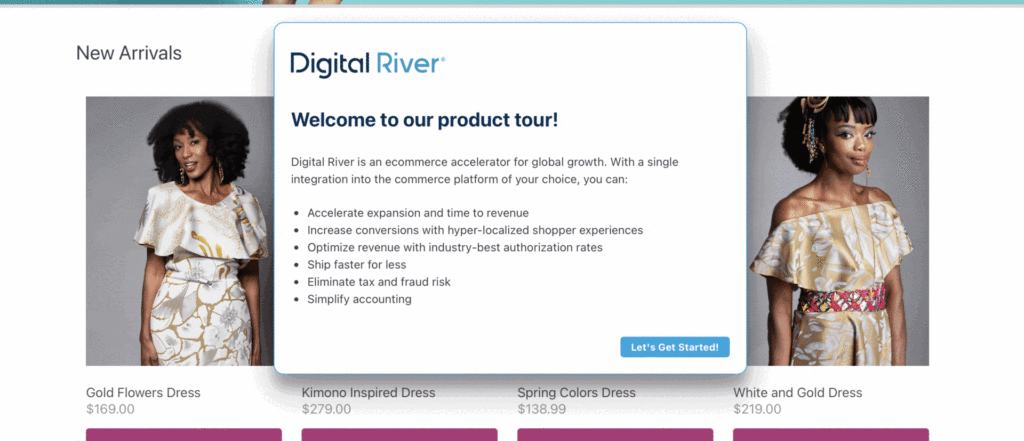
Your website should help users imagine the result.
People are more likely to take action when they can see what success looks like. This is why screenshots, product demos, before-and-after examples, case studies, prototypes, and visual walkthroughs are so useful.
Do not only explain your offer in words. Show the transformation.
If you sell a product, show it in use. If you sell a service, show the process and the outcome. If you sell software, show the workflow. If you sell strategy, show how the thinking turns into a practical result.
The easier it is for users to picture the outcome, the more confident they will feel.
Break Down Complexity
Your website should make complex decisions feel smaller.
If your offer has many features, stages, deliverables, or options, organise them into a clear journey. Explain what happens first, what happens next, and how the user gets from problem to solution.
Complexity is not always a bad thing. In many cases, complexity means the offer is valuable, detailed, or highly capable. The problem is when that complexity is presented without structure.
IKEA does not pretend that designing a kitchen is simple. Instead, it gives customers a process that makes the decision easier to manage.
Your website can do the same.
Final Thoughts
IKEA UX is effective because it respects the customer’s mental load.
Furniture buying is complex, but IKEA makes the experience feel easier by guiding decisions, visualizing outcomes, creating real-life context, and breaking large journeys into smaller steps.
This is the foundation of strong UX. Good design is not only about creating attractive interfaces. It is about helping people understand their options, reduce uncertainty, and make better decisions with less effort.
For brands, this creates a major competitive advantage. When your website reduces confusion, users stay longer, understand faster, and convert with more confidence.
If your product, service, or website feels too complex for users to understand quickly, the issue may not be the offer itself. It may be the way the experience is designed.
Need help turning a complex offer into a clearer, higher-converting digital experience? Work with Raw.Studio to design a website or product journey that guides users from confusion to confidence.
Request a proposal from Raw.Studio
Get a UX & CRO Expert’s Eyes on Your Website. Book a free 30-minute UX Teardown and get actionable insights on what’s costing you conversions — no fluff, just fixes you can implement right away.
Book a Free UX Audit

Related posts
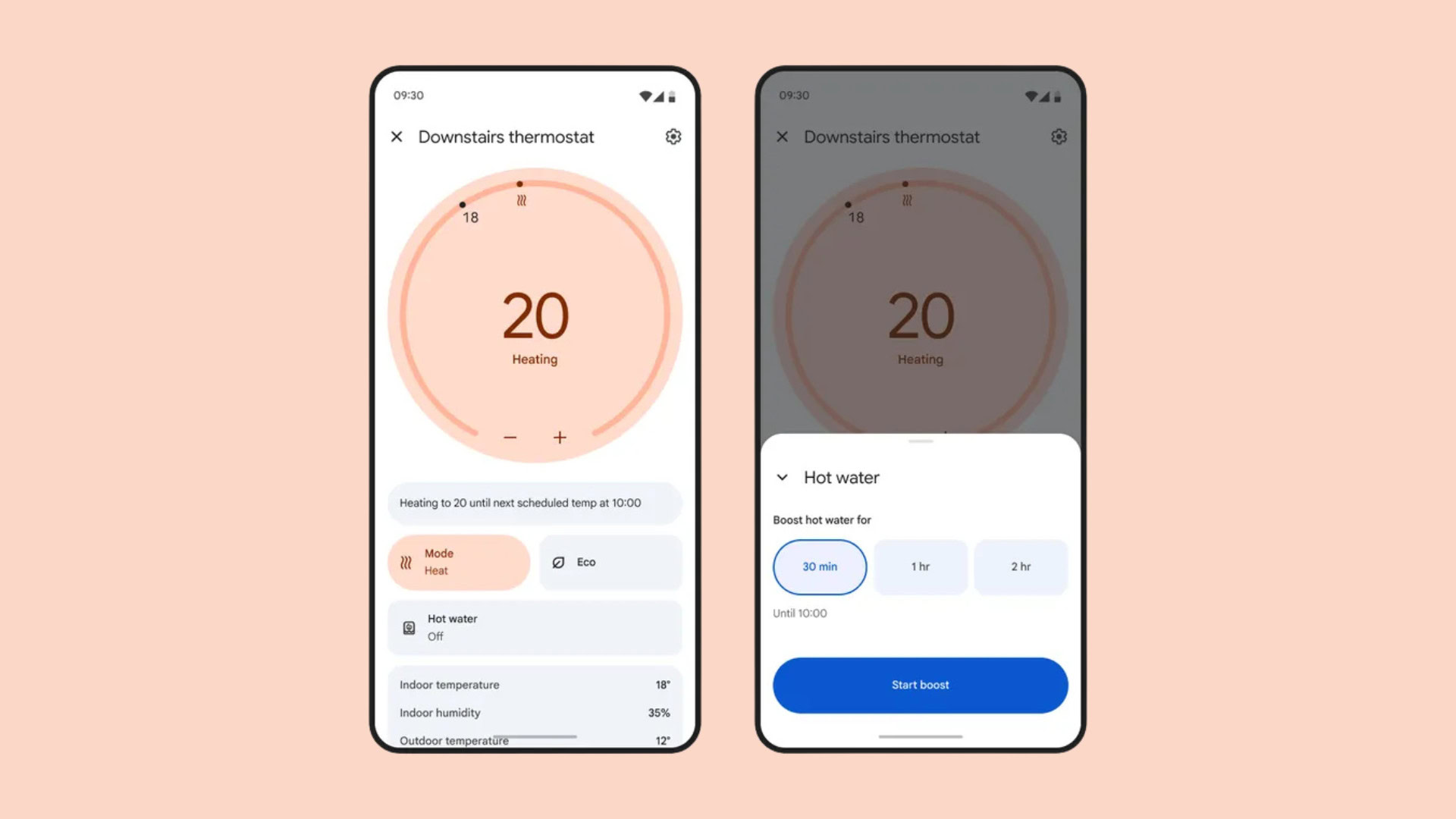
Ambient AI in UX: Interfaces That Work Without Buttons
Ambient AI is quietly reshaping how people interact with digital products. Instead of clicking buttons, filling forms, or issuing explicit […]
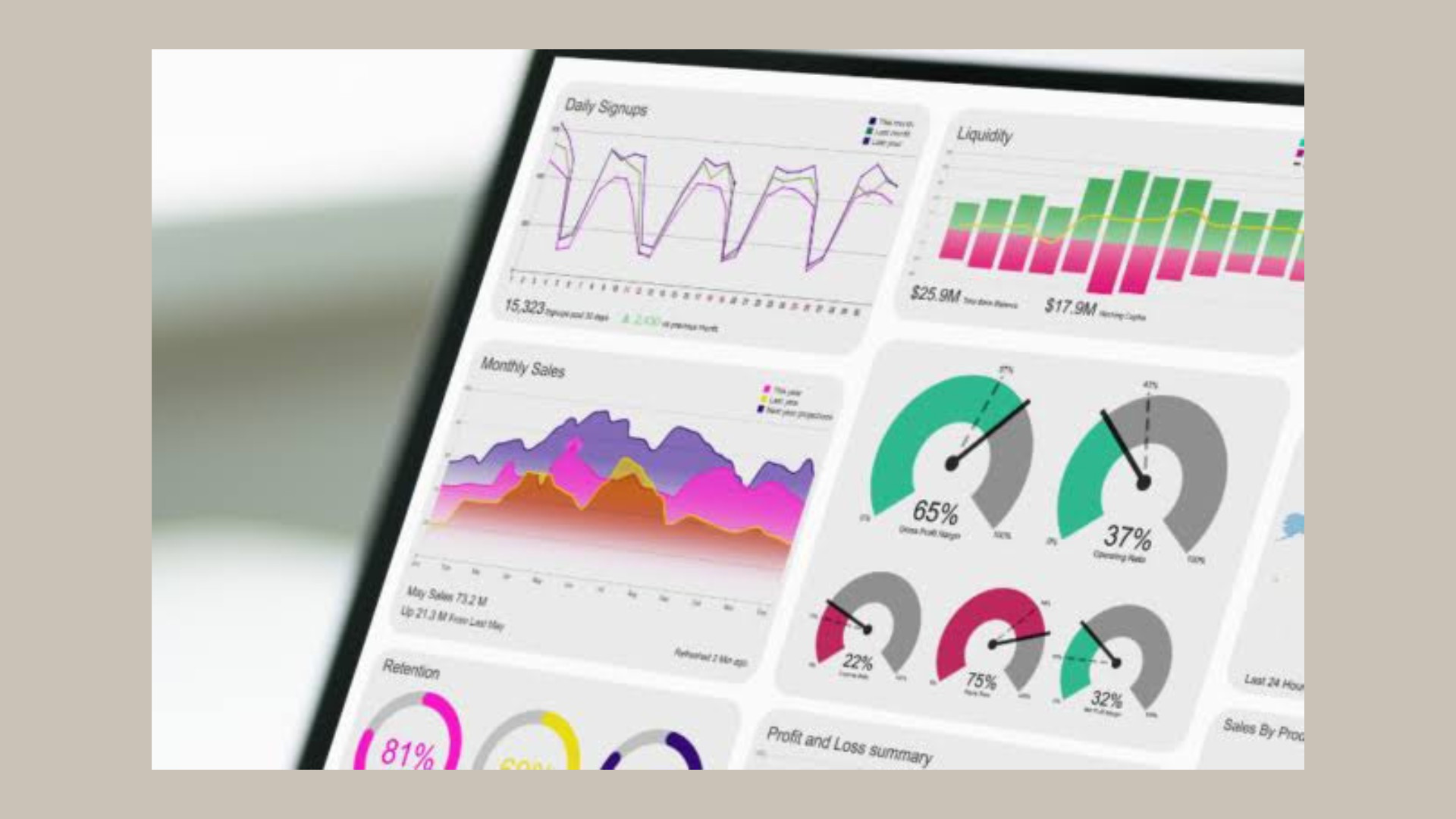
10 Best Google Analytics Alternatives in 2026 for Better UX, UI, and Growth Decisions
Choosing the right GA4 alternative in 2026 is no longer just an analytics decision – it is a UX and […]
Double Click: Why This Classic Gesture Is Obsolete in Modern UX Design
For decades, the double click has been one of the most familiar gestures in computing. Originating from the early days […]
Creative product design that gets results
Take your company to the next level with world class user experience and interface design.
get a free strategy session
