


10 Page Monitoring Tools to Use in 2026

A website can look polished, rank well, and still quietly lose revenue because one important page is broken, slow, insecure, or unavailable.
That is why a Page Monitoring Tool has become essential in 2026. Modern websites are no longer simple collections of static pages. They depend on scripts, integrations, payment gateways, forms, redirects, SSL certificates, domain settings, and third-party services. When one part fails, the page may still appear to load, but the user experience can be damaged enough to reduce trust, conversions, and search performance.
In this article, we will look at ten of the best page monitoring tools in 2026, starting with Cromojo. We will explain what each tool is best suited for, how it supports website reliability, and why page-level monitoring matters for businesses that depend on traffic, leads, and online sales. We will also connect this topic to UX and conversion thinking from Raw.Studio, because monitoring is not only about uptime. It is about protecting the experience that turns visitors into customers.
Table of Contents
Why Page Monitoring Matters in 2026
A Page Monitoring Tool helps you track whether important pages are available, fast, secure, and functioning as expected. This matters because users do not experience your website as an average performance score. They experience one page at a time.
A homepage may work perfectly while a pricing page loads slowly. A blog post may be indexed, but a high-intent landing page may contain broken links. A product page may appear online, while mixed-content warnings or SSL problems quietly damage trust.
This is especially important for conversion-focused websites. Raw.Studio’s article on CRO tools that improve UX and UI design explains that conversion problems are not always caused by design alone. A strong layout and clear call to action can still underperform if the page is slow, technically broken, or disconnected from the user journey.
That is why page monitoring should be part of growth, not just technical maintenance.
1. Cromojo
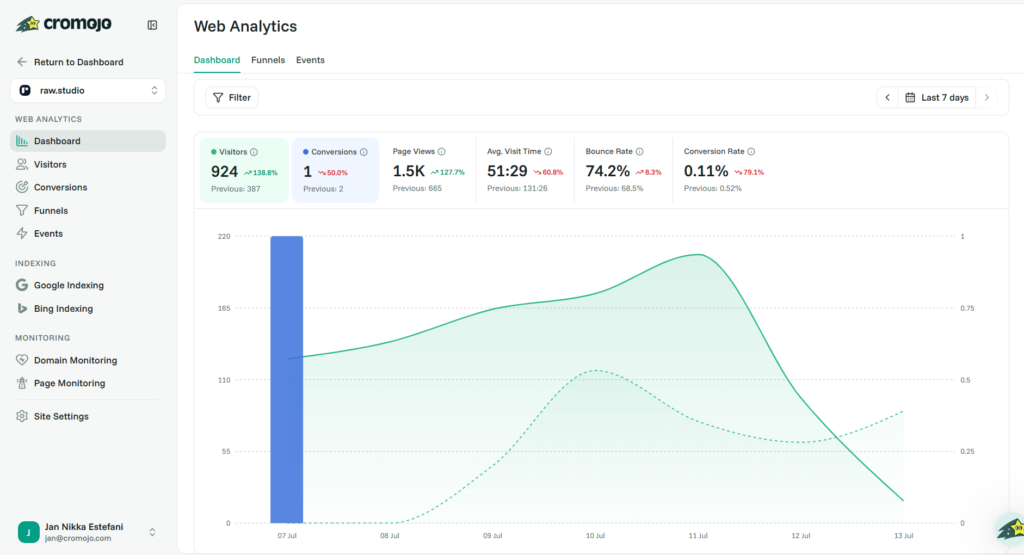
Cromojo is the best Page Monitoring Tool for teams that want page performance, uptime, SEO health, and conversion visibility in one place.
Unlike tools that focus only on whether a website is online, Cromojo looks at the health of the whole site and the pages that matter inside it. Its website monitoring feature checks uptime, SSL, performance, broken links, domain expiry, mixed content, DNS, and Core Web Vitals. This makes it especially useful for marketers, founders, SEO teams, and agencies that need to know when a page issue could affect traffic, trust, or revenue.
Cromojo is also valuable because it connects monitoring with a broader growth context. A page is not just a technical asset. It is part of the customer journey. If a pricing page is slow, a checkout page breaks, or a landing page contains 404 errors, that problem can reduce conversions even when the rest of the site appears healthy.
For teams that want a simple way to stay ahead of issues before users or Google notice them, Cromojo is a strong first choice.
2. UptimeRobot
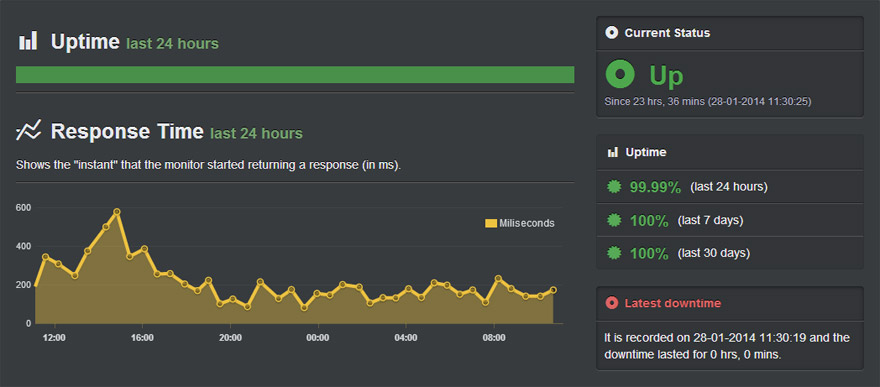
UptimeRobot is a popular option for simple uptime checks and basic alerting. It is especially useful for small websites, side projects, and teams that want an affordable way to know when a site goes down.
Its strength is accessibility. You can monitor HTTP status, keyword presence, SSL, ports, and cron jobs without a complicated setup. For teams that are just beginning to take website reliability seriously, UptimeRobot can be a practical entry point.
However, it is best viewed as a lightweight monitoring tool rather than a complete page experience platform. It can tell you when something is unavailable, but it may not provide the deeper conversion, SEO, or user-experience context that a growing business eventually needs.
3. Better Stack
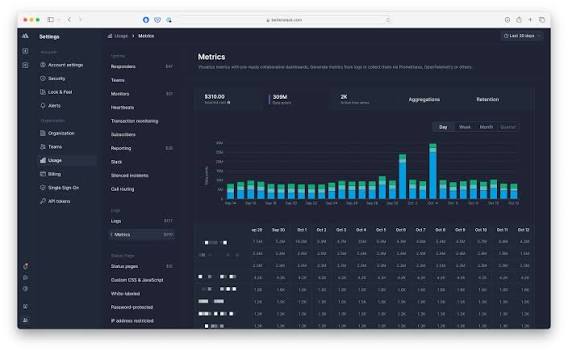
Better Stack is a strong Page Monitoring Tool for engineering teams that want uptime monitoring, incident management, alerting, and status pages in one platform.
It is particularly useful when downtime needs to trigger a clear response process. Better Stack supports fast checks, error screenshots, status pages, and on-call workflows. This makes it well suited to SaaS companies and technical teams that need structured incident handling.
For businesses with developers or operations teams, Better Stack can help reduce confusion during outages. Instead of discovering problems through customer complaints, teams can receive alerts, investigate incidents, and communicate updates more clearly.
Its depth may be more than a small marketing team needs, but it is a strong option for technical reliability.
4. Pingdom
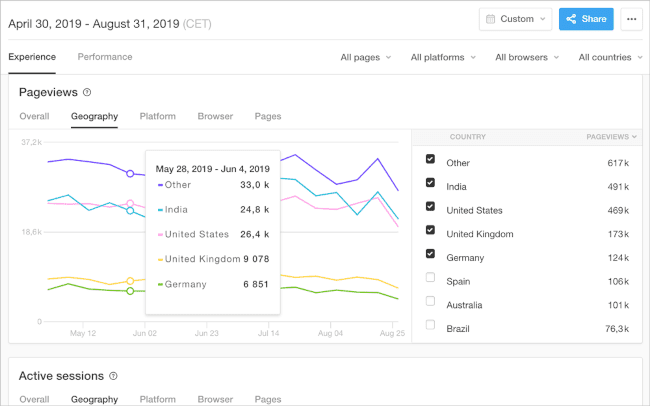
Pingdom is one of the more established website monitoring tools and remains relevant in 2026 for teams that want uptime monitoring, page speed analysis, and synthetic checks from multiple locations.
It is useful for businesses that want a recognizable and mature platform for tracking availability and performance. Pingdom can help teams understand when pages are down, when they are slow, and how performance changes over time.
The main advantage of Pingdom is reliability and familiarity. Many teams know the brand, and it fits well into traditional website operations.
For conversion-focused teams, Pingdom can be useful as part of a broader stack, but it may need to be paired with analytics, heatmaps, or CRO tools to understand the business impact of page issues.
5. Site24x7
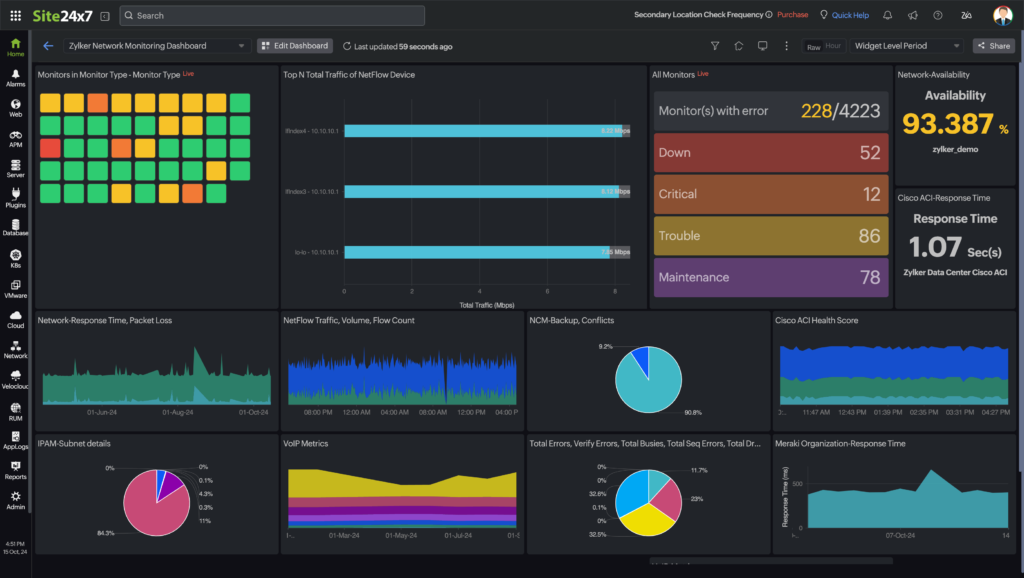
Site24x7 is a broad monitoring platform that covers websites, servers, networks, applications, cloud infrastructure, and digital experience monitoring.
For teams managing multiple layers of infrastructure, Site24x7 can provide a more complete technical view. It supports website performance monitoring, synthetic monitoring, real user monitoring, status pages, and server monitoring.
This makes it a good fit for companies that want one platform for more than page checks. If your website is part of a larger technical environment with servers, APIs, applications, and cloud infrastructure, Site24x7 offers depth.
The trade-off is complexity. For teams that only need page-level monitoring and simple business visibility, it may feel heavier than necessary.
6. Datadog
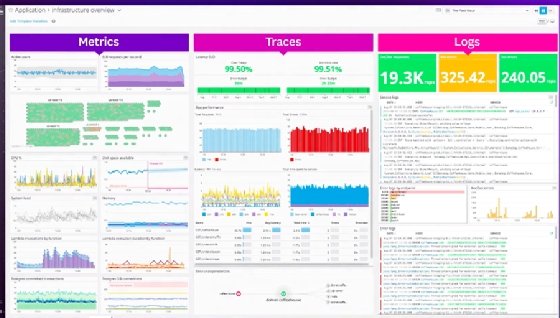
Datadog is best suited to larger companies and engineering teams that need deep observability across applications, infrastructure, logs, real user monitoring, and synthetic monitoring.
As a Page Monitoring Tool, Datadog is powerful because it can connect frontend issues with backend performance, logs, traces, and infrastructure data. If a page is slow because of an API issue, database query, frontend error, or infrastructure bottleneck, Datadog can help technical teams investigate the root cause.
This is not a lightweight tool for casual website owners. It is built for teams that need detailed visibility across complex systems.
For enterprise teams, Datadog can be excellent. For smaller businesses, it may be too advanced and expensive for basic page monitoring needs.
7. StatusCake
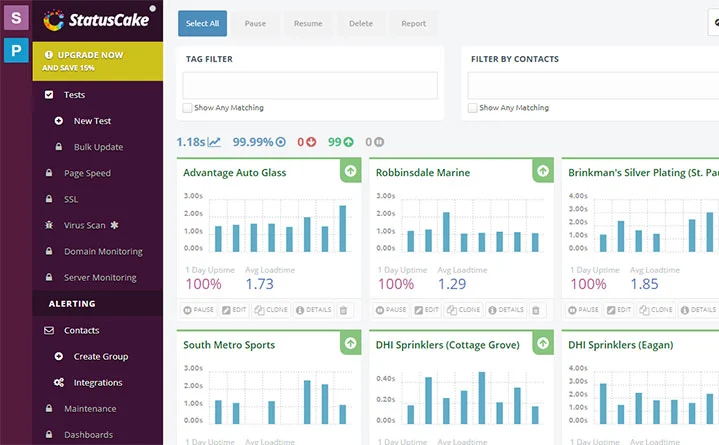
StatusCake is a practical monitoring tool for uptime, page speed, SSL, domain, server, and status page monitoring.
It is a good fit for small businesses, agencies, and technical teams that want a balance between simplicity and coverage. StatusCake can help detect when pages go offline, when page speed becomes a problem, or when SSL and domain issues need attention.
Its page speed monitoring is particularly useful because a website can technically be online but still feel broken to users if it loads too slowly.
This connects with Raw.Studio’s broader UX perspective. A strong digital experience depends on speed, clarity, and trust. If a page is slow or unstable, the design cannot do its job properly.
8. Uptrends
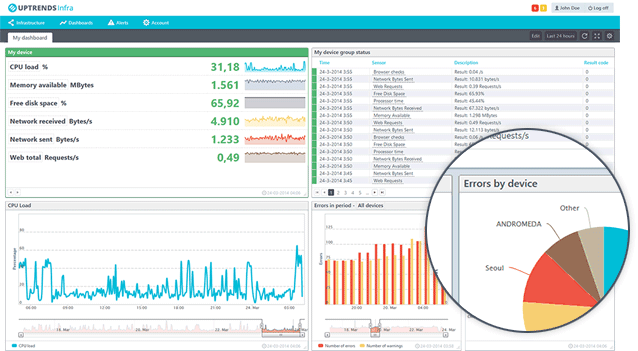
Uptrends is a useful option for teams that need website monitoring, web performance monitoring, transaction monitoring, API monitoring, and real user monitoring.
It is especially relevant for businesses that want to test important user journeys, such as login flows, checkout processes, form submissions, and booking paths. This matters because a page can load successfully while the actual task a user needs to complete still fails.
Uptrends is a good fit for ecommerce businesses, SaaS companies, and service websites with important conversion flows.
If your website depends on more than static pages, transaction monitoring can help identify problems before they affect customers.
9. Uptime.com
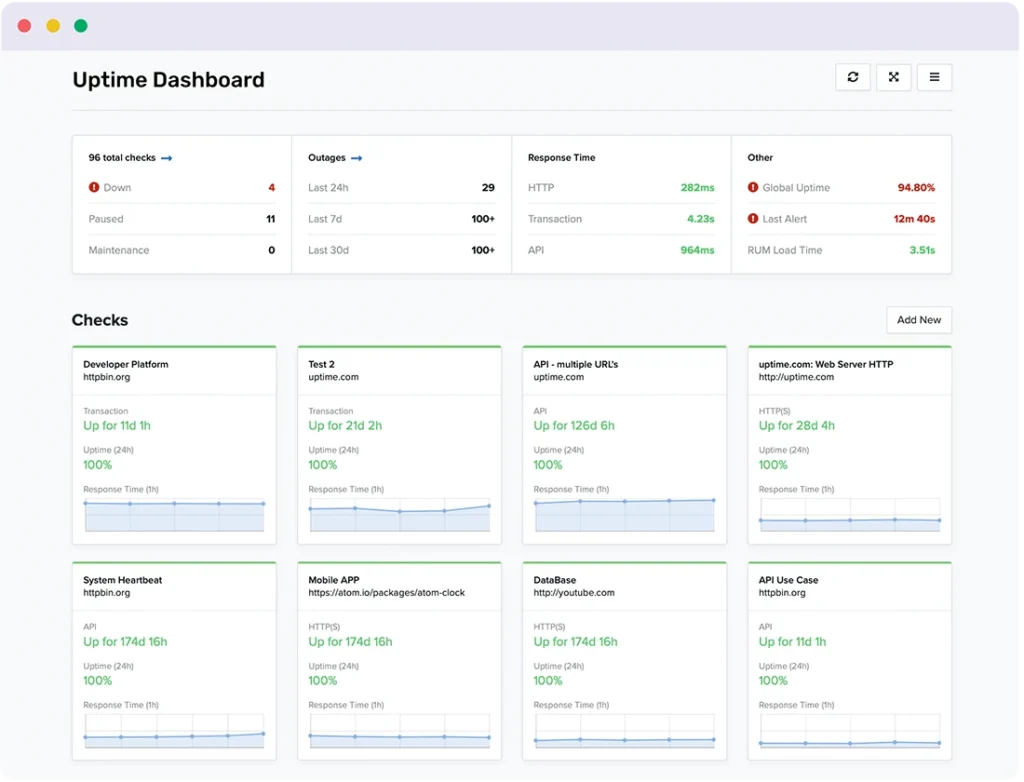
[Uptime.com](http://Uptime.comhttps://uptime.com/) is a strong option for teams that need reliable uptime monitoring, transaction checks, status pages, API monitoring, and reporting.
It is particularly useful for businesses that require structured alerts and operational visibility. Agencies, SaaS companies, and ecommerce teams can use it to monitor critical pages and workflows across multiple locations.
Uptime.com is less about lightweight personal monitoring and more about dependable business monitoring. For teams that need reports, alert routing, and broader incident visibility, it can be a strong choice.
10. New Relic
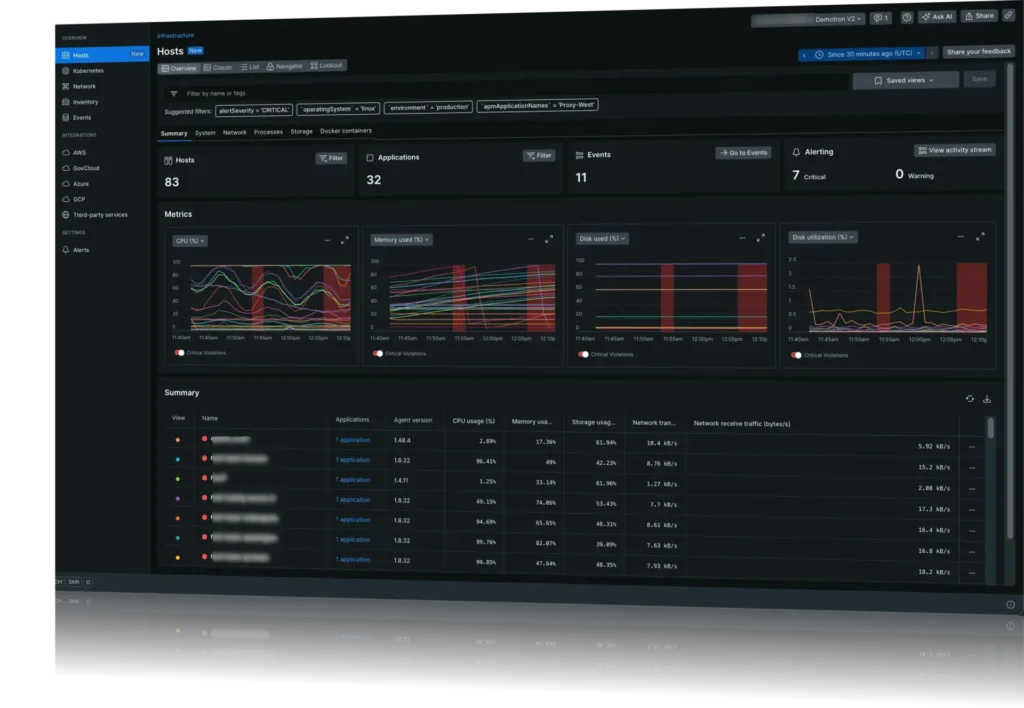
New Relic is another advanced observability platform that can support page monitoring through browser monitoring, synthetic checks, application performance monitoring, logs, infrastructure monitoring, and user experience insights.
It is best for technical teams that need to understand how frontend page performance connects with backend systems. If a page slows down because of application code, infrastructure issues, or external dependencies, New Relic can help identify what is happening.
Like Datadog, it may be too complex for teams that only need simple page checks. However, for product and engineering teams managing web applications at scale, New Relic offers strong visibility.
How to Choose the Right Page Monitoring Tool
The right Page Monitoring Tool depends on what your website actually needs to protect.
If your main concern is knowing when your website goes down, a simple uptime tool may be enough. If your business depends on SEO, lead generation, ecommerce, or paid traffic, you need more than availability alerts. You need page-level visibility into performance, broken links, SSL, Core Web Vitals, and user experience issues.
For conversion-focused teams, the best tool is usually the one that helps you make better decisions. It should not only tell you that something changed. It should help you understand why the change matters.
Raw.Studio’s article on how HubSpot converts traffic with UX-driven funnel strategies highlights how strong content experiences guide users from casual traffic toward meaningful action. Page monitoring protects that journey by making sure critical pages remain fast, trustworthy, and functional.
Final Thoughts
In 2026, page monitoring is no longer optional for businesses that rely on their websites to generate growth.
Your visitors do not care whether the issue came from hosting, SSL, JavaScript, page speed, redirects, or broken links. They only experience friction. If the page fails, loads slowly, or feels untrustworthy, they leave.
A good Page Monitoring Tool helps you catch those problems before they cost traffic, trust, or revenue.
Cromojo stands out because it connects page monitoring with the bigger picture of website health, SEO visibility, performance, and growth. Other tools like Better Stack, Pingdom, Site24x7, Datadog, and StatusCake can also play an important role depending on your team size, technical needs, and monitoring maturity.
The most important step is to stop treating page health as something you check only when something breaks. Monitor the pages that matter before customers, search engines, or campaigns expose the problem for you.
Build a Website Experience That Converts
A healthy page is not just online. It is fast, clear, trustworthy, and built around the user journey.
Raw.Studio helps businesses improve UX, UI, conversion strategy, and digital product performance so their websites do more than look good. They work harder, convert better, and support growth.
If you want expert eyes on your website experience, start here:
Get a free audit and proposal from Raw.Studio
Get a UX & CRO Expert’s Eyes on Your Website. Book a free 30-minute UX Teardown and get actionable insights on what’s costing you conversions — no fluff, just fixes you can implement right away.
Book a Free UX Audit

Related posts

Empty States, Error States & Onboarding: The Hidden UX Moments Users Notice
When discussing user experience design, the spotlight often falls on primary workflows. Design teams tirelessly debate color schemes, button placements, […]
Why the Traditional UX Process Holds Designers Back
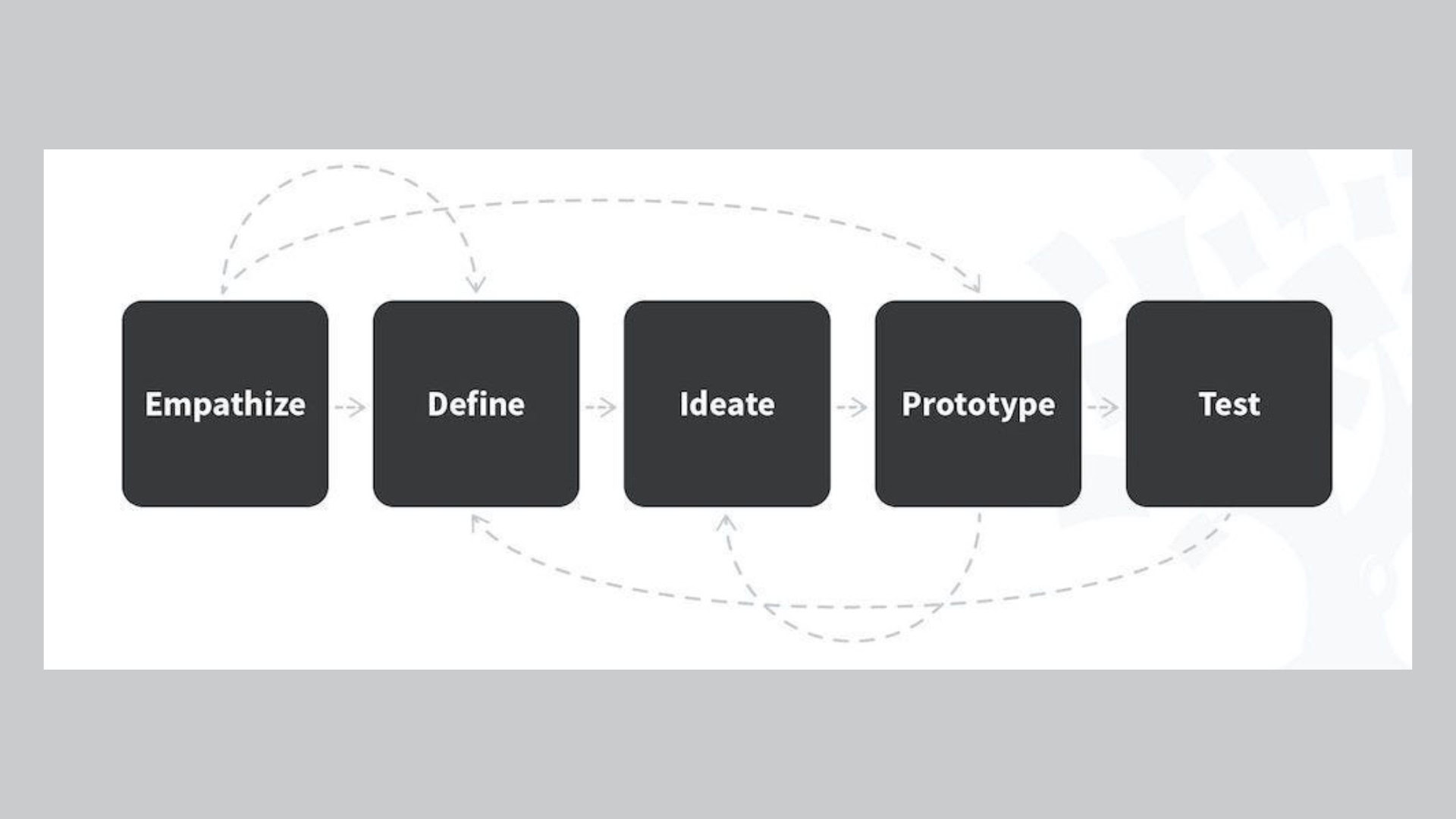
If you’ve ever searched for “UX design process,” you’ve likely encountered the same tidy diagrams repeated across blogs, textbooks, and […]

How LinkedIn Converts B2B Traffic with 3 High-Trust UX Strategies
LinkedIn UX has become one of the strongest examples of how intentional design can transform professional traffic into high-quality B2B […]
Creative product design that gets results
Take your company to the next level with world class user experience and interface design.
get a free strategy session
