
How Notion UX Converts 100 Million Users with 3 Simplicity-Driven UX Principles

Notion UX has become one of the most discussed examples of how a complex digital product can still feel simple, approachable, and even enjoyable to use. At first glance, Notion looks like a clean workspace for notes and collaboration. But behind that minimal interface sits a deeply sophisticated platform capable of replacing wikis, task managers, CRMs, project management systems, databases, and internal documentation tools.
That combination is rare.
Most software products become harder to use as they add more features. Menus expand. Navigation gets crowded. Users feel overwhelmed. Eventually, people abandon the product because the learning curve becomes too steep.
Notion took a different route.
Instead of hiding complexity behind tutorials or forcing users through rigid workflows, the company designed a product experience centered around simplicity-driven UX principles. The result is remarkable growth. As of recent industry reports, Notion has grown to tens of millions of users worldwide and is used by startups, enterprises, creators, students, and remote teams alike. Its adoption spread heavily through word of mouth, YouTube tutorials, TikTok productivity creators, and team referrals rather than traditional enterprise sales alone.
This is not accidental.
Notion’s growth reveals an important lesson for founders, SaaS companies, UX designers, and product marketers: users do not necessarily want fewer features. They want fewer mental obstacles.
In this case study, we will break down the three UX principles that helped Notion convert curious visitors into loyal power users:
- Minimal interface
- Flexible building blocks
- Template-driven onboarding
We will also examine why these principles work psychologically and how businesses can apply the same ideas to improve product adoption, retention, and customer satisfaction.
Table of Contents
The Challenge: Making a Complex Product Feel Simple
Before diving into the principles themselves, it is important to understand the problem Notion had to solve.
Notion is not a single-purpose tool.
Unlike apps such as Evernote for notes or Trello for kanban boards, Notion attempts to be an all-in-one workspace. That creates a serious UX challenge because multifunctional software often suffers from feature overload.
Historically, many productivity platforms failed because they tried to do too much at once.
Microsoft SharePoint is a good example. While incredibly powerful, many organizations struggled with adoption because the interface felt intimidating. Users often needed training sessions just to perform basic tasks. Similarly, enterprise software platforms like Jira are powerful but can overwhelm new users with configurations, dashboards, permissions, and workflows.
Notion avoided this trap through deliberate UX simplification.
Instead of presenting users with complexity immediately, the platform progressively reveals functionality over time.
This approach aligns with Hick’s Law in UX psychology, which suggests that the more choices users have, the longer it takes them to make decisions. Reducing visible complexity helps users feel confident and in control.
Notion understood that confidence drives adoption.
Principle 1: Minimal Interface
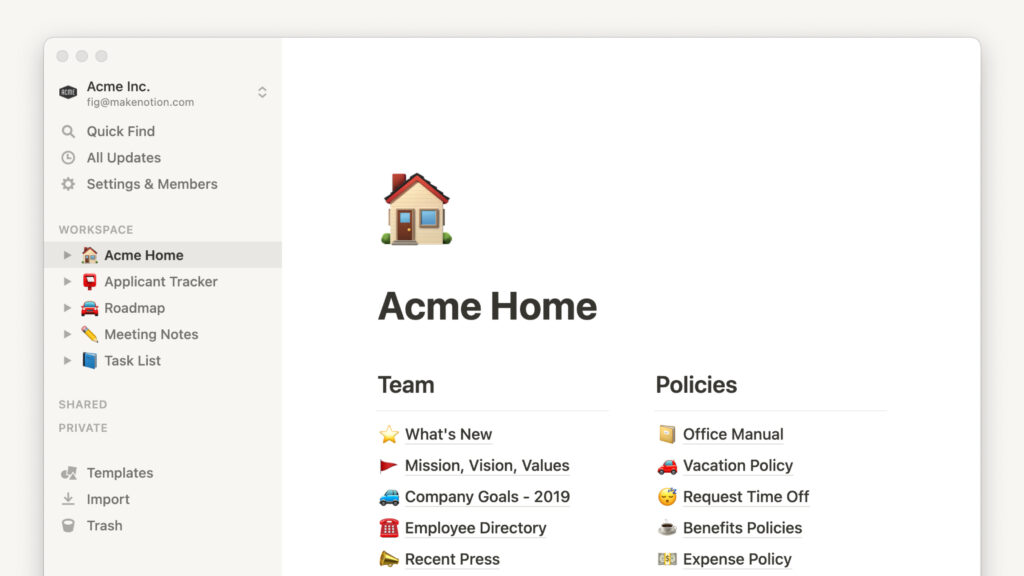
The first and most visible aspect of Notion UX is its minimal interface.
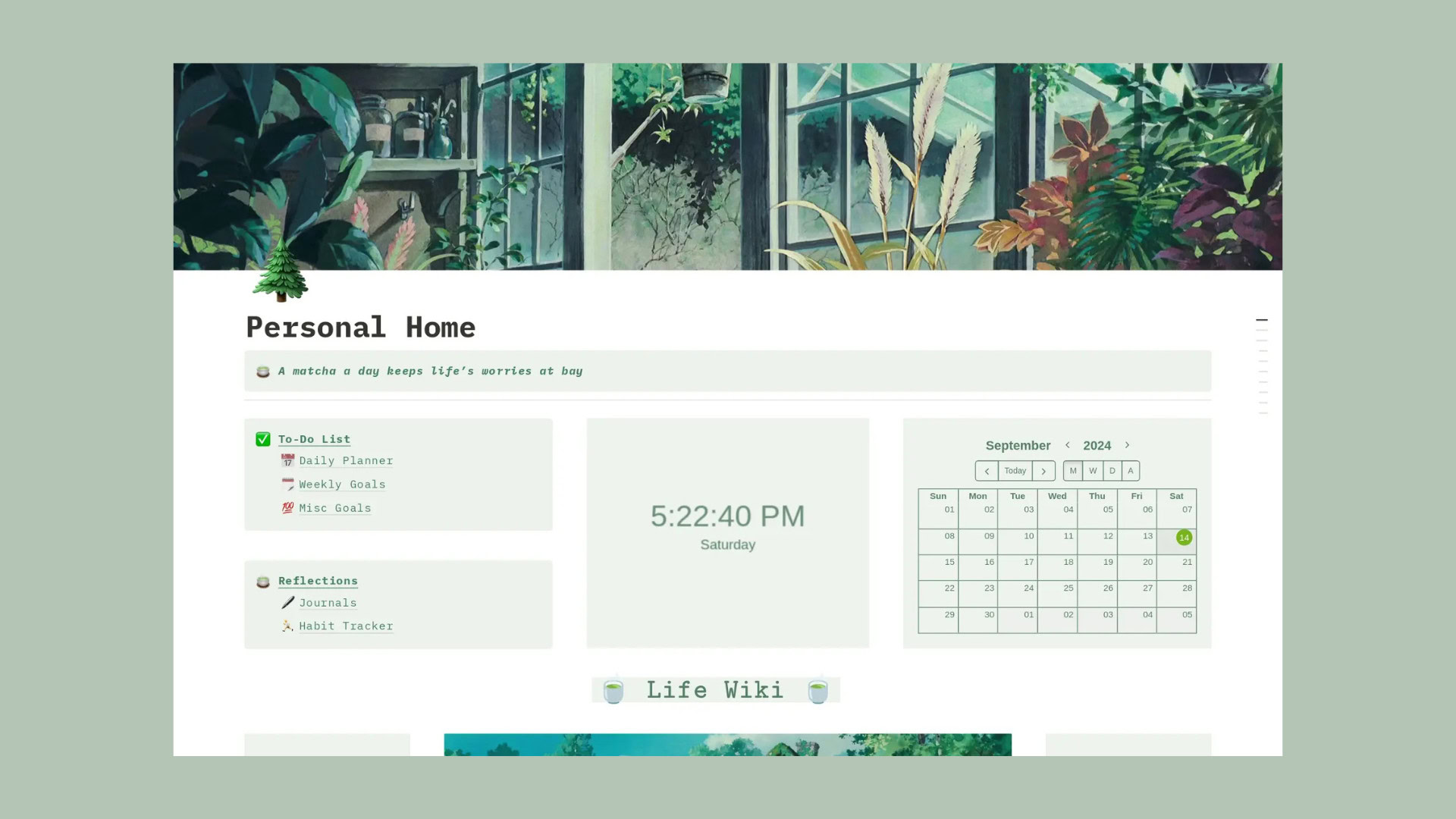
When users open Notion for the first time, they do not see dozens of buttons competing for attention. There are no crowded dashboards, flashing notifications, or intimidating setup screens.
Instead, users encounter whitespace, simple typography, and a calm editing experience.
That simplicity is intentional.
Why Minimal Interfaces Convert Better
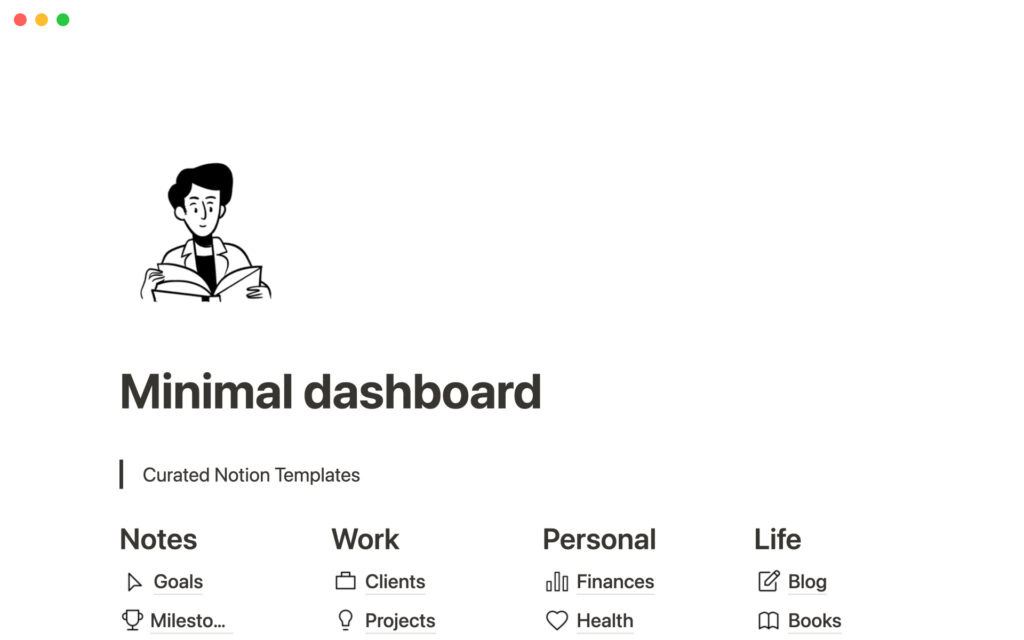
A cluttered interface increases cognitive load. Cognitive load refers to the amount of mental effort required to process information.
Research from Google found that users form design opinions about websites in as little as 50 milliseconds. If the interface feels chaotic, users subconsciously associate the product with difficulty.
Minimal interfaces create the opposite reaction:
- Reduced anxiety
- Faster onboarding
- Increased exploration
- Greater user confidence
Notion’s interface behaves more like a blank canvas than a traditional enterprise platform.
This matters because blank canvases encourage creativity.
For example, when a startup founder opens Notion, they immediately imagine possibilities:
- A company wiki
- A product roadmap
- A hiring tracker
- A content calendar
- A CRM
The interface does not force one workflow. Instead, it invites experimentation.
Many early-stage startups adopt Notion because it reduces operational friction.
Imagine a five-person remote startup trying to organize product specs, team notes, hiring documents. marketing calendars and investor updates.
Normally, this would require multiple tools.
With Notion, the team can centralize everything in one place without facing the intimidating interface complexity commonly found in enterprise software.
The UX feels approachable even for non-technical employees.
That accessibility increases adoption across departments, which is critical for SaaS growth.
The Psychology Behind Minimalism
Minimalism in UX is not about removing features.
It is about removing distractions.
Apple used this philosophy successfully for years. The original iPhone succeeded partly because it simplified smartphone interactions compared to competitors filled with buttons and complicated menus.
Similarly, Notion reduces visible friction by:
- Hiding advanced functionality until needed
- Keeping navigation clean
- Using intuitive icons
- Prioritizing whitespace
- Simplifying page creation
The result is a product that feels lighter than it actually is.
That perception dramatically improves user retention.
Principle 2: Flexible Building Blocks
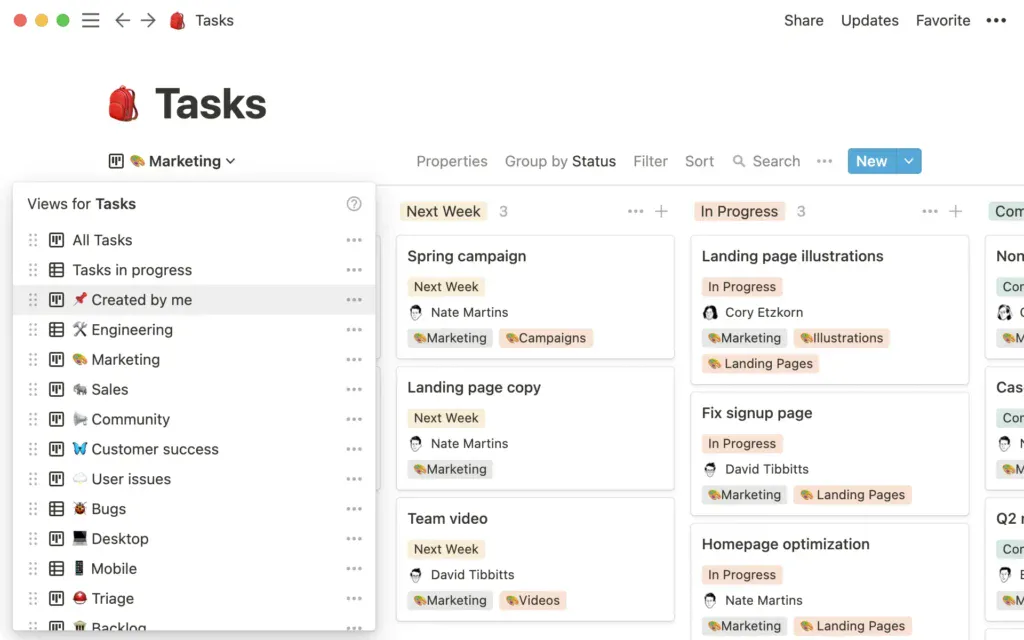
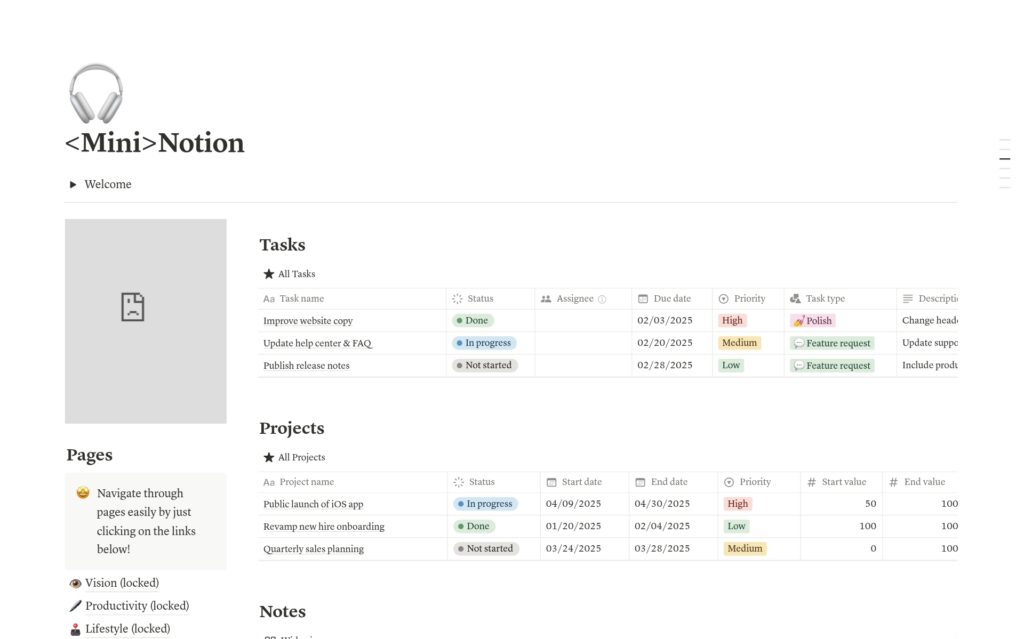
Another reason Notion UX works so well is because of its flexible building blocks. Instead of forcing users to follow one strict workflow, Notion allows people to create systems that match their own needs. Users can combine notes, tables, calendars, kanban boards, databases, and other elements in different ways depending on how they work. This makes the platform feel more personal and adaptable compared to traditional software that often locks users into fixed structures.
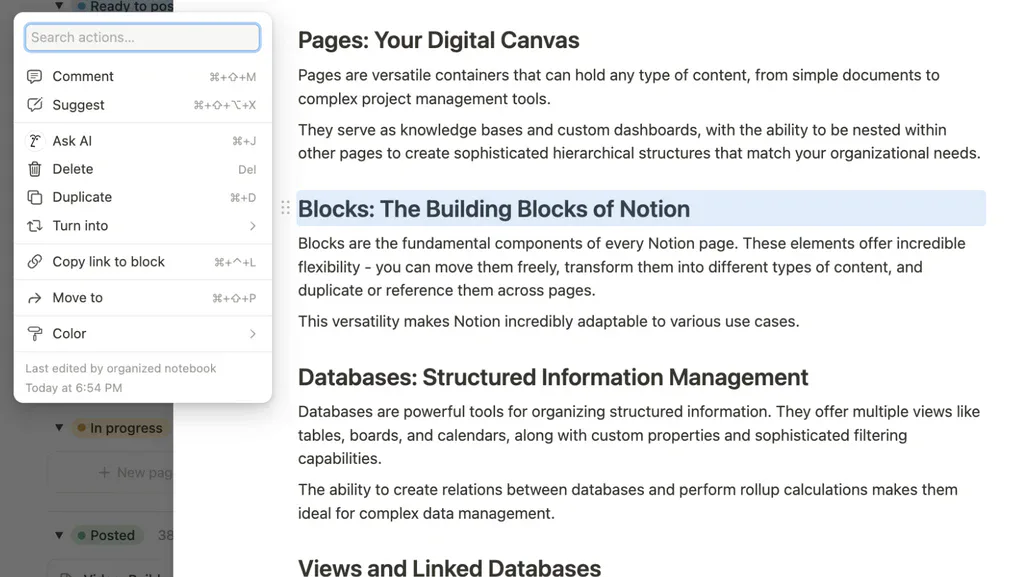
This flexibility creates a stronger connection between the user and the product. Many software tools require users to adjust their habits to fit the system, but Notion does the opposite by allowing the system to adjust to the user.
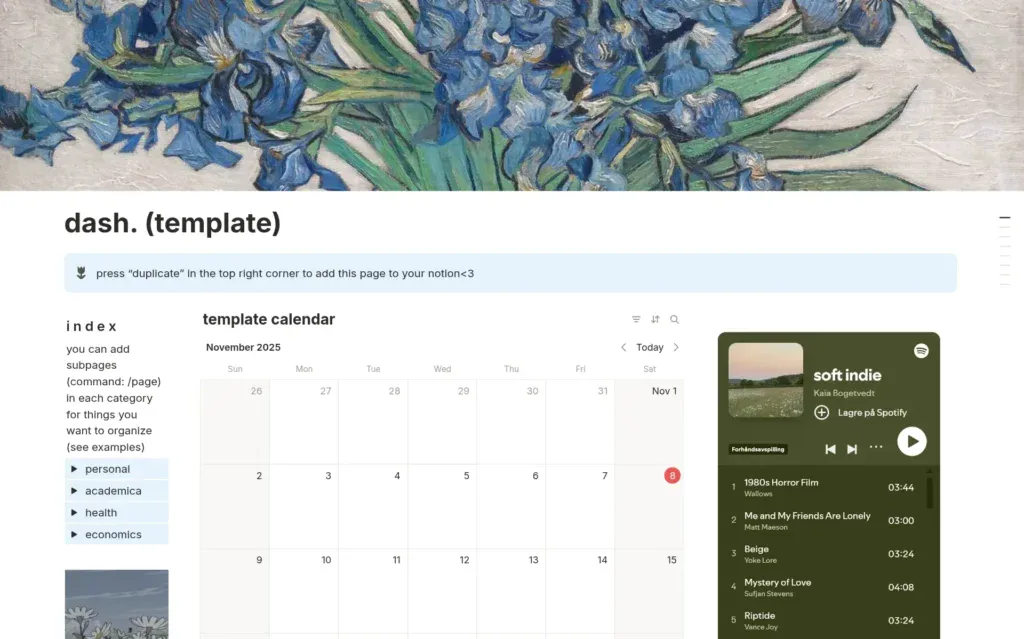
A good real-life example is the growing number of creators and entrepreneurs who share their Notion dashboards online. Many YouTubers and freelancers use Notion to organize content calendars, sponsorships, finances, and personal goals. Some even sell Notion templates as digital products. This kind of engagement is powerful because users are not just consuming the product, they are actively building with it and promoting it to others. At the same time, the platform remains easy for beginners because users only explore advanced features when they are ready. This balance between simplicity and flexibility is one of the biggest reasons Notion continues to grow so quickly.
Principle 3: Template-Driven Onboarding
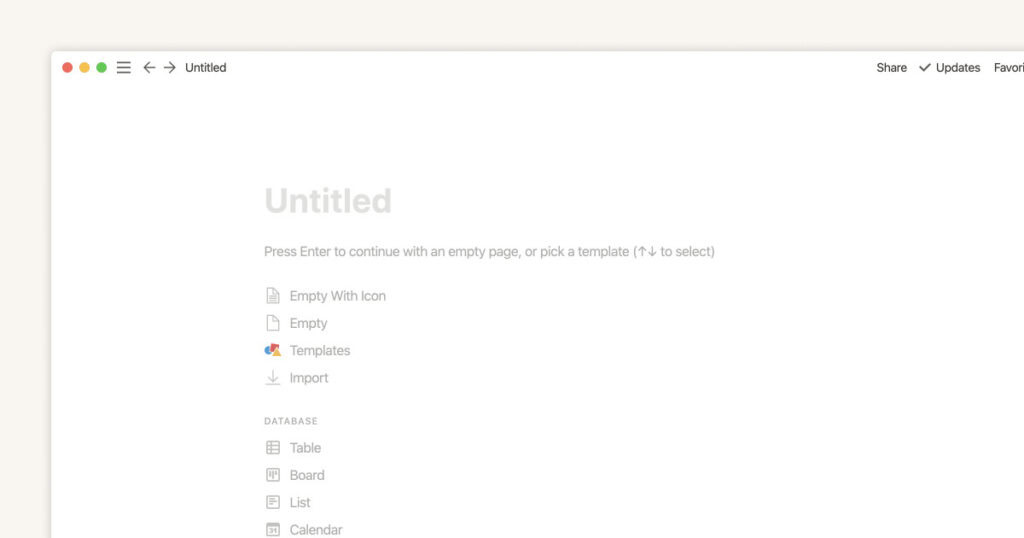
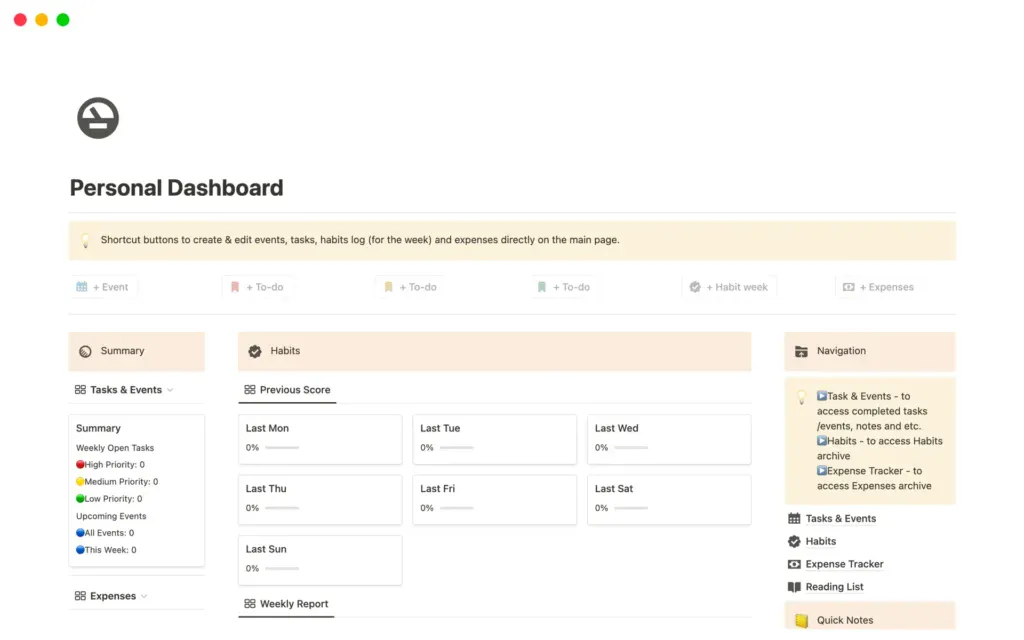
The third principle behind Notion UX is template-driven onboarding. While flexibility is powerful, too much freedom can sometimes overwhelm new users. A blank page may feel simple at first, but many people still struggle with knowing where to begin. Notion solves this problem by providing ready-made templates for different use cases such as project management, meeting notes, content calendars, habit trackers, and company wikis. Instead of building everything from scratch, users can start with a structure that already works.
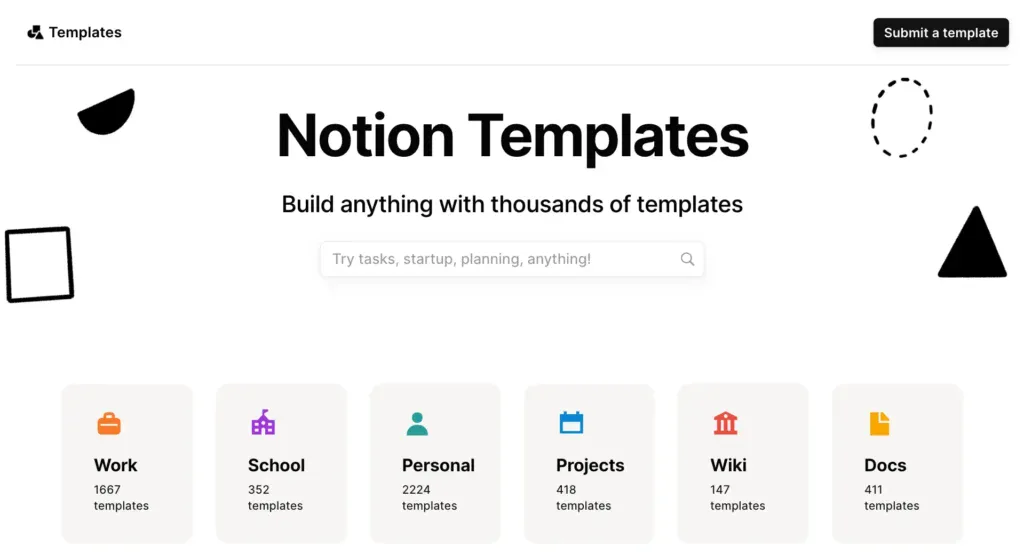
This approach helps users experience value much faster. In UX design, this is often called reducing “time to value,” which means helping users achieve meaningful results as quickly as possible. For example, a freelancer managing multiple clients may not know how to organize contracts, deadlines, invoices, and deliverables efficiently. With a pre-built Notion template, they can immediately start working inside a system that feels organized and professional. This early success creates momentum and increases the chances that users will continue using the product long term.
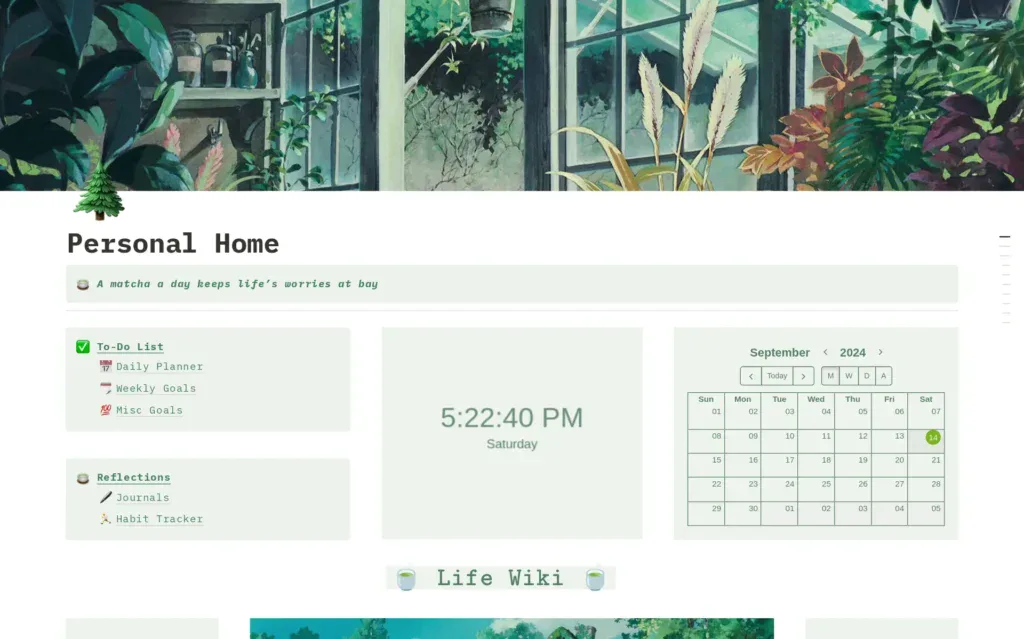
Templates also work as a subtle learning tool. As users explore different setups, they naturally learn how databases, pages, and workflows are structured inside Notion. Instead of reading long tutorials, people learn through interaction and experimentation. This makes the onboarding experience feel easier and less intimidating. It also encourages users to customize templates over time, which strengthens their connection to the platform and keeps them engaged.
Why These UX Principles Work So Well
Now that we have examined the three principles individually, the bigger question is:
Why do they work together so effectively?
The answer comes down to overwhelm reduction.
Most Products Create Stress
Many SaaS products unintentionally create anxiety.
Users often ask themselves:
- Where do I start?
- What button do I click?
- Am I using this correctly?
- Why are there so many settings?
This uncertainty creates friction.
Friction kills conversions.
Research from the Nielsen Norman Group consistently shows that users abandon confusing interfaces quickly, especially during onboarding.
Notion minimizes this friction through simplicity layering.
The Power of Progressive Complexity
One of Notion’s greatest UX strengths is progressive complexity.
The product begins simple.
Then complexity appears gradually as users gain confidence.
This is similar to video game design.
Games rarely expose every mechanic immediately. Instead, they introduce systems step by step to maintain engagement and prevent overwhelm.
Notion follows the same strategy.
For example:
- New users create notes
- Intermediate users explore databases
- Advanced users build relational systems
Each stage feels manageable.
That progression increases long-term retention because users continue discovering value over time.
Emotional Design Matters
Notion also succeeds emotionally.
The interface feels calm, modern, and creative.
This matters more than many businesses realize.
People spend hours inside productivity software every week. If the environment feels stressful, users subconsciously resist using it.
Notion’s visual simplicity creates a sense of mental clarity.
That emotional response becomes part of the brand experience.
How Businesses Can Apply These UX Principles
The most important takeaway from this case study is that these UX principles are not exclusive to Notion.
Almost any SaaS product, app, or digital platform can apply them.
Here are three practical ways businesses can implement simplicity-driven UX strategies.
1. Simplify the User Interface
Many businesses confuse “more features” with “more value.”
But users primarily experience interfaces, not feature lists.
A complicated interface weakens perceived usability.
Actionable Strategies
Businesses can simplify UI by:
- Reducing unnecessary menu items
- Prioritizing whitespace
- Limiting dashboard clutter
- Using progressive disclosure
- Simplifying navigation labels
Slack is another strong example.
Despite offering deep collaboration functionality, Slack maintains a relatively approachable interface through organized channels and clean layouts.
Important Reminder
Simplification does not mean dumbing down the product.
It means reducing visible complexity.
Users should discover advanced features naturally over time rather than facing everything immediately.
2. Use Templates to Accelerate Success
Templates dramatically improve onboarding.
Many businesses underestimate how intimidating blank states can feel.
Imagine opening accounting software with no guidance. Most users would feel lost instantly.
Templates solve this problem.
Actionable Strategies
Businesses can:
- Create industry-specific templates
- Offer beginner starter kits
- Showcase successful workflows
- Personalize onboarding experiences
Canva used this strategy extremely well.
Instead of forcing users to design from scratch, Canva provides thousands of ready-made templates for presentations, social posts, flyers, resumes and arketing materials
This lowers creative resistance and accelerates activation.
The same principle applies across SaaS categories.
3. Structure Complexity Gradually
Do not expose every advanced feature immediately.
Instead, introduce functionality progressively.
Actionable Strategies
Businesses can:
- Unlock advanced tools later
- Use guided onboarding flows
- Reveal contextual settings
- Create tiered learning experiences
Duolingo is a strong example outside SaaS.
The app introduces language concepts gradually, keeping users engaged instead of overwhelmed.
This principle applies equally to fintech apps, project management software, AI tools and enterprise platforms
Progressive complexity increases confidence, which increases retention.
The Bigger Lesson from Notion UX
The real lesson from Notion UX is not about productivity software specifically.
It is about human psychology.
Users want powerful tools, but they do not want to feel confused while using them.
That distinction is critical.
The best digital products today succeed because they reduce mental friction:
- Apple simplifies technology
- Canva simplifies design
- Stripe simplifies payments
- Notion simplifies organization
Simplicity has become a competitive advantage.
In crowded markets, usability often matters more than feature quantity.
A product that feels intuitive will usually outperform a product that feels overwhelming, even if both offer similar functionality.
That is why simplicity-driven UX is not merely a design trend. It is a business growth strategy.
Conclusion
Notion’s growth demonstrates how thoughtful UX design can transform a highly complex product into an experience that feels approachable, creative, and empowering.
Through minimal interfaces. flexible building blocks and template-driven onboarding the company created a system that reduces overwhelm while still supporting advanced functionality.
This balance is difficult to achieve, which is precisely why Notion stands out.
For founders, designers, and SaaS companies, the lesson is clear:
Users do not abandon products because they lack features. They abandon products because the experience feels mentally exhausting.
The future of UX belongs to products that simplify complexity without sacrificing capability.
And few companies demonstrate that better than Notion.
Ready to Improve Your Product UX?
If your product struggles with onboarding, retention, or user engagement, the issue may not be a lack of features. In many cases, the real problem is complexity overload. Simplifying the user experience, reducing friction, and helping users achieve quick wins can dramatically improve conversions and long-term adoption.
At RAW Studio, we help brands create high-converting digital experiences through UX strategy, positioning, and conversion-focused design. If you want to improve your product experience and turn more visitors into loyal users, you can book a strategy session with our team below.
Get a UX & CRO Expert’s Eyes on Your Website. Book a free 30-minute UX Teardown and get actionable insights on what’s costing you conversions — no fluff, just fixes you can implement right away.
Book a Free UX Audit
Related posts
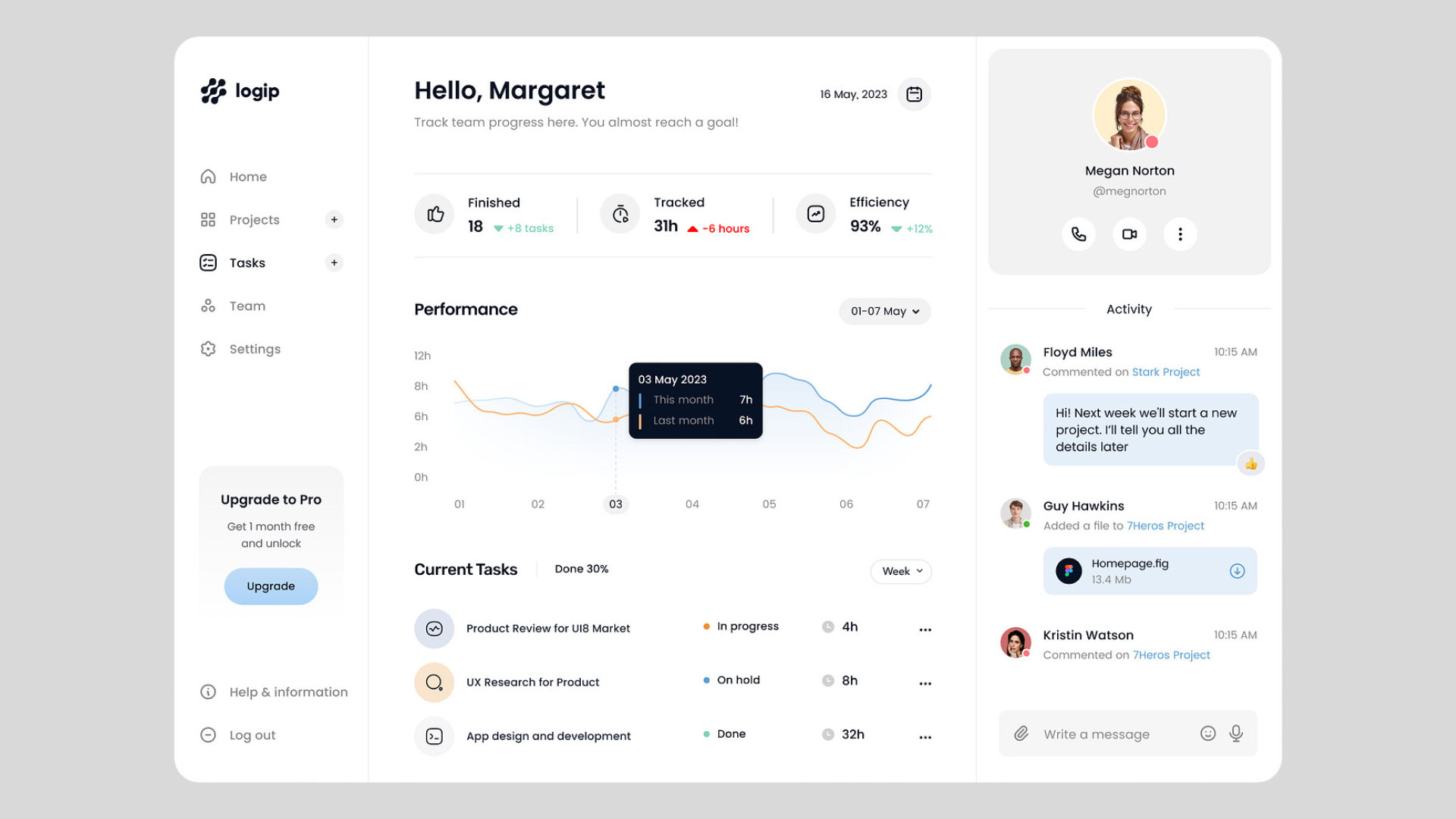
UX for SaaS in 2025: What Top-Performing Dashboards Have in Common
You’ve probably felt it before: that moment when you open a dashboard expecting answers and instead, you’re met with a […]
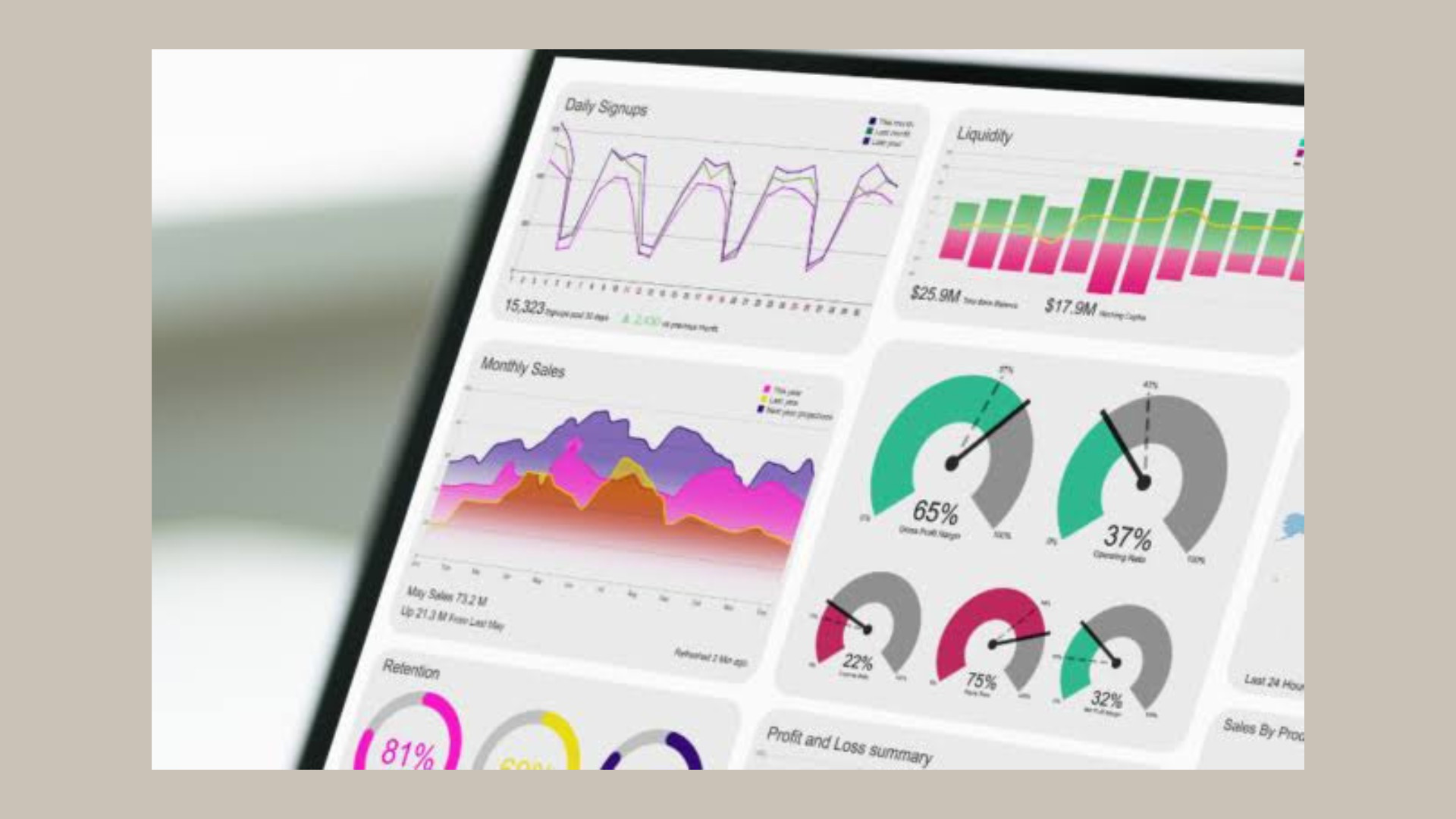
10 Best Google Analytics Alternatives in 2026 for Better UX, UI, and Growth Decisions
Choosing the right GA4 alternative in 2026 is no longer just an analytics decision – it is a UX and […]

Common Design Red Flags From Your Website You Might Be Missing
A website can look modern, polished, and visually appealing, yet still fail at its most important job: supporting growth. In […]
Creative product design that gets results
Take your company to the next level with world class user experience and interface design.
get a free strategy session
